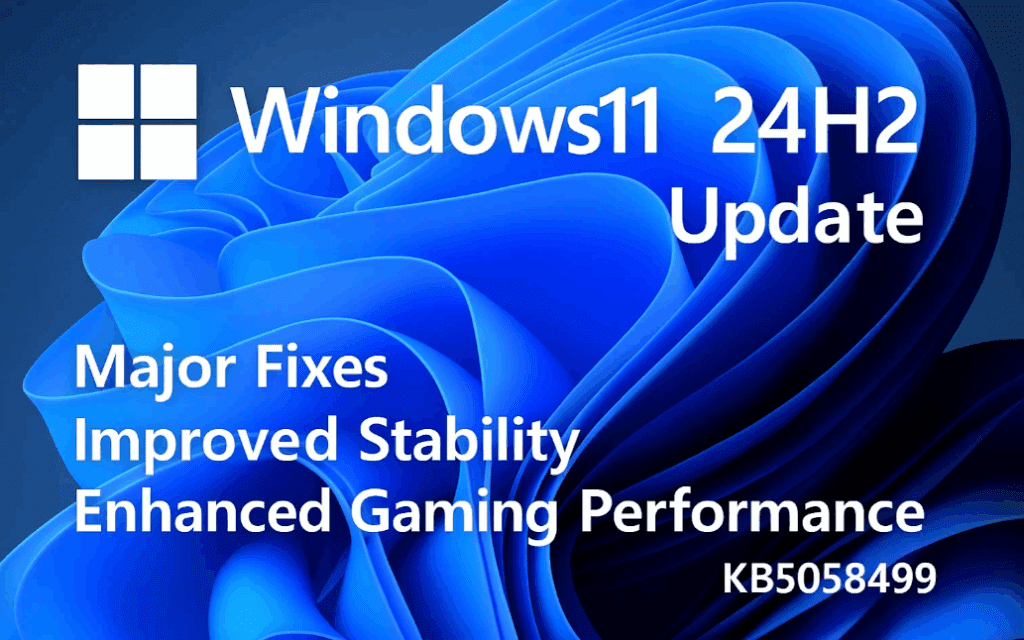
Windows 11 version 24H2 has had a rocky rollout, with users reporting multiple bugs, input delays, graphical issues, and game crashes. Fortunately, Microsoft has released the KB5058499 update, a significant patch aimed at improving the overall performance and stability of the 24H2 build. If you’re running this version, this update might be the breakthrough you’ve been waiting for.
Let’s walk through what’s new, how to get it, what issues it addresses, and how you can install it immediately if you’re not willing to wait for the staged rollout.
🔧 What Is KB5058499?
KB5058499 is a preview update for Windows 11 24H2, officially released on May 28, 2025. Its primary purpose is to fix widespread bugs affecting system responsiveness, gaming stability, and hardware input functionality.
Although it’s a preview update, it will become mandatory during the next Patch Tuesday on June 10, 2025.
🛠 Key Issues Fixed in This Update
This update targets critical performance issues that plagued many users after upgrading from version 23H2 to 24H2. Here’s a breakdown of the most important fixes:
🎮 Gaming and Graphics Fixes:
- Fixed frame drops, stuttering, and freezing in multiple games.
- Resolved a graphics kernel issue where some titles became unresponsive.
- Addressed memory management leaks, improving game performance and system stability.
- Introduced a new “Manage PC HDR” feature for better high dynamic range control.
⌨️ Input and Peripheral Fixes:
- Mouse and keyboard input lag issues resolved.
- Fixes for Windows Hello, Bluetooth, and camera bugs.
- Improved startup sound reliability.
🧠 System and UI Improvements:
- Enhanced Copilot integration and taskbar search support.
- Updated Energy Saver, Voice Access, and Windows Narrator.
- Refined File Explorer, Multimedia, and network management.
🖨 Additional Device & Driver Fixes:
- Audio enhancements
- JPEG rendering fixes
- USB/UHF tune-in support
- Microsoft Management Console (MMC) fixes
- BitLocker improvements
- Printing system fixes
🔄 How to Get the KB5058499 Update
Microsoft is rolling out this update in stages, depending on your region and device compatibility. However, you don’t have to wait. There are several ways to install the update immediately:
🧩 Option 1: Windows Update (Recommended)
- Go to Settings → Windows Update.
- Click Check for updates.
- If available, look under Optional Updates and install KB5058499.
💾 Option 2: Microsoft Update Catalog (Manual)
- Visit the Microsoft Update Catalog.
- Search for KB5058499.
- Download the correct version for your system architecture (e.g., x64).
- Double-click the
.msufile to install it manually.
🖥 Option 3: PowerShell or Command Prompt
Advanced users can install the update using command-line tools if needed, though this isn’t required for most users.
📆 Should You Install It Now?
Yes — if you’re facing system instability, crashes in games, input lag, or unresponsive software, installing KB5058499 is highly recommended. Microsoft has confirmed many of these issues were introduced in 24H2, and this update directly targets them.
If you’re cautious and want to wait, remember:
- Windows 11 23H2 reaches end-of-life in November 2025.
- 24H2 is now considered the stable branch, and updates like KB5058499 are smoothing out the earlier issues.
- A future release like Windows 11 25H2 may still carry its own set of problems, so upgrading now could be more stable in the long run.
❓ Frequently Asked Questions (FAQs)
Q1: I haven’t received the update yet. What should I do?
Microsoft is releasing KB5058499 in phases, so it may take time to appear. You can manually install it via the Microsoft Update Catalog if you’re in a hurry.
Q2: Is it safe to install preview updates?
Preview updates are generally safe but not mandatory. However, this specific one addresses critical bugs, and many users have reported positive results after installing it.




Q3: Can I skip 24H2 entirely?
You can remain on 23H2 until November 2025, but keep in mind that you’ll need to upgrade afterward. Skipping directly to a later build like 25H2 might be an option — but it could come with its own bugs early on.
💡 Final Thoughts
The KB5058499 update for Windows 11 24H2 is more than just a bug fix — it’s a stabilization patch that breathes life back into a version many users had almost given up on. With massive improvements in gaming, graphics handling, input responsiveness, and system performance, it’s one of the most essential updates for 24H2 users yet.
If you’ve been holding off on updating your system, now might be the time to hit that “Check for updates” button.
📎 Tags:
windows 11 24h2 update, kb5058499 update, windows gaming fix, windows 11 bug fix, windows optional updates, microsoft patch may 2025, fix input lag windows 11, windows update issues fixed, windows 11 24h2 performance, install preview updates windows
📢 Hashtags:
#Windows11 #KB5058499 #WindowsUpdate #24H2Fix #GamingOnWindows11 #MicrosoftPatch #PCGamingFix #SystemUpdate #Windows11Stability #PreviewUpdate
⚠️ Disclaimer:
KB5058499 is a preview update and may still undergo changes before its full public rollout on Patch Tuesday (June 10, 2025). Users are advised to create a system restore point or backup before installing any preview or manual updates. This article is intended for informational purposes. Use caution and download updates only from official Microsoft sources.








