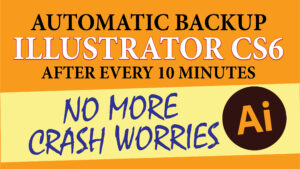
How to use autosave feature in Adobe Illustrator CS6? – Very simple and easy trick

As you know Auto-save was not feasible for Illustrator until Illustrator was 64Bit in nature. But still in Adobe Illustrator CS6 is now 64Bit. It’s my hope that in the future more changes will be made which were not possible in the 32Bit app. But using the steps shown in this video below you can get this feature in Adobe Illustrator CS6.

To download this action click the link given below

Visited 371 times, 1 visit(s) today

Rakesh Bhardwaj

Rakesh Bhardwaj is a seasoned editor and designer with over 15 years of experience in the creative industry. He specializes in crafting visually compelling and professionally polished content, blending precision with creativity. Whether refining written work or designing impactful visuals, Rakesh brings a deep understanding of layout, typography, and narrative flow to every project he undertakes.

Leave a Reply

Your email address will not be published. Required fields are marked *

This site uses Akismet to reduce spam. Learn how your comment data is processed.