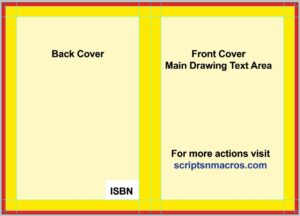
This action is used to create cover presets in A4 Size with guide lines for print area cut area and bleed settings. Download A4 Size Cover Preset Photoshop Action How to use A4 Size...
Read More
Letter Size Cover Preset with .25″ Spine Photoshop Action
This action is best if you are creating a cover with spine in Letter size. Install and click on run and you will have the cover preset ready. Download Letter Size Cover Preset with...
Read More
Letter Size Cover Preset Photoshop Action
How to use Letter Size Cover Preset Photoshop Action Download this action from the above given link and add to action panel. If you don’t know how to add an action in Photoshop, read...
Read More
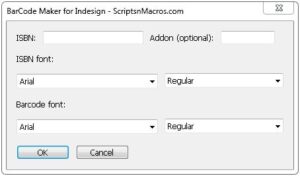
Script to Create ISBN 13 Barcode in Indesign
This script is used to create ISBN 13 Barcode in Indesign. A very easy user interface to create ISBN Barcodes. Download ISBN 13 Barcode Maker for Indesign How to use ISBN Barcode Maker Script...
Read More
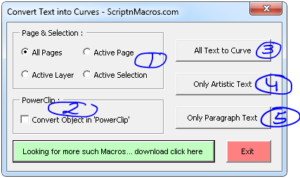
Convert Text into Curves – CorelDraw Macro
This macro is used to Convert All Text in Curves. Using this macro you can select which type of text… paragraph or artistic text … to be converted into text from a page, a...
Read More
Guides and Crop Marks Maker – CorelDraw Macro
This macro is used to create Guides and Cut Marks around a shape, object or even a page. This can also be used to add Denseitometer Scale, Colour Calibration Bars, Height and Width Grey...
Read More
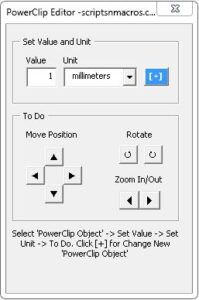
Best Macro for Coreldraw Powerclip Editor – Crop and manage images easily
This macro is used to edit power-clipped object from a shape. Just select any shape with a powerclip image or shape and use this macro to shift its position. This macro can also be...
Read More
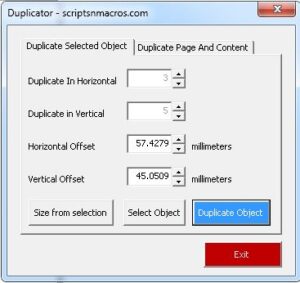
Duplicator – CorelDraw Macro : Transformation alternative very easy method
This macro is used to duplicate a single object or multiple objects on a page. This is an alternate method to transformation panel but in a better manner. This macro can also be used...
Read More
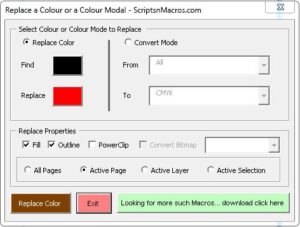
Colour Replacer – CorelDraw Macro
This macro can replace a colour from a selection, active layer or all layers, active page or all pages. You can use this macro to replace a colour from a powerclip, which is a...
Read More
Arrange Visiting Card (Any Page Size) – CorelDraw Macro
This macro arrange a visiting card or any design on full page. Create a new document with any size and paste your design, rest this macro will handle itself. Download Arrange Visiting Card (Any...
Read More
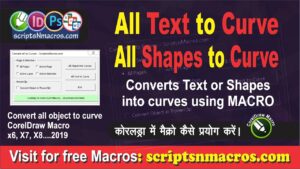
Convert Text and Objects to Curve – CorelDraw Macro
Convert all Objects to Curves Macro: It converts text or shape objects to curves from any layer, page or all pages. It can also convert objects into curve from Powerclips. Download Convert Text and...
Read More
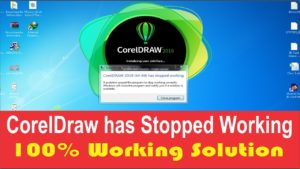
CorelDraw 2019 (64 Bit) has Stopped Working: 100% working solution
If you are using CorelDraw and suddenly you have find that, CorelDraw on which you are working fine till date, has stopped working. If it shows an error like shown below, then here on...
Read More

Windows 10 Install using Pen Drive – Create Bootable Pen Drive
Windows 10 Install using Pen Drive – The method explained in the below video is one of the easiest method to install Windows. Subscribe to Desktop Publishing Tips I hope you have watched...
Read More