If you’re on the hunt for the best free photo editing software for your Windows PC or laptop, you’ve come to the right place. Whether you’re a beginner or a casual creator looking to edit photos with ease, or someone who needs more advanced editing features, we’ve got you covered with five of the best free photo editors available right now in 2025.
These tools are completely free to use, without the need for any paid subscription or license — just download, install, and start editing your photos like a pro. So let’s dive right into the list!
🖌️ 1. Affinity Photo 2
Best For: Professional-grade photo editing
Platform: Windows, macOS
Affinity Photo 2 is a robust and powerful photo editor with features that rival Adobe Photoshop. It supports layer-based editing, RAW image support, advanced retouching tools, and much more — all packed into a sleek interface.
While Affinity Photo 2 is typically a paid software, it often offers free trials and one-time purchase options at deep discounts. Be sure to download it from the official website to avoid third-party charges.
Ideal for: Intermediate to advanced users who want a Photoshop alternative without a subscription.
🎨 2. Pixlr E / X
Best For: Fast, browser-based editing
Platform: Web, Windows, macOS
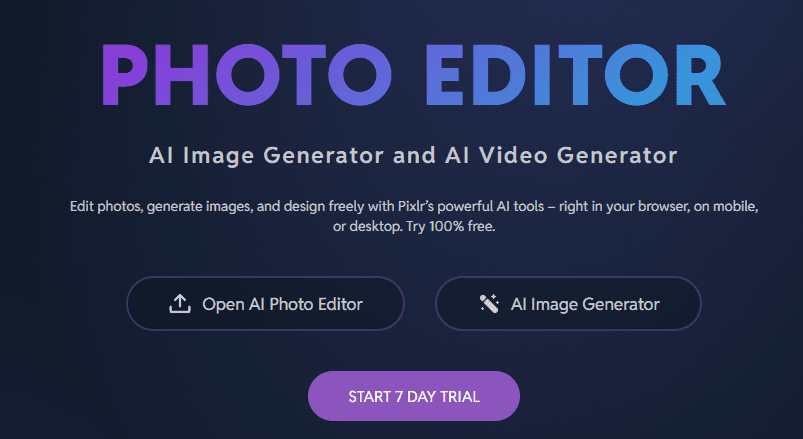
Pixlr is a well-known name in photo editing. Its two main versions, Pixlr E (Advanced) and Pixlr X (Quick edits), offer browser-based editing with zero installation required. Features include AI background remover, filters, overlays, and basic retouching tools — all accessible from your web browser.
Ideal for: Beginners and casual users who want fast and accessible editing without downloads.
🧑🎨 3. Photopea
Best For: Photoshop-style editing in your browser
Platform: Web
Photopea is a free web-based editor that closely resembles Adobe Photoshop in terms of layout and functionality. It supports PSD files, layers, masks, and adjustment layers. It’s a fantastic option for users familiar with Photoshop but looking for a free alternative.






Ideal for: Intermediate users and designers who want advanced editing without installing software.
🌄 4. Polarr Photo Editor
Best For: Filters and aesthetic enhancements
Platform: Web, Windows, macOS, Android, iOS
Polarr is a powerful editor that focuses on color grading and filters. It’s ideal for users who love to apply aesthetic looks to their images. The free version includes many useful features, including AI enhancements and custom filter creation.
Ideal for: Creators focused on color effects and stylish visuals.
📷 5. Picsart Photo Editor
Best For: Beginners and social media-friendly edits
Platform: Windows, Android, iOS, Web
Picsart is more than just a photo editor — it’s a creative suite. With features like background removal, collage maker, stickers, filters, and templates, it’s perfect for social media posts and quick creative projects. The free version offers a generous amount of tools without needing a subscription.
Ideal for: Beginners, content creators, and social media users.
✅ Conclusion: Which One Should You Choose?
If you’re a beginner, start with Picsart, Polarr, or Pixlr — they’re easy to use and offer plenty of one-click enhancements.
If you’re more advanced or familiar with layer-based editing, go for Affinity Photo 2 or Photopea. Both offer powerful features that rival premium editors like Photoshop.
Regardless of your skill level, all of these editors provide enough tools to help you create stunning photos — completely free!
📌 Tags & Hashtags:
Tags: photo editing, free software, photo editor for PC, image editing, Affinity Photo, Pixlr, Photopea, Polarr, Picsart, best photo editors 2025, photo editing tools, Windows photo editors
Hashtags:
#PhotoEditing #FreeSoftware #WindowsPC #AffinityPhoto #Pixlr #Photopea #Polarr #Picsart #PhotoEditor2025 #CreativeTools #ImageEditing








