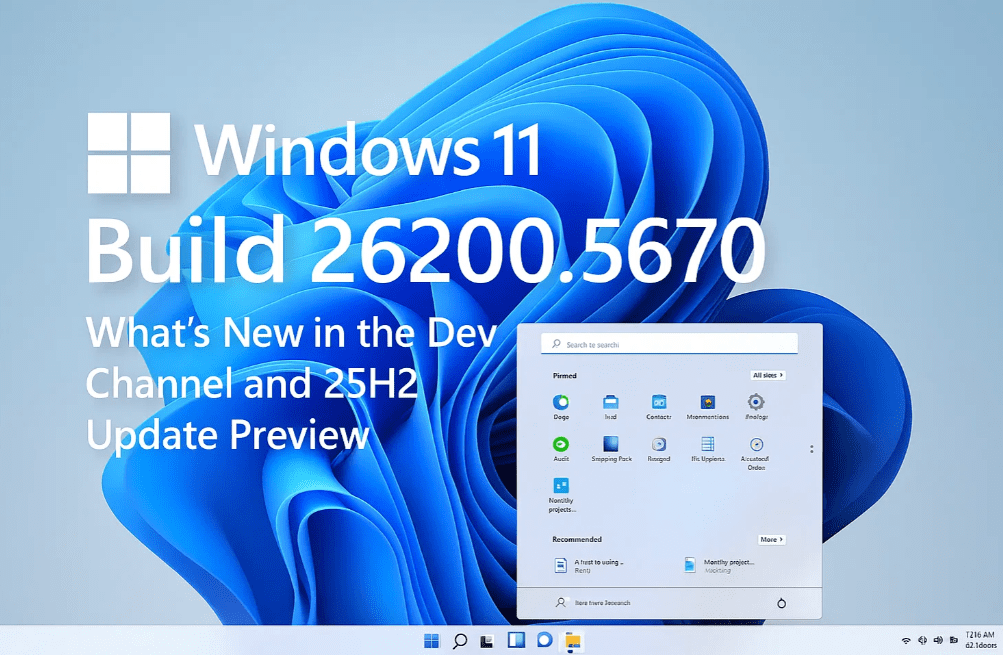
Windows 11 continues to evolve, and with the release of Build 26200.5670 on the Dev Channel, Microsoft has taken a significant step by introducing the upcoming 25H2 version. This blog covers all the essential details about this latest Insider Preview build, including new features, update methods, changes, and bug fixes.
Let’s explore everything in depth, from the passwordless login improvements to new administrative protections, file explorer bug fixes, and more.
✅ What Is Windows 11 Version 25H2?
Microsoft has officially confirmed that Windows 11 25H2 will be the next annual feature update, expected to roll out in September or October 2025. If you’re using Windows 11 24H2, the update to 25H2 will be quick and seamless—just like a system restart.
🔄 Why Is the Update So Fast?
Here’s how Microsoft is optimizing the update process:
- Shared Servicing Branch: Both 24H2 and 25H2 share the same servicing branch.
- Feature Backporting: Many 25H2 features are already present in 24H2 builds in a disabled state.
- Green Flag Activation: When the time comes, a small update will activate those hidden features, and you’ll be switched to 25H2 without a full reinstallation.
This method ensures that users don’t face long installation times or data disruptions.
🔐 Passwordless Login Gets a Boost
One of the major updates in this build is related to passwordless sign-in options via Passkeys.
How to Access It:
- Go to Settings > Accounts.
- Scroll to Passkeys and then select Advanced Options.
- Before creating passkeys, ensure your Windows Hello PIN is configured.
This is part of Microsoft’s continued push to eliminate traditional passwords in favor of secure, biometric, and device-bound credentials.
🔗 Learn More About Microsoft Passkeys
🌐 Voice Access and Default Apps Update (EEA Users)
Microsoft has temporarily disabled Japanese voice access support to fix bugs from previous builds.
For users in the European Economic Area (EEA):
- When setting a default browser, it will now automatically pin to the Start Menu and Taskbar, unless you opt out by unchecking the boxes during selection.
This is part of Microsoft’s effort to provide greater app control, especially in line with regional digital laws and user freedom.






🛡️ New Admin Protection in Testing
A new administrator protection security feature is currently being tested. Although it’s not visible to all users yet, it’s aimed at giving admins better control and reducing unauthorized system-level changes.
If you’re a tester or a curious tech enthusiast, you can follow updates and deeper discussions about this feature from trusted sources such as @PhantomOfEarth on X (Twitter).
🧰 Fixes and Improvements in Build 26200.5670
📁 File Explorer Fixes:
- Fixed crashes when opening File Explorer Home.
- Resolved issues with disappearing thumbnails for pinned favorites.
- Desktop icon view settings now persist across restarts and updates.
🧮 Start Menu Fixes:
- Removed duplicate folder entries.
- Corrected folder expand animations.
⌨️ Input & Typing:
- Fixed a critical CTF Loader (ctfmon.exe) crash that affected typing across apps.
🖥️ System & Display:
- Resolved a memory leak from slideshow lock screens.
- Improved dialog behavior when text scaling is increased (e.g., the “Restart required” prompt is now fully responsive to scale settings).
📝 Frequently Asked Questions (FAQs)
❓When will Windows 11 25H2 release publicly?
It is expected around September–October 2025, following Microsoft’s usual update cycle.
❓Do I need to reinstall Windows to upgrade to 25H2?
No, if you’re already on 24H2, the transition will happen smoothly with just a restart, thanks to the shared servicing model.
❓What’s the difference between 24H2 and 25H2?
The base is the same, but 25H2 unlocks additional features and improvements already embedded in 24H2, just not yet activated.
❓Are these changes safe to use?
Yes, but remember this is an Insider Preview build for testing purposes. It’s best not to use these builds on your primary PC.
🧪 Final Thoughts
Windows 11 Build 26200.5670 is more than just a routine Insider update—it sets the stage for the future of the operating system with smoother updates, smarter logins, regional transparency, and enhanced stability.
As always, if you’re part of the Windows Insider Program, it’s an exciting time to test what’s coming next. For everyone else, the 25H2 release will bring these improvements to your PC in just a few months.
🖥️ Useful Resources:
🏷️ Tags:
windows 11, insider preview, 25h2 update, build 26200, windows insider dev, passkeys windows 11, microsoft updates, windows 11 passwordless login, file explorer fix, system update
🔖 Hashtags:
#Windows11 #25H2Update #InsiderPreview #MicrosoftWindows #WindowsUpdate #WindowsInsider #PasswordlessLogin #TechNews #FileExplorerFix #WindowsTips
📢 Disclaimer:
This article covers Windows Insider Dev builds, which are experimental and may contain bugs. These versions are intended for testers and developers. Do not install them on your primary system without backup and caution.
If you found this article helpful, be sure to check out our other Windows tutorials on dtptips.com and stay updated with the latest developments in tech.








