If you store your emails, photos, documents, or memories inside a Google account and assume they will stay there forever, this is something you should pause and read carefully. Google has officially confirmed that inactive accounts can be deleted, and once that happens, the data is gone permanently.
This article walks you through what Google means by “inactive,” what exactly gets deleted, what you need to do to stay safe, and why this policy matters even if you think it doesn’t affect you today.
What Does Google Mean by an “Inactive Account”?
Let’s first understand the rule clearly, because this is where most confusion starts.
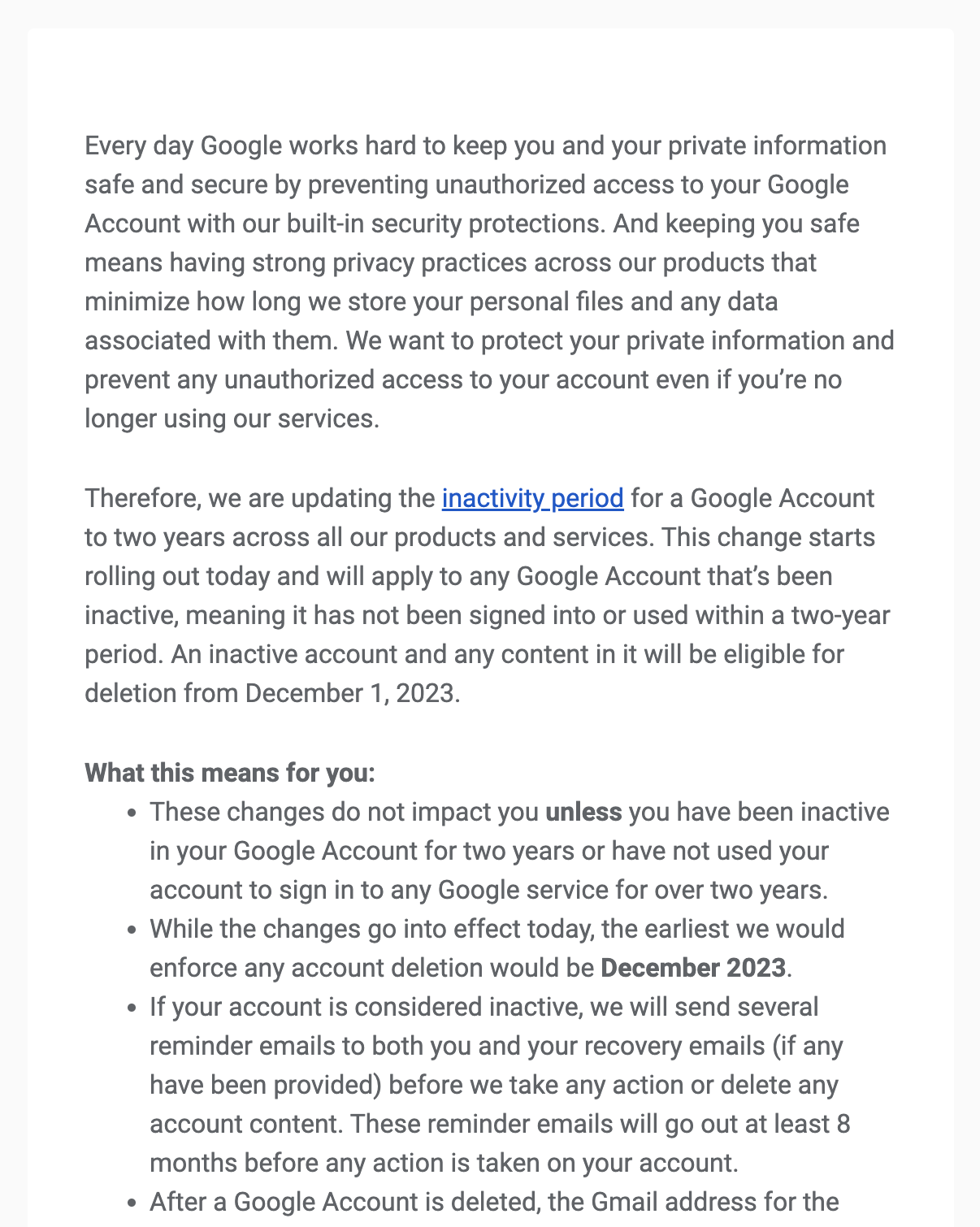
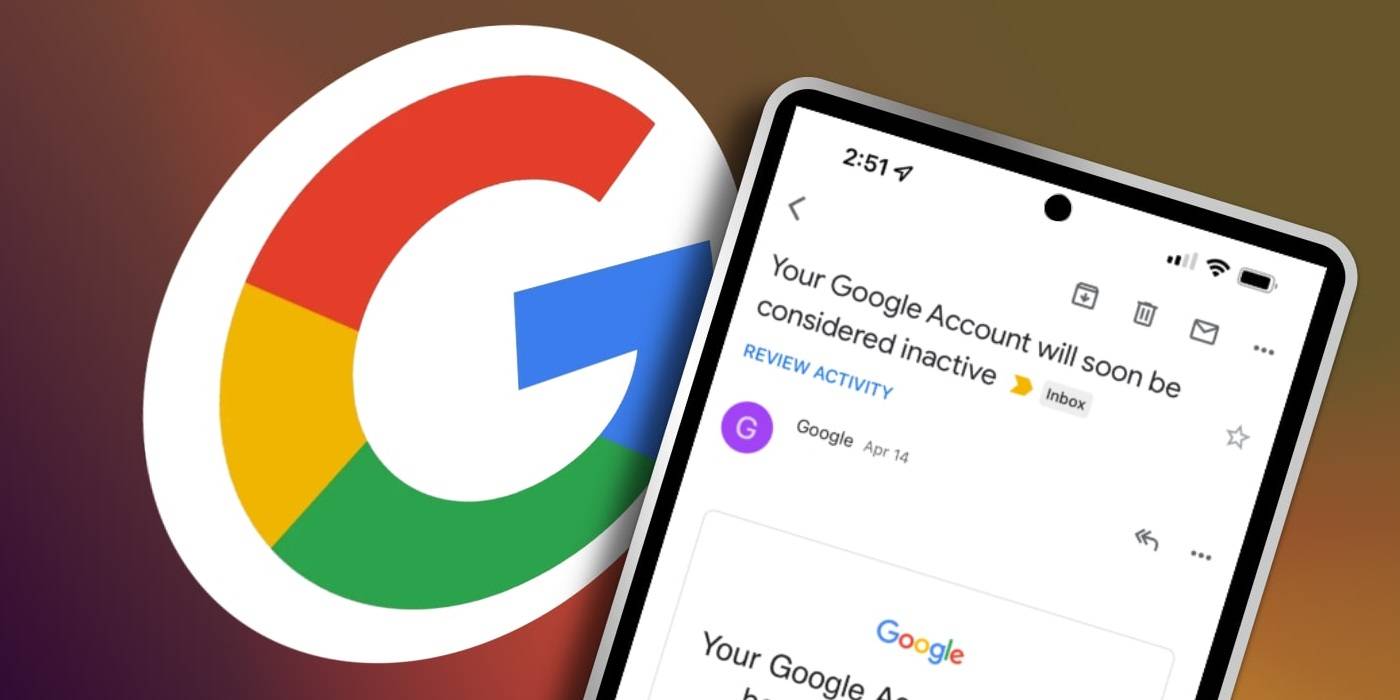
Google has announced that if a Google account has not been used for two years or more, it may be deleted. “Used” here doesn’t mean daily use or heavy activity. It simply means any kind of sign-in or interaction that proves the account is still active.
This policy applies to standard consumer Google accounts — the ones most of us use for Gmail, Google Drive, Google Photos, and Android phones.

Now, here’s the important part:
If Google decides to delete an account due to inactivity, the deletion is permanent. There is no recycle bin, no recovery window, and no appeal process once the data is gone.
What Data Is at Risk of Being Deleted?
When Google talks about deleting an inactive account, it’s not just talking about your email address. It means everything connected to that account.
This includes:
- Gmail emails
- Files stored in Google Drive
- Photos and videos in Google Photos
- App data linked to the account
- Purchases, backups, and settings tied to that Google profile
Originally, Google also mentioned YouTube content as part of this deletion. That caused concern because YouTube hosts a massive amount of valuable public information. Google later clarified that YouTube videos are currently excluded from this policy.
However, and this is important to understand, “currently excluded” does not mean “excluded forever.” Google can change this policy in the future.
So even if you rely heavily on YouTube today, it would be a mistake to assume that it will never be affected.











How Easy Is It to Keep an Account Active?
This is the part that surprises most people.
You do not need to upload files, send long emails, or actively use Google services every week. You just need to authenticate the account — meaning, show Google that the account still belongs to a real, active person.
Any one of the following actions is enough to reset the inactivity timer:
- Signing into the account
- Sending or reading an email
- Opening Google Drive
- Downloading an app from the Play Store
- Watching a video on YouTube while logged in
In simple terms:
Log in and do something — anything.
That’s it.
Why This Policy Is More Serious Than It Sounds
At first glance, this policy may seem reasonable. Companies want to clean up abandoned accounts, reduce storage costs, and improve security.
But there’s a darker side to this, often referred to as collateral damage.
What happens to accounts that cannot be accessed anymore?
- Accounts of deceased family members
- Old accounts created years ago with forgotten passwords
- Accounts tied to outdated phone numbers or recovery emails
Once such an account becomes inactive for two years, Google may delete it — even if the data inside has emotional, historical, or personal value.
And here’s the harsh truth:
Google has no obligation to preserve that data for you.
Can Deleted Google Accounts Be Reused by Someone Else?
This is one of the most uncomfortable questions — and unfortunately, it doesn’t have a clear public answer yet.
When an inactive Gmail account is deleted, there is a possibility (not confirmed, but historically seen with other platforms) that the email address could return to the available pool.
That means an address like:
could, in theory, be created again by someone else in the future.
Now, let’s be very clear about one thing.
Even if Google allows email reuse:
- The new owner will NOT get your old emails
- Your files, photos, and data will not be restored
- The account will be completely empty
Still, the idea that someone else could own the same email address later is uncomfortable — especially if that address was linked to online accounts, services, or contacts in the past.
Why This Isn’t Just a “Google Problem”
While this announcement came from Google, the real lesson here is much broader.
Any online service can decide:
“You haven’t used this account for a long time. We’ll assume it’s abandoned.”
This could apply to:
- Cloud storage providers
- Email services
- Social media platforms
- Photo hosting services
- Backup services
The internet is not permanent by default.
Only what you actively preserve stays safe.
What You Should Do Right Now (Practical Advice)
If you want to make sure your data stays safe, here’s a calm, practical approach.
First, log into every Google account you care about — even the ones you barely use.
Second, make offline backups of important data:
- Download important emails
- Save photos and videos locally
- Keep copies on an external drive or another trusted service
Third, if there’s an account you no longer have access to, download whatever data you can using any available method while it’s still accessible.
And finally, make it a habit — once every few months — to simply sign in. You don’t need reminders every day. Just don’t let two years pass in silence.
Important Disclaimer
Google policies can change over time. While YouTube content is currently excluded from inactive account deletion, this may not remain true in the future. Always rely on your own backups, not assumptions about long-term availability.
This article is intended for awareness and data-protection guidance, not legal advice.
Final Thoughts
Google has given users a clear warning:
If you want your data preserved, you must show that your account is still alive.
This is not about fear — it’s about responsibility.
The internet will not automatically protect your memories, files, or history.
If something matters to you, back it up.
If an account matters to you, log into it.
That small action can save years of data.
#GoogleAccount #Gmail #DataBackup #CloudStorage #DigitalSafety