Many users hoped Microsoft would relax the hardware requirements for Windows 11 to make the upgrade more accessible for older PCs. Unfortunately, Microsoft has confirmed that these system requirements are here to stay—and they’ve explained why. In this article, we’ll explore Microsoft’s rationale, common frustrations, and why the transition to stricter standards might not be as unreasonable as it seems.
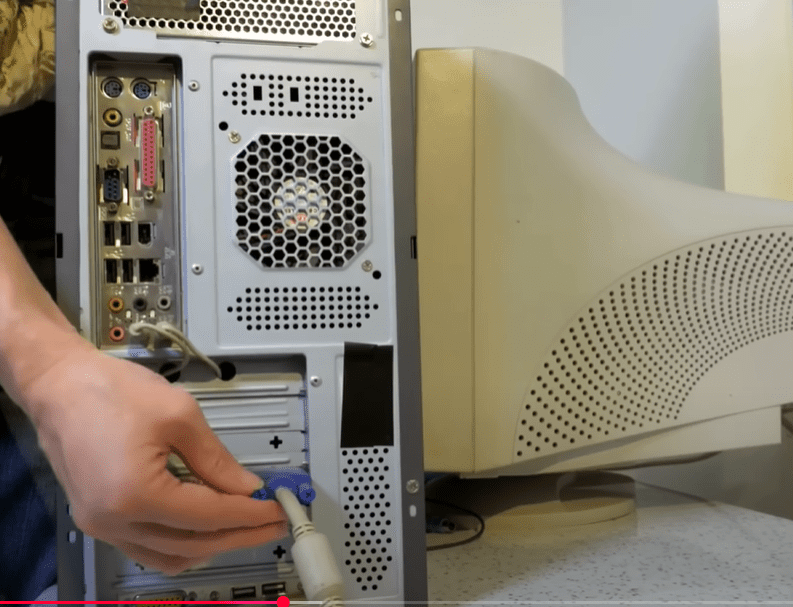
Windows 11’s Minimum Hardware Requirements
To install Windows 11, your PC needs to meet specific hardware standards. The primary requirements include:
- Intel 8th generation CPUs or newer
- AMD Zen+ (2000 series) or newer processors
- Trusted Platform Module (TPM) 2.0
- Secure Boot compatibility
These requirements have sparked criticism from users with older but still functional hardware. Many expected more flexibility from Microsoft, especially during times when affordability is a concern.
You can review the official list of requirements here: Windows 11 Specifications – Microsoft
Why TPM Matters for Windows 11
The Trusted Platform Module (TPM) has become a cornerstone of Windows 11’s enhanced security model. Here’s what it brings to the table:
- Data Encryption: TPM can encrypt sensitive information such as personal data and financial records, making it harder for hackers to access.
- Trusted Software Verification: With Secure Boot, the system ensures that only trusted software and firmware load during startup.
- Defense Against Physical Tampering: If someone attempts to physically alter your PC’s hardware, TPM can detect it and block unauthorized access.
- Support for Advanced Security Features: Features like BitLocker and Windows Hello rely on TPM for full functionality.
Microsoft emphasizes that as cyber threats evolve, stronger built-in security like TPM is essential to safeguard user data.
The Age of Your CPU Matters
Many complaints stem from users with 6th or 7th generation CPUs, which are now roughly 8 to 10 years old. While these processors may still function well for basic tasks, they don’t meet modern performance or security standards. In the fast-evolving tech landscape, CPUs are generally upgraded every 3–5 years, especially when performance bottlenecks start affecting daily work.
Microsoft’s decision may feel harsh, but from an enterprise and security standpoint, it aligns with industry expectations.
Common User Concerns and Complaints
Despite its benefits, Windows 11 isn’t free from criticism. Users have expressed concerns about:
- Bloatware: Windows 11 includes unnecessary apps and features that many users would prefer to uninstall.
- Copilot & Recall Features: Some features like Recall (a memory-capturing tool) and Copilot have sparked privacy concerns, even though they are not yet active on all systems.
- UI Frustrations: The new Start Menu design, Microsoft Edge integration, and forced settings have not been well-received by everyone.
- Lack of Opt-Out Options: Privacy-related features, telemetry, and security settings often require manual configuration to disable.
Nonetheless, most of these elements can be adjusted using Group Policy Editor or backed up for easy reconfiguration. There is no need to rely on third-party scripts or modified ISOs—just configure the system to your preference and save those settings.
Adoption Trends and Future Outlook
While early adoption of Windows 11 lagged behind Windows 10, usage stats show that more users and businesses are gradually making the switch as Windows 10 approaches its end of life.


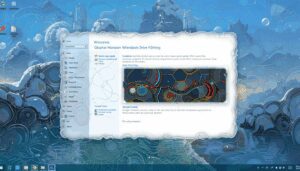
Windows 11 adoption is climbing steadily, while Windows 10 is on a slow decline. This shift will continue as support and updates for Windows 10 phase out.
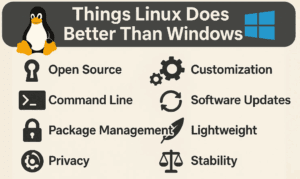
Despite ongoing criticisms, many users still prefer Windows because of its familiarity, broad software support, and gaming capabilities. Alternatives like Linux, while improving, have not seen consistent adoption growth.
Final Thoughts: Is the Hate Justified?
Some of the backlash against Microsoft stems from a resistance to change. It happened with Windows XP, Vista, 8, and 10—and now again with Windows 11. But over time, many of the same critics eventually adopt the new version once it becomes stable and familiar.
Yes, Microsoft could improve in areas like offering more customization, reducing bloatware, and simplifying privacy settings. But overall, Windows 11 offers a more secure and modern OS environment—especially if you’re willing to spend a few minutes customizing it to your liking.
If you’re still unsure whether to upgrade, evaluate your hardware. If your system is more than 8 years old, it might be time to consider an upgrade not just for compatibility, but for performance and security reasons as well.
Tags:
windows 11, microsoft, windows 11 hardware requirements, windows 11 tpm, windows 11 cpu requirements, windows 11 upgrade, secure boot, tpm 2.0, windows 11 features, windows 11 adoption, windows 10 end of life, windows 11 vs windows 10, windows 11 bloatware, windows 11 privacy
Hashtags:
#Windows11 #Microsoft #TPM #CyberSecurity #PCUpgrade #TechNews #WindowsUpdate #Windows11Features #DataProtection #OperatingSystem #SecureBoot #WindowsTips








