Introduction
Many gamers want to play Battlegrounds Mobile India (BGMI) on their Windows PC or Laptop for a better experience. However, most methods available online put your account at risk—leading to bans, security issues, and data leaks.
In this article, we’ll discuss:
✔ Why you should avoid unofficial BGMI PC installations
✔ The shocking truth about BGMI emulators & third-party tools
✔ Safe alternatives (if you still want to play on PC)
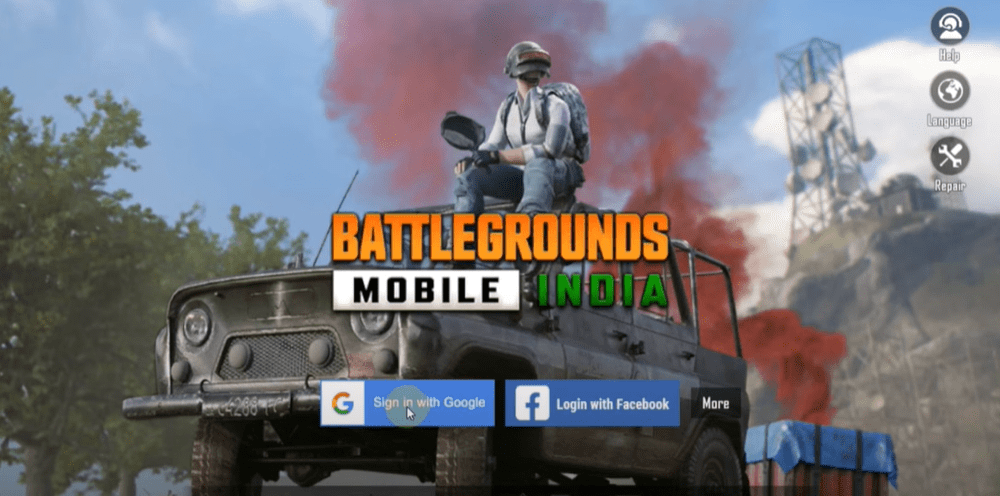
Why You Should NOT Install BGMI on PC
1. Account Bans & Security Risks
- Krafton (BGMI’s developer) does not officially support PC gameplay.
- Using emulators like BlueStacks, Gameloop, or LDPlayer can trigger anti-cheat detection, leading to permanent bans.
- Many third-party websites (e.g.,
bgmmovies.in,pubgcash.vip) offer fake BGMI PC versions that may contain malware or phishing scams.
2. Unofficial APK Files Are Dangerous
- Some sites claim to provide BGMI for PC via APK downloads, but these often:
- Steal login credentials
- Inject spyware/keyloggers
- Corrupt game files
3. Performance & Compatibility Issues
- Even if BGMI runs on an emulator, it often has:
- Lag, crashes, and overheating
- Unoptimized controls
- Delayed updates
Safe Alternatives to Play BGMI on PC
If you still want to play BGMI on a bigger screen, here are safer (but limited) options:
1. Official Android Emulators (With Risks)
- Gameloop (Tencent’s Emulator) – The least risky option, but still not officially approved for BGMI.
- Google Play Games (Beta) – Some Android games are supported, but BGMI is not yet available.
2. Remote Play (Best Alternative)
- Use scrcpy or Windows’ Phone Link to mirror your Android phone to PC.
- This method does not violate BGMI’s terms since the game runs on your phone.
3. Wait for Official PC Version
- Krafton may release BGMI PC officially in the future (like PUBG PC).
- Until then, avoid risky downloads.
Conclusion: Is BGMI on PC Worth the Risk?
❌ No! Using unauthorized methods can get your account banned or expose you to hackers.
✅ Safer alternatives (like remote play) exist but have limitations.
⚠ Always download games from official sources (Google Play Store, Apple App Store).
If you still try BGMI on PC, proceed at your own risk—many players have lost their accounts permanently.
Tags & Hashtags
Tags:
BGMI PC, BGMI on Laptop, BGMI Emulator Risks, BGMI Ban Warning, BGMI Security Issues, BGMI Safe Play, Battlegrounds Mobile India, Android Gaming, PC Gaming Risks
Hashtags:
#BGMIPC #BGMIWarning #BGMIEmulator #BGMIAccountBan #BattlegroundsMobileIndia #PCGamingRisks #MobileGaming #AndroidOnPC #GamingSafety
🔴 Stay safe and game responsibly! If you have questions, drop them in the comments below.