When you’re in the market for a new laptop or PC, one of the most common things you’ll encounter is the name of Intel processors — Core i3, i5, i7, and i9. But what do these terms really mean? Is i9 always the best? Is i3 only good for basic tasks? This detailed article aims to clear all your confusion and help you choose the right processor based on your needs and budget.
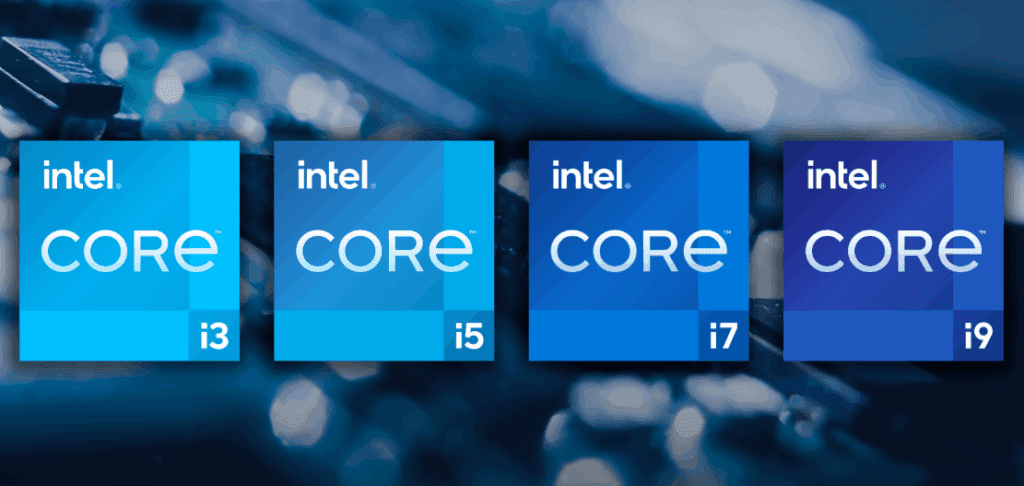
Let’s decode the Intel processor family and understand what makes each one unique.
🔍 What Are Intel Core Processors?
Intel Core processors are a series of CPUs categorized into i3, i5, i7, and i9. These numbers represent different levels of performance and capabilities. Think of them as members of the same family — each designed for a specific type of user and workload.
- Core i3: Entry-level, budget-friendly
- Core i5: Mid-range, balanced performance
- Core i7: High-performance for professionals
- Core i9: Top-tier, extreme performance for demanding tasks
Let’s explore each one in detail:
🟦 Intel Core i3 – Perfect for Basic Users
Core i3 is Intel’s entry-level processor, ideal for simple and everyday tasks. If you’re a student or home user who needs a system for browsing, streaming, or using office applications, this is a smart and economical choice.
🔧 Key Features:
- Cores/Threads: 4 Cores / 8 Threads (Latest Gen)
- Clock Speed: 3.0 GHz to 4.0 GHz
- Integrated Graphics: Intel UHD Graphics (sufficient for light gaming and media streaming)
👤 Best For:
- Students (for MS Word, Excel, online classes)
- Office workers (emails, presentations, browsing)
- Casual users (YouTube, Netflix, basic multitasking)
💡 Example:
- Intel Core i3-12100 (12th Gen): A budget-friendly processor for students and home users.
🔗 Visit Intel Website for Core i3 Processors
🟨 Intel Core i5 – The All-Rounder
Core i5 is a mid-range processor that balances speed and cost effectively. It’s more powerful than i3 and can handle multitasking and light creative work quite well.
🔧 Key Features:
- Cores/Threads: 6 Cores / 12 Threads (Latest Gen)
- Clock Speed: 3.5 GHz to 4.5 GHz (with Turbo Boost)
- Integrated Graphics: Intel UHD or Iris Xe Graphics (okay for light gaming)
👤 Best For:
- Students & professionals doing coding, light photo editing, or multitasking
- Casual gamers (with a dedicated GPU)
- Home users looking for a future-proof system
💡 Example:
- Intel Core i5-12400 (12th Gen): A popular choice for gaming, work, and daily use.
🔗 Visit Intel Website for Core i5 Processors
🟩 Intel Core i7 – Made for Power Users
Core i7 is designed for high performance. It’s faster and more capable than i5, perfect for professionals who run heavy software, do content creation, or play high-end games.
🔧 Key Features:
- Cores/Threads: 8 Cores / 16 Threads (Latest Gen)
- Clock Speed: 4.0 GHz to 5.0 GHz
- Integrated Graphics: Intel Iris Xe (still, a dedicated GPU is recommended)
👤 Best For:
- Content creators (video editing, Photoshop, 3D rendering)
- Serious gamers (AAA titles with dedicated GPU)
- Professionals using heavy software (AutoCAD, IDEs, etc.)
- Heavy multitaskers (20+ browser tabs, streaming, editing at once)
💡 Example:
- Intel Core i7-12700 (12th Gen): A powerful processor ideal for creators and gamers.
🔗 Visit Intel Website for Core i7 Processors
🟥 Intel Core i9 – The Ultimate Performer
Core i9 is Intel’s flagship processor, offering top-tier performance for the most demanding workloads. It’s suitable for professionals dealing with 4K/8K video editing, 3D animation, simulations, and hardcore gaming.











🔧 Key Features:
- Cores/Threads: 12–16 Cores / 20–24 Threads (Latest Gen)
- Clock Speed: 4.5 GHz to 5.5 GHz (supports overclocking)
- Integrated Graphics: Available, but best used with a dedicated GPU
👤 Best For:
- Professional content creators (4K/8K editing, VFX, Blender, After Effects)
- Hardcore gamers (ultra settings with streaming)
- Researchers & developers (simulations, AI models)
- Long-term users who want a future-proof system for 5+ years
💡 Example:
- Intel Core i9-12900 (12th Gen): A true beast capable of handling any task.
🔗 Visit Intel Website for Core i9 Processors
✅ Which Intel Processor Should You Choose?
Your choice should depend on what kind of work you plan to do and your budget. Here’s a quick summary to help you decide:
| User Type | Recommended Processor |
|---|---|
| Students & Basic Users | Core i3 |
| Casual Gamers/Coders | Core i5 |
| Content Creators | Core i7 |
| Power Users & Pros | Core i9 |
📌 Final Thoughts
Choosing the right Intel processor doesn’t have to be confusing. By understanding your needs—whether it’s simple browsing, creative work, or intense gaming—you can make a smart decision that gives you the best value for your money.
This article is your one-stop guide to understanding the Intel Core processor lineup. Bookmark it or share it with anyone planning a new PC or laptop purchase.
🔖 Tags
Intel processors, i3 vs i5 vs i7 vs i9, Intel Core comparison, PC buying guide, laptop processor guide, best CPU for gaming, best CPU for students, Intel CPU generations, PC build tips
🔖 Hashtags
#Intel #Corei3 #Corei5 #Corei7 #Corei9 #LaptopBuyingGuide #PCBuild #TechTips #ProcessorComparison #ContentCreation #GamingPC #IntelInside
Disclaimer: This article is for informational purposes only. Specifications may vary by generation and model. Always check the latest details from Intel’s official website.







