Graphic design is not just about creativity—it’s about following a structured process. Whether you’re designing a logo, social media post, or packaging, having a clear workflow ensures efficiency and professionalism.
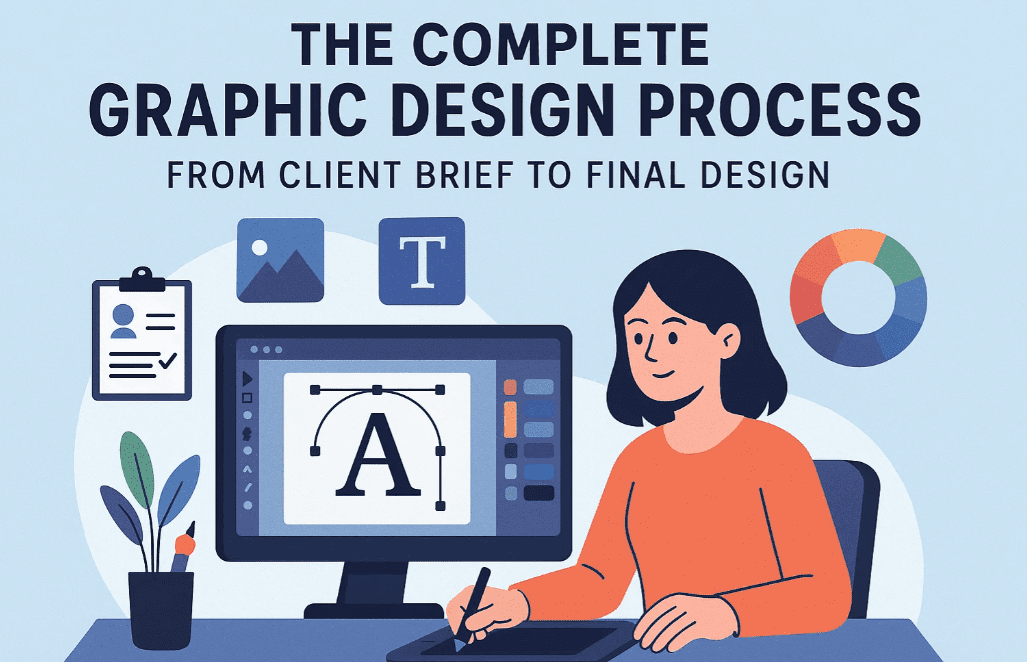
In this article, I’ll walk you through my 4-step graphic design process, which I’ve refined over a decade. By following this method, you can convert any client brief into a stunning design with ease.
Step 1: Brand Awareness (Understanding the Client Brief)
Before designing, you must understand the brand, audience, and requirements. Here’s how:
Key Questions to Ask the Client:
- What is the core message? (e.g., “Ayurvedic Shampoo – Made with Natural Ingredients”)
- Who is the target audience? (e.g., “People interested in natural and organic products”)
- Are there specific brand colors, or can we choose? (e.g., “Any color that fits the design”)
- Is the product simple, moderate, or luxury? (e.g., “Moderate”)
- Is the design for print or digital? (e.g., “Digital”)
- What is the design size? (e.g., “Square – 1:1 ratio”)
Why This Matters:
- Ensures alignment with brand identity.
- Avoids unnecessary revisions.
- Helps in selecting the right colors, fonts, and style.
Step 2: Research (Gathering Visual References)
Once you have the brief, research design trends related to the product.
What to Research?
- Colors – Look for industry-specific palettes.
- Example: For an Ayurvedic shampoo, greens, off-whites, gold, and earthy tones work well.
- Fonts – Choose readable and aesthetic typefaces.
- Example: Sans-serif or minimal serif fonts for a clean look.
- Shapes & Elements – Identify common design elements.
- Example: Leaf motifs, rounded shapes, natural textures.
- Backgrounds – Decide between solid colors or nature-inspired imagery.
How to Research?
- Search Google Images (e.g., “Ayurvedic Shampoo Poster Design”).
- Use Pinterest or Behance for inspiration.
- Analyze competitor designs for trends.
Step 3: Inspiration (Creating a Mood Board)
Before designing, collect reference images to guide your creativity.
How to Use Inspiration?
- Observe layouts, shadows, and product placements from references.
- Example:
- A product with a soft shadow looks premium.
- Wooden textures add a natural feel.
- Water droplets or leaves enhance organic branding.
Avoid Copying – Only Take Direction:
- Modify elements to fit your design (e.g., use line art leaves instead of realistic ones).
Step 4: Execution (Designing with Rules in Mind)
Now, apply design principles to create a balanced, professional output.
Key Rules to Follow:
- Rule of Thirds – Place key elements on grid intersections.
- Typography Hierarchy – Use different font weights for emphasis.
- White Space – Avoid clutter; let the design breathe.
- Color Contrast – Ensure readability (e.g., dark text on light backgrounds).
- Balance – Distribute visual weight evenly.
Final Design Example:
- Title: “Natural Chemical-Free Ayurvedic Shampoo”
- Message: “Made with 100% Natural Ingredients”
- CTA: “20% OFF on First Purchase – Use Code: NATURAL20”
- Colors: Light green, gold, off-white
- Fonts: Simple sans-serif for readability
- Elements: Leaf illustrations, rounded shapes
- Background: Subtle gradient with a stone-textured base
FAQ (Frequently Asked Questions)
Q1. What if the client doesn’t provide a clear brief?
- Solution: Create a standard brief template for clients to fill out.
Q2. How do I choose the right colors?
- Solution: Research industry trends (e.g., organic products = earthy tones).
Q3. Can I skip the research phase?
- Solution: No—research ensures your design aligns with market expectations.
Q4. How important are design rules?
- Solution: Critical! Rules like typography hierarchy and white space make designs professional.
Conclusion
Following this 4-step process (Brand Awareness → Research → Inspiration → Execution) will streamline your workflow and help you create high-quality designs efficiently.
Start applying this method today, and watch your design skills improve!
Tags:
Graphic Design, Design Process, Branding, Adobe Photoshop, Creative Process, Design Tips, Client Brief
Hashtags:
#GraphicDesign #DesignProcess #BrandAwareness #CreativeDesign #DesignTips #AdobePhotoshop #DigitalDesign
Disclaimer:
This article is based on personal experience. Results may vary based on individual design skills and client requirements. Always ensure you have the right licenses for fonts and images used in commercial projects.




Website Links:








