In recent years, dark mode has become a visual trend across apps, websites, and operating systems. While many people now prefer browsing in darker themes, traditional light mode still holds its place in web...
Read More
How to Migrate Your WordPress Website from Localhost to Paid Hosting (Step-by-Step Using Hostinger)
Migrating a WordPress website from localhost to a live paid hosting environment may sound daunting to beginners, but it’s a smooth process when done step-by-step. This article explains how to successfully migrate your locally...
Read More
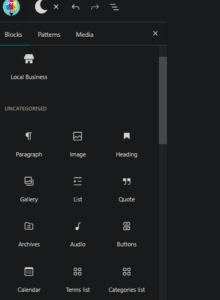
🔄 How to Create Reusable Blocks (Patterns) in WordPress Block Editor
Creating reusable blocks—also known as patterns—in WordPress is a great way to save time and maintain consistency across your content. Whether it’s a styled button, a section layout, or a call-to-action, reusable blocks can...
Read More
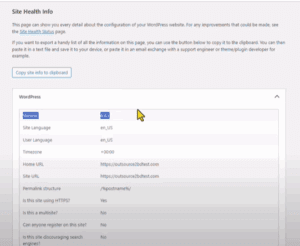
✅ How to Safely Downgrade Your WordPress Version Without Breaking Your Site
There may be times when a WordPress update introduces bugs or conflicts with your themes and plugins. In such cases, downgrading to a previous version can be a quick fix until a compatible update...
Read More
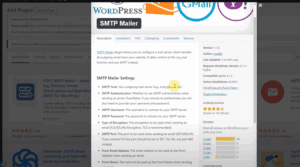
How to Fix WordPress Email Issues Using an SMTP Plugin
If your WordPress website isn’t sending or receiving emails—whether it’s from a contact form, order notifications through WooCommerce, or password recovery emails—it can be frustrating and detrimental to your business. Emails that end up...
Read More
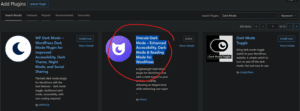
🌙 How to Enable Dark Mode on Your WordPress Admin Dashboard
If you’re someone who prefers a sleek, eye-friendly interface while working on your WordPress site, enabling Dark Mode for your WordPress admin panel is a great idea. Not only does it reduce eye strain—especially...
Read More