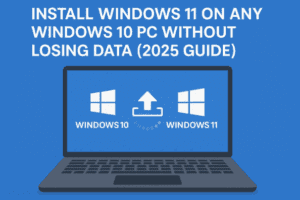
Upgrading to Windows 11 should be simple — but for many users, Microsoft’s system requirements stand in the way. Even if your PC runs smoothly, the company might still block your upgrade because of...
Read More

How to Upgrade to Windows 11 on Unsupported Hardware (Without Third-Party Tools)
Are you still running Windows 10? If so, you should know that Microsoft will officially end support for Windows 10 on October 14th, 2025. While many users can easily upgrade to Windows 11 using...
Read More
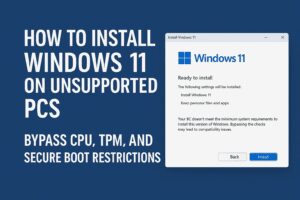
How to Install Windows 11 on Unsupported PCs (No TPM, No Secure Boot, No Microsoft Account)
Microsoft’s Windows 11 comes with strict hardware requirements — like TPM 2.0, Secure Boot, and a supported CPU — which leaves many perfectly usable PCs unable to upgrade via official methods. However, if you’re...
Read More
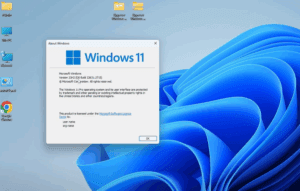
How to Roll Back from Windows 11 to Windows 10 (Even on Unsupported Hardware)
If you’ve recently upgraded from Windows 10 to Windows 11 version 23H2, and you’re running it on unsupported hardware, you might have noticed that things aren’t running as smoothly as expected. Whether it’s performance...
Read More

How to Download & Install Windows 11 24H2 Using a Bootable USB (Supported & Unsupported Hardware)
Windows 11 24H2 has arrived with exciting features and improvements. Whether you are using supported or unsupported hardware, you can install it on your system with the help of a bootable USB drive. This...
Read More