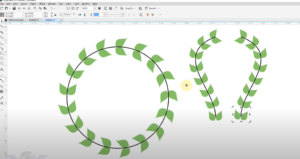
Welcome back to another engaging session of our Graphics & Designing course. In today’s lesson, we will dive into an essential concept that every designer should master—fitting an object to a path. What is...
Read More
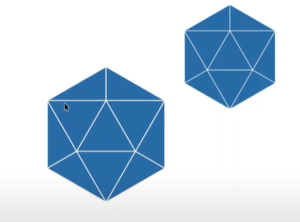
CorelDRAW Tips & Tricks: Creating a 6-Sided Polygon with 4 Triangles
In this article, we’ll guide you through the process of creating a 6-sided polygon with 4 triangles inside it, similar to a design you might find in a logo. While it may look complex...
Read More
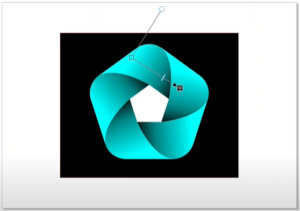
CorelDRAW Tips & Tricks: Creating a 5-Sided Polygon Design
In this article, we’ll explore how to create and manipulate a 5-sided polygon in CorelDRAW. While the 6-sided polygon is often preferred for symmetry and ease of centering, it is also possible to create...
Read More
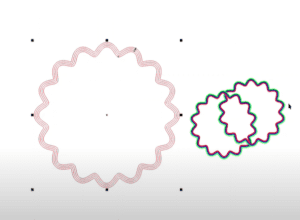
CorelDRAW Tips & Tricks: Creating an Interlocking Pattern with Contour Tool
In this article, we will explore how to create interlocking patterns using the Contour tool in CorelDRAW. If you’re trying to create a design where shapes overlap and appear to go over and under...
Read More
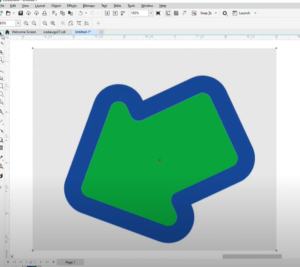
How to Draw a Rounded Arrow in CorelDRAW
Drawing custom shapes like a rounded arrow in CorelDRAW is a simple process, thanks to its array of design tools. In this guide, you will learn how to create a rounded arrow from scratch,...
Read More