If you’re unable to preview PDFs in Windows 11 File Explorer and see a warning saying “The file you are attempting to preview could harm your computer,” don’t worry — you’re not alone. This...
Read More
How to Remove Shortcut Arrows from Desktop Icons in Windows 10 & 11
If you’ve ever noticed those little arrow icons on your desktop shortcuts, you’re not alone. By default, Windows adds a small arrow overlay to every shortcut icon — it’s meant to help users distinguish...
Read More
🛡️ How to Disable Windows Defender Antivirus via Registry in Windows 11
If you’re a Windows 11 user, you might have noticed that Windows Defender (now called Microsoft Defender Antivirus) is built right into the operating system. For most people, it’s a reliable, always-on solution for...
Read More
How to Remove Write Protection from USB Drive or SD Card (3 Proven Methods)
Have you ever tried to format or copy something to your USB drive or SD card, only to be hit with the frustrating message:“The disk is write protected”? Don’t worry—you’re not alone! This is...
Read More
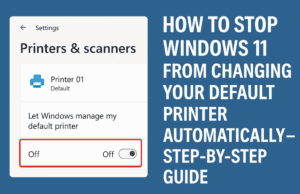
How to Stop Windows 11 from Changing Your Default Printer Automatically – Step-by-Step Guide
Do you find your default printer keeps switching on its own in Windows 11? You’re not alone. This is a common issue that many users face, and thankfully, it can be fixed easily with...
Read More
How to Remove Shortcut Arrows from Desktop Icons on Windows 10 and 11 (2025 Guide)
Are you tired of seeing those small arrows on your desktop shortcut icons in Windows 10 or Windows 11? These arrows indicate that the icons are shortcuts, but they can clutter the clean look...
Read More

How to Completely Disable Windows Defender on Your PC or Laptop (Step-by-Step Guide)
There are times when disabling Windows Defender becomes necessary. Perhaps you’re installing software that Windows Defender mistakenly flags as harmful, or you need to work with files that trigger constant warnings. In this article,...
Read More
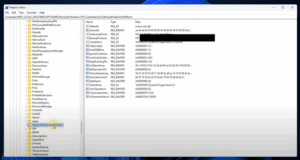
How to Find Your Windows Product Key Using Registry Editor
If you have ever lost or misplaced your Windows product key, you might wonder if there’s a way to recover it directly from your system. Fortunately, Windows stores your license key within the system...
Read More
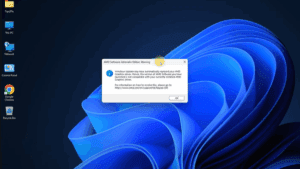
How to Fix AMD Adrenalin Driver Issues and Disable Windows 11 Automatic GPU Updates
Have you received a warning from AMD Adrenalin Software stating that your current graphics driver is incompatible or not functioning properly? This often happens after Windows Update automatically installs or replaces GPU drivers, even...
Read More
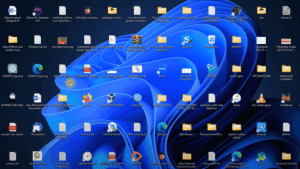
How to Fix Desktop Icon Spacing Issues in Windows 11
Have you noticed your desktop icons looking awkwardly spaced—too far apart either vertically or horizontally—after a Windows 11 update? You’re not alone. This issue has been reported by many users, especially those using the...
Read More
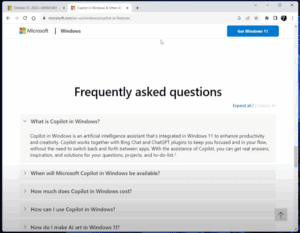
🔄 How to Enable or Disable Windows Co-Pilot AI in Windows 11 (23H2)
With the release of Windows 11 version 23H2, many users noticed that Co-Pilot AI, Microsoft’s intelligent assistant, disappeared from their desktops. If you’re wondering why this happened and how you can enable or disable...
Read More
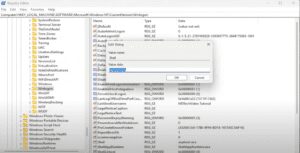
Step-by-Step Guide: Fix Windows File Explorer Not Starting on Startup
If you’re experiencing issues with Windows File Explorer not starting or opening properly when you log in, this guide will walk you through the steps to resolve the issue. Follow this simple and detailed...
Read More