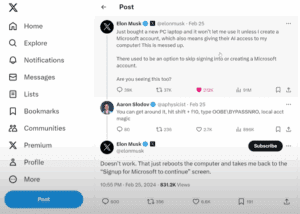
When setting up a new Windows 11 PC, Microsoft often requires users to sign in with a Microsoft account before they can proceed. This has frustrated many users who prefer a local account, including...
Read More
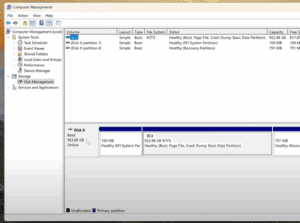
How to Safely Partition Your Hard Drive or SSD in Windows 11 or Windows 10
If you’re using a high-capacity SSD or NVMe M.2 drive, like a 1TB or 952GB model, it’s not ideal to keep your storage as a single large C: drive. Keeping all your data—documents, photos,...
Read More
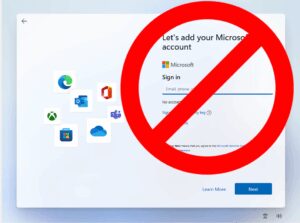
How to Create a Local Account on Windows 11 Without a Microsoft Account
Setting up a new computer often comes with the push to sign in using a Microsoft account. But what if you want to keep things simple and create a local account instead? Whether it’s...
Read More
How to Install Windows 11 in 2025: A Step-by-Step Guide
Windows 11 has been around for a while, and with continuous updates rolling out, it’s time to revisit the installation process in 2025. Whether you’re installing Windows 11 on a brand-new PC or performing...
Read More

Understanding Computer Components: A Beginner’s Guide
When building or understanding a computer, knowing its components and their roles is key. Each part plays a unique role in making your machine functional. This guide provides a step-by-step breakdown of the essential...
Read More
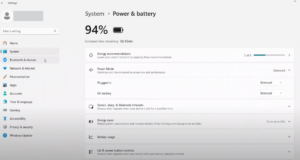
A Step-by-Step Guide to Optimize Your Windows 11 Settings After Installation
Congratulations on your new computer! If you’ve recently installed a fresh copy of Windows 11 or purchased a new PC, it’s essential to make some adjustments to maximize performance, improve battery life, and customize...
Read More
How to Download & Install Windows 11 24H2 Using a Bootable USB (Supported & Unsupported Hardware)
Windows 11 24H2 has arrived with exciting features and improvements. Whether you are using supported or unsupported hardware, you can install it on your system with the help of a bootable USB drive. This...
Read More