If you’re using Windows 11 and seeing that red warning bar on your C drive, don’t worry — you’re not alone. Many users face the issue of their system drive (C:) getting completely filled...
Read More
The Ultimate Guide to Personalizing Windows 11: Customization & Settings Explained
Windows 11 offers powerful customization options to tailor your PC experience. Whether you want to change the taskbar layout, optimize system performance, or enhance privacy, this guide covers everything you need to know. 📌...
Read More
50 Essential Gaming Laptop Tips for Maximum Performance & Longevity
Gaming laptops are powerful machines, but getting the most out of them requires smart usage and maintenance. Whether you’re a casual gamer or a competitive player, these 50 expert tips will help you boost...
Read More
Stop Believing These 5 Computer Myths in 2025 – The Truth You Should Know
Despite rapid advancements in technology, several outdated computer myths continue to circulate among users—especially non-tech-savvy individuals. These misconceptions not only lead to unnecessary worry but also prompt users to spend money on tools or...
Read More
How to Recover Permanently Deleted Files Without Breaking the Bank!
Ever felt that heart-sinking moment when you accidentally delete an important file and realize you’re too broke to pay for professional recovery? We’ve all been there. Whether it’s a cherished video, a crucial document,...
Read More
How to Easily Reset or Format Your Windows 11 PC or Laptop [2025 Guide]
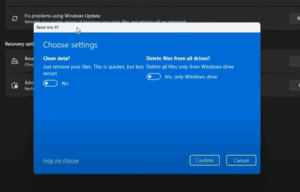
Are you facing issues with your PC or simply want a fresh start? Whether you’re troubleshooting problems, fixing errors, or preparing your laptop for a new user, resetting or formatting your Windows 11 system...
Read More
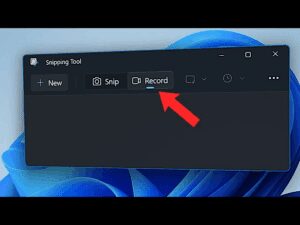
How to Record Your Screen on Windows 11 Using Snipping Tool
Are you looking for a simple way to record your Windows 11 screen without installing any third-party applications? Good news – Windows now offers a built-in option for screen recording through the Snipping Tool!...
Read More
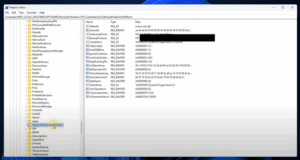
How to Find Your Windows Product Key Using Registry Editor
If you have ever lost or misplaced your Windows product key, you might wonder if there’s a way to recover it directly from your system. Fortunately, Windows stores your license key within the system...
Read More
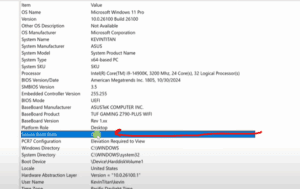
How to Enable Secure Boot in Windows 11 – A Step-by-Step Guide
If you’re looking to enhance your PC’s security and ensure your system is fully compatible with Windows 11 features, enabling Secure Boot is a smart move. Secure Boot helps protect your computer from malware...
Read More
20 Essential PC Tips You Need to Know
Mastering your PC can save you time, improve your productivity, and enhance your overall experience. Here are 20 essential tips and tricks explained in detail to help you get the most out of your...
Read More
20 PC Tips and Tricks You Need to Know to Make your Windows Experience better
Whether you’re new to using a computer or have been a tech enthusiast for years, there are always helpful tips and tricks that can make your computing experience faster, easier, and more efficient. Below,...
Read More