
If you truly aspire to become a professional graphic designer in today’s digital era—whether you’re just starting or already working in the industry—this article is your ultimate roadmap. Many budding designers face a common...
Read More
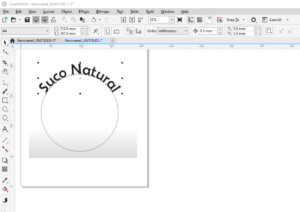
How to Create Text on a Circle or Path in CorelDRAW
Adding text to a circular path or any custom path is a useful and creative feature in CorelDRAW that can enhance your designs, whether for logos, labels, or decorative elements. This blog post will...
Read More
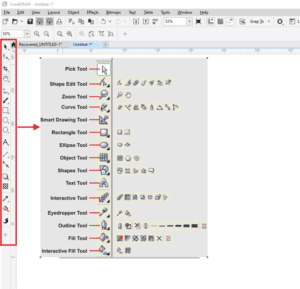
Mastering Drawing Tools in CorelDRAW: A Step-by-Step Guide
Welcome to another lesson in our free CorelDRAW course! In today’s tutorial, we’ll explore CorelDRAW’s drawing tools, focusing on their unique functionalities and practical applications. Whether you’re drawing freehand, using Bezier curves, or creating...
Read More
How to Export CDR Files to PNG with Transparent Background in CorelDRAW
If you’re working with CorelDRAW and need to export your designs as PNG files with a transparent background, this guide will walk you through the process step by step. Whether you’re dealing with logos...
Read More

CorelDRAW Tips & Tricks: Creating a 6-Sided Polygon with 4 Triangles
In this article, we’ll guide you through the process of creating a 6-sided polygon with 4 triangles inside it, similar to a design you might find in a logo. While it may look complex...
Read More