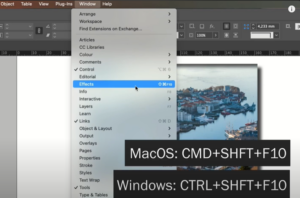
Copying effects from one object to another in Adobe InDesign is a great way to save time and maintain design consistency. This guide will walk you through the simple steps to achieve this using...
Read More
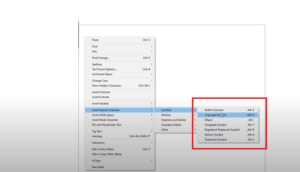
How to Insert a Copyright Symbol in Adobe InDesign
When working on a design project in Adobe InDesign, you may need to insert a copyright symbol for legal or branding purposes. Adobe InDesign makes this process simple with its built-in tools and shortcuts....
Read More
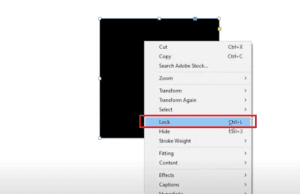
How to Lock and Unlock Objects in Adobe InDesign
IntroductionLocking objects in Adobe InDesign is a vital skill that helps prevent accidental edits or movements while designing. Whether working with shapes, text boxes, or other elements, locking and unlocking objects ensures your workflow...
Read More
14. How to Use Zoom and Pan Tools in Adobe InDesign Effectively
Adobe InDesign is a powerful tool for creating professional layouts. Among its many features, the Zoom Tool and Pan Tool stand out as essential tools for navigating and editing your workspace with precision. In...
Read More