🌟 Introduction: Why Run Chrome OS from a USB Drive? If you’ve ever wanted to experience Chrome OS — Google’s sleek, cloud-based operating system — without buying a Chromebook, this guide is for you....
Read More
💻 How to Run Android 16 (Baklava) on Windows 10/11 Using Android Studio — Complete Step-by-Step Setup Guide
Have you ever wished to run the latest Android version right on your PC, complete with Google Play Store and full functionality? With Android Studio’s official emulator, you can now experience Android 16 (Baklava,...
Read More
Boost Phone Performance Instantly with These Essential Google Play Store Settings
If your phone frequently hangs, runs out of battery quickly, or suffers from low storage space, the issue may not always be with the hardware. Often, poor Play Store settings can affect your phone’s...
Read More
How to Create a Google Play Store Account on Your Phone – Step-by-Step Guide
Creating a Google Play Store account is essential if you want to access apps, games, movies, and other digital content on your Android device. Whether you’re setting up a new phone or want to...
Read More
How to Publish an App on Google Play Store: A Step-by-Step Guide
Publishing an app on the Google Play Store is a crucial step for Android developers who want to make their apps accessible to users worldwide. If you’re new to this process, don’t worry—we’ve broken...
Read More
How to Change Your Google Play Store Country on Your Mobile Phone
If you’ve moved to a new country or need access to apps and content available in a different region, changing your Google Play Store country is a straightforward process. This article will walk you...
Read More
How to Install Google Play Store on Windows 11 (and Windows 10)
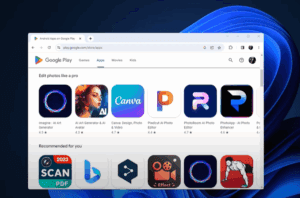
If you’ve ever wanted to run Android apps natively on your Windows PC, you’re in luck. This article explains how to install the Google Play Store on your Windows 11 or Windows 10 Pro...
Read More
How to Run Android Apps on Windows 11 After Microsoft Ends WSA Support
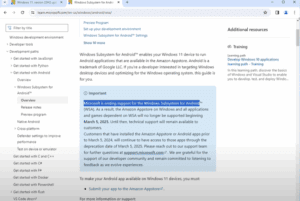
If you’ve been enjoying running Android apps on your Windows 11 PC through the Windows Subsystem for Android (WSA), you may need to prepare for a change. Microsoft has officially confirmed that WSA support...
Read More