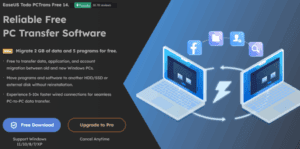
Upgrading to a new computer or reinstalling Windows 11 can be exciting—but it often comes with the daunting task of transferring your files, applications, and settings from the old machine. Fortunately, EaseUS Todo PCTrans...
Read More
How to Clone or Migrate Windows to a New SSD or Drive Without Losing Data
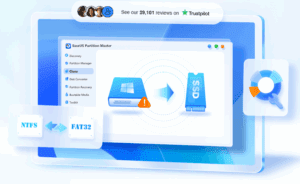
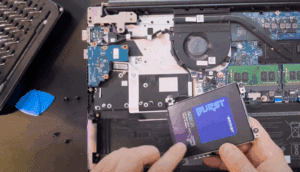
Upgrading your PC with a new SSD or replacing your old hard drive? One of the most efficient ways to transfer your Windows operating system, settings, and data from your old disk to a...
Read More
How to Transfer Data from Your Old Phone to a New iPhone 15 (Including iPhone 15 Pro & Pro Max)
Upgrading to a new iPhone 15, 15 Pro, or 15 Pro Max is exciting—but moving all your data from an old Android or iPhone device can be a hassle. If you’re looking for a...
Read More
How to Clone Your Old SSD to a New NVMe Drive (Laptop & Desktop Guide)
Upgrading your system drive to a faster NVMe SSD can significantly boost your computer’s speed and performance. Whether you’re using a laptop or a desktop, cloning your existing SSD to a new NVMe drive...
Read More
How to Safely Partition Your Hard Drive or SSD in Windows 11 or Windows 10
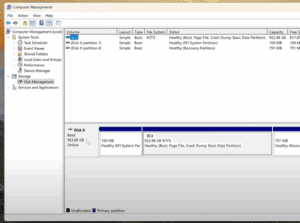
If you’re using a high-capacity SSD or NVMe M.2 drive, like a 1TB or 952GB model, it’s not ideal to keep your storage as a single large C: drive. Keeping all your data—documents, photos,...
Read More
How to Remove or Reset a Forgotten Windows Password: 3 Effective Methods
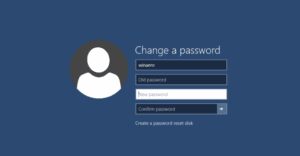
Forgetting your Windows password can be a frustrating experience, especially when you’re stuck at the login screen and can’t access your desktop. Fortunately, there are several effective methods you can use to remove or...
Read More