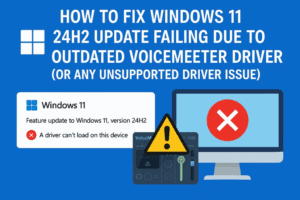
Updating to a new version of Windows should be straightforward—but sometimes, hidden driver issues stop you in your tracks. If you’re trying to upgrade to Windows 11 24H2 and get the message: “Your PC...
Read More
How to Automatically Install All Missing Drivers on a Fresh Windows 10 Install (No Internet Required)
Installing a fresh copy of Windows 10 can feel like a clean slate—until you realize your trackpad isn’t working, there’s no Wi-Fi, and you’re missing all your system drivers. This is a common issue...
Read More

Fix “We Couldn’t Find Any Drives” Error During Windows Installation (Intel RST Driver Solution)
Getting the dreaded “We couldn’t find any drives. To get a storage driver, click Load driver” error while installing Windows 10 or 11? This frustrating issue typically appears on newer laptops and desktops —...
Read More
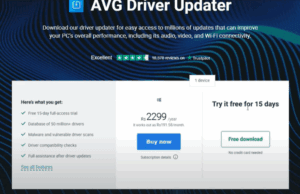
How to Automatically Install or Update All Drivers on Your Windows PC or Laptop
Is your Wi-Fi not working? Is Bluetooth failing to turn on? Or are devices like printers and USB accessories not connecting properly to your computer? In many cases, these problems are caused by missing...
Read More
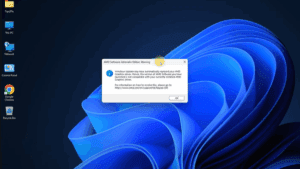
How to Fix AMD Adrenalin Driver Issues and Disable Windows 11 Automatic GPU Updates
Have you received a warning from AMD Adrenalin Software stating that your current graphics driver is incompatible or not functioning properly? This often happens after Windows Update automatically installs or replaces GPU drivers, even...
Read More
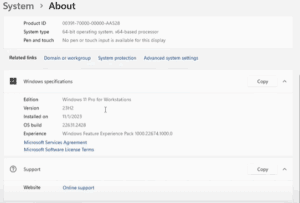
🔧 How to Fix the AMD Software Adrenalin Edition Warning After Windows 11 Update (23H2)
If you’re seeing the AMD Software Adrenalin Edition warning on your system after updating to Windows 11 version 23H2, you’re not alone. Many users are facing this issue where the system mistakenly replaces the...
Read More