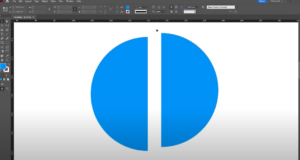
IntroductionAdobe InDesign is a powerful design tool that allows you to create and manipulate shapes with ease. While it doesn’t have a direct option to create a half circle, you can achieve this in...
Read More
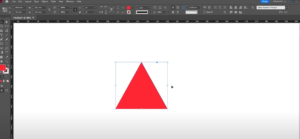
How to Create a Triangle in Adobe InDesign
IntroductionAdobe InDesign is a versatile design tool, and while it does not have a dedicated triangle tool, creating a triangle is straightforward using the Polygon Tool. This article will guide you step-by-step on how...
Read More
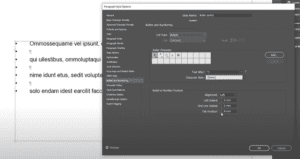
How to Add Bullet Points in Adobe InDesign
IntroductionBullet points are a fantastic way to organize information in a clean and structured manner. In Adobe InDesign, adding bullet points to your text can be accomplished efficiently using the Paragraph Styles feature. This...
Read More
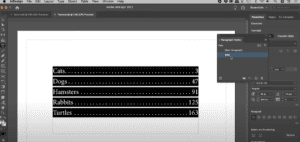
20. How to Create Perfect Dotted Lines in Adobe InDesign for Tabbed Text Layouts
When working with Adobe InDesign, adding dotted leaders (dots) between text and numbers is a common requirement for creating professional-looking layouts, such as in tables of contents, price lists, or menus. In this guide,...
Read More
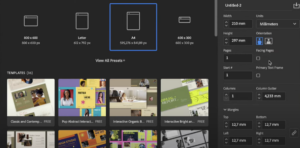
A Step-by-Step Guide to Creating a Stunning Digital Catalog in Adobe InDesign
Creating a professional catalog in Adobe InDesign can seem like a daunting task. However, with the right approach and tools, you can turn your ideas into visually compelling designs that captivate your audience. This...
Read More

10 Essential Tips for Beginners in Adobe InDesign
Adobe InDesign is a powerful tool for designing layouts, creating documents, and handling text and images with precision. If you’re new to InDesign, these beginner-friendly tips will help you work more efficiently and achieve...
Read More