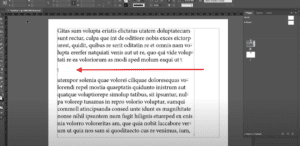
When designing text-heavy layouts in Adobe InDesign, you may encounter scenarios where you need to move specific words or phrases to a new line without creating unnecessary spacing. Using a soft return is the...
Read More
How to Create Vertical Text in Adobe InDesign
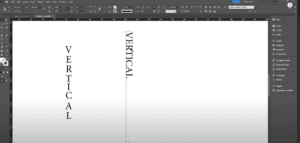
Creating vertical text in Adobe InDesign may seem a bit challenging at first compared to other design programs like Photoshop or Illustrator. However, with a few easy steps, you can achieve this effect seamlessly....
Read More
Mastering Typography in InDesign: Seven Practical Techniques for Professional Typesetting
Good typography is like good design—it’s often invisible. It seamlessly integrates into the reading experience, allowing the message to be consumed effortlessly. When typography goes wrong, it can result in amateur layouts and uncomfortable...
Read More
Mastering Fit to Object on Path: Graphics & Designing Course in CorelDraw
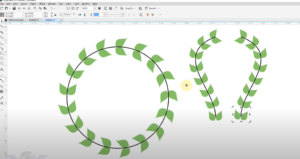
Welcome back to another engaging session of our Graphics & Designing course. In today’s lesson, we will dive into an essential concept that every designer should master—fitting an object to a path. What is...
Read More
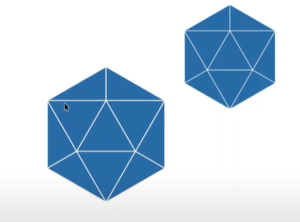
CorelDRAW Tips & Tricks: Creating a 6-Sided Polygon with 4 Triangles
In this article, we’ll guide you through the process of creating a 6-sided polygon with 4 triangles inside it, similar to a design you might find in a logo. While it may look complex...
Read More
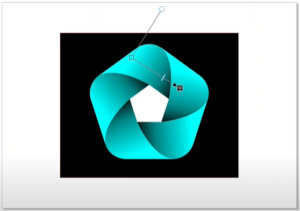
CorelDRAW Tips & Tricks: Creating a 5-Sided Polygon Design
In this article, we’ll explore how to create and manipulate a 5-sided polygon in CorelDRAW. While the 6-sided polygon is often preferred for symmetry and ease of centering, it is also possible to create...
Read More