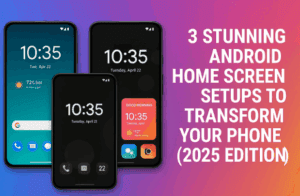
Your Android phone’s home screen is more than just a place to launch apps — it’s your personal dashboard. It can inspire calm, express creativity, or simply make everyday tasks more enjoyable. Unfortunately, most...
Read More

📱 15 Amazing Android Apps You Won’t Find on the Google Play Store
Most Android users stick to the Google Play Store for apps, but some of the most innovative, useful, and creative apps live outside it. Whether because of Google’s strict policies, experimental development, or independent...
Read More
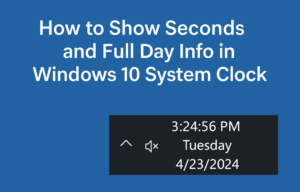
How to Show Seconds and Full Day Info in Windows 10 System Clock (With Registry Edits)
If you’re someone who likes having precise control over time on your computer — down to the second — you’re going to love this quick but powerful Windows 10 tweak. By default, Windows 10...
Read More

How to Enable and Customize the New Volume Slider Location Setting in Windows 11 (Dev & Beta Builds)
If you love tweaking the UI of your Windows 11 system to better suit your preferences, there’s a fresh feature available in the latest Dev and Beta builds that you’ll love: the ability to...
Read More
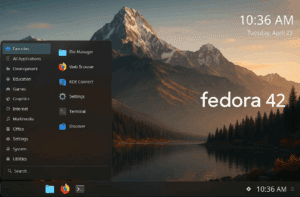
Transforming Fedora 42 KDE into a Stunning and Efficient Desktop
Fedora 42 KDE Edition has officially graduated from a spin to a full-fledged Fedora release, bringing the powerful KDE Plasma 6.3 desktop environment. Packed with performance enhancements, customization options, and a sleek design, Fedora...
Read More
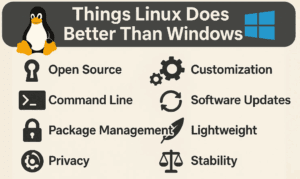
7 Things Linux Does Better Than Windows
Linux and Windows are both powerful operating systems, but they cater to different needs. While Windows dominates the market, Linux offers unique advantages that make it a compelling choice for many users. In this...
Read More
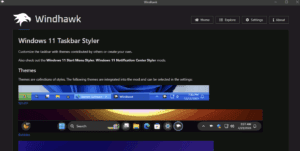
Customizing Windows 11 with Windhawk: A Complete Guide
If you’re like me and find Windows 11’s default interface limiting—especially the taskbar, Start menu, and right-click menu—you’ll be glad to know there are tools that allow deep customization. One such powerful tool is...
Read More
How to Customize Windows 11 for a Stunning and Smooth Experience
Do you want to make your Windows 11 system look visually stunning while keeping performance smooth and snappy? In this detailed guide, we’ll walk you through various steps to transform your desktop using themes,...
Read More
How to Customize Windows 11 Theme and Appearance Without Any Extra Software
Are you bored of the default look of your Windows 11 PC? Want to give it a fresh, modern appearance—without installing third-party software? This guide will show you how to customize your Windows 11...
Read More

How to Customize Windows 11 Desktop Using Rainmeter
If you are feeling a little bored with the default look of Windows 11, don’t worry — you’re not alone! Many users eventually want to spice up their desktop’s appearance, and today, we will...
Read More
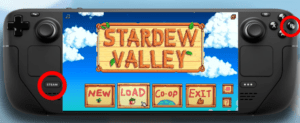
Unlocking Hidden Features and Settings on the Steam Deck
The Steam Deck is a versatile handheld gaming device packed with numerous hidden settings and features that can significantly enhance your gaming experience. In this article, we’ll guide you through some of these lesser-known...
Read More
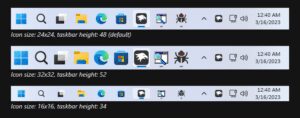
How to Change Taskbar Size in Windows 11 24H2: A Step-by-Step Guide
Microsoft has released a major update, Windows 11 24H2, bringing new features, enhancements, and greater customization options. One of the popular customizations involves changing the size of the taskbar to suit your preferences. Whether...
Read More

A Comprehensive Guide to Smartphone Choices: Android vs. iPhone
When it comes to smartphones, the debate between Android and iPhone users has been ongoing for years. Both platforms have their strengths and weaknesses, but making the right choice often boils down to personal...
Read More
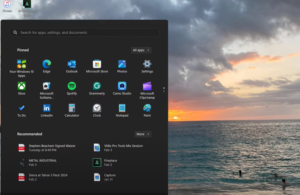
Tips to Remove Common Distractions From Windows 11
Windows 11 offers a sleek and modern interface, but it also comes with some built-in features that can be distracting. Whether it’s pop-up prompts, lock screen ads, or unwanted widgets, these can clutter your...
Read More
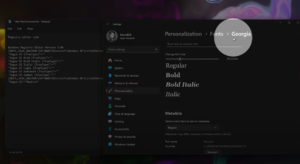
How to Change the Font in Windows 11/10 – Full Guide
If you’re tired of the default font on your Windows 11 or 10 and want to give your PC a personalized touch, changing the font is an easy way to start. This guide will...
Read More
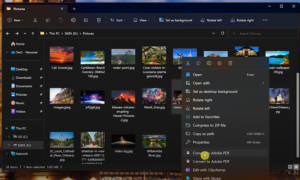
Top 20 Windows 11 Tips and Tricks to Enhance Your Experience
Windows 11 introduces several features designed to improve productivity, customization, and ease of use. Below are the top 20 tips and tricks you can utilize to make the most of your Windows 11 experience:...
Read More
Windows 11: 7 Hidden Tips to Boost and Customize Windows 11
Windows 11 brings a fresh interface, but there are several hidden features that can help you speed up and customize your experience. Here’s a detailed guide: 1. Move the Start Button The new default...
Read More