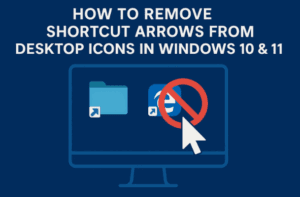
If you’ve ever noticed those little arrow icons on your desktop shortcuts, you’re not alone. By default, Windows adds a small arrow overlay to every shortcut icon — it’s meant to help users distinguish...
Read More
🖥️ 5+ Foolproof Steps to Optimize and Speed Up Your Windows PC Without Installing Any Software
If you’ve ever felt your computer getting slow — programs take forever to open, the system freezes randomly, or simple tasks like typing feel delayed — you’re not alone. Over time, Windows PCs can...
Read More
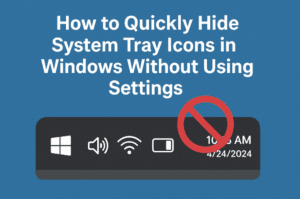
How to Quickly Hide System Tray Icons in Windows Without Using Settings
Your system tray (also known as the notification area) can get cluttered quickly—especially if you run a lot of apps in the background. From antivirus icons to third-party tools, having too many icons here...
Read More
How to Make Your Desktop Look Clean and Professional
Is your desktop cluttered and uninspiring? In this guide, you’ll learn how to transform your desktop into a sleek and professional workspace in just a few steps. We’ll cover customizing your wallpaper, updating your...
Read More