If you’re thinking about switching from a high-performance Windows laptop to the new Apple MacBook Air M4, hold on a minute. Let me share a brutally honest review from someone who’s done just that—so you don’t have to regret your decision later. No marketing fluff here, just a detailed breakdown of real-world usage, pros, cons, limitations, and a final verdict that might surprise you.
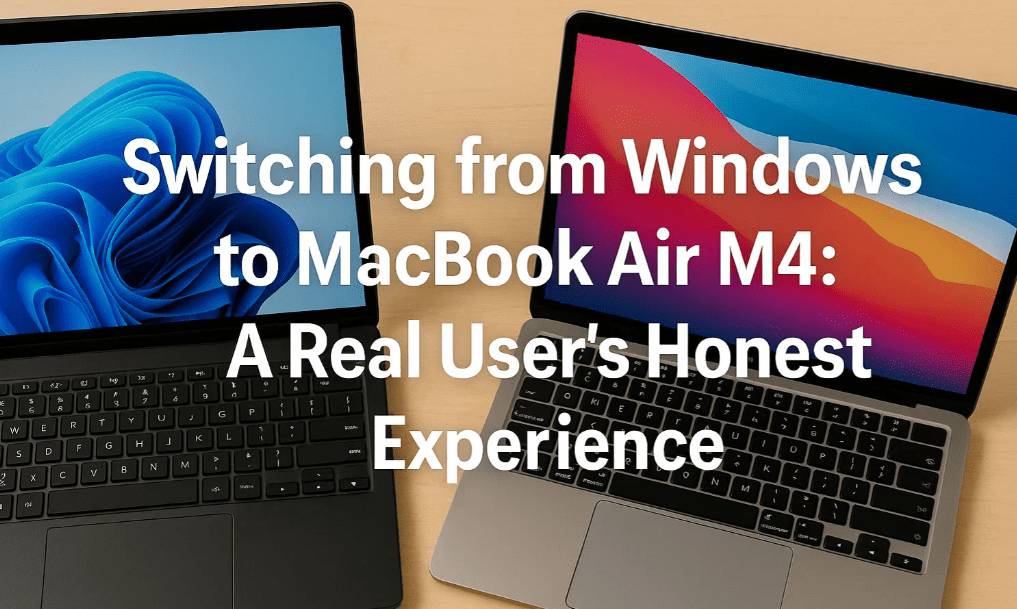
💻 From Ryzen Windows Laptop to MacBook Air M4
I originally used an Acer Ryzen 7 Windows laptop that cost around ₹1 lakh. It performed excellently—smooth multitasking, excellent GPU support (NVIDIA RTX 3060 with 6GB), great flexibility with ports, external monitors, and software compatibility.
Unfortunately, the GPU started giving issues. That’s when I thought of switching to Apple and purchased the MacBook Air M4.
- Cost of MacBook Air M4: ₹90,000
- Insurance and AppleCare: Additional ₹20,000
- Total cost: ₹1,10,000+
⚠️ Expectations vs. Reality: What You Must Know
At first glance, the MacBook Air M4 looks and feels premium. It’s sleek, silent, and the battery life is phenomenal. But here’s what no one told me before I made the switch:
🧱 Limitations That Hit Hard
1. Software Compatibility Issues
- You can’t freely install any software like you do on Windows.
- Many applications either don’t run on macOS or need extra payment or workarounds.
- For example, even basic video downloading tools don’t work easily.
2. File System and Speed Limitations
- macOS supports APFS or Mac OS Extended. If you format an external drive in exFAT (for Windows-Mac compatibility), speed drops significantly.
- So you’re cornered into buying specific Apple accessories and formats.
3. External Devices and Display Limits
- macOS officially supports only two displays. Want a third monitor? You’ll need a special dock costing ₹35,000+.
- On Windows, you can plug in multiple monitors using budget docks for just ₹1,000–₹2,000.
- The USB-C ports are limited to two. Using external drives, HDMI adapters, or accessories simultaneously is a mess.
4. Repairs Are Expensive
- MacBook keyboards and components are expensive to fix.
- Even with AppleCare, some repairs still cost extra. A keyboard replacement could cost ₹7,000+.
- On Windows laptops, similar repairs are usually cheaper and easier.
🔋 The One Area Where MacBook Excels
Let’s give credit where it’s due. The battery life is incredible.
- Even during heavy tasks like editing, rendering, or running Xcode, the MacBook runs for 6–7 hours easily.
- On the other hand, a high-performance Windows laptop gives just 1.5–2 hours on heavy load.
So if you’re a frequent traveler, this is a valid reason to consider Mac.
🎮 Performance Showdown: Windows vs. macOS
| Feature | Windows (Acer Ryzen 7) | macOS (MacBook Air M4) |
|---|---|---|
| Battery Life | ❌ 1.5–2 hours | ✅ 6–7 hours |
| GPU Performance | ✅ RTX 3060, 6GB | ⚠️ Integrated GPU |
| Gaming Support | ✅ Yes | ❌ Limited |
| Software Flexibility | ✅ Any software | ❌ macOS-limited |
| Port & Display Flexibility | ✅ HDMI, multi-monitor | ❌ Max 2 monitors |
| Price-to-Performance | ✅ High value | ❌ Low value |
| Repair & Upgrade | ✅ Easy and cheap | ❌ Complex and expensive |
❓ Common Questions Answered
Q: Is the MacBook Air M4 good for video editing?
A: Yes, it performs decently with Final Cut Pro and basic Adobe software, but don’t expect GPU-intensive performance like on Windows RTX laptops.
Q: Can I use it for gaming?
A: Not really. macOS has very limited game support, and there’s no proper GPU. If gaming is even a mild interest, stick to Windows.
Q: Is Mac better for battery life?
A: Yes, without a doubt. That’s the one area where Mac wins big.
Q: If I’m already using Windows, should I switch?
A: No. You’ll be spending extra money for fewer features. Stick to Windows unless you’re locked into the Apple ecosystem.
🛠 Must-Have Accessories for Mac (But Be Ready to Spend More)
- External SSD for storage: Samsung T7 SSD
- USB-C Dock: ₹10,000–₹35,000 range
- HDMI adapter for dual displays
- AppleCare+ Insurance (highly recommended)
💡 Final Verdict
If you’ve been using Windows for years, and someone tells you, “Mac will boost your productivity magically”—don’t fall for the hype.












You’re just going to spend 2–3x more money for limited flexibility, limited ports, limited software, and expensive upgrades. Sure, the MacBook looks premium and gives good battery life, but is it worth the headache and money? For most users—not really.
Instead, invest in a high-end Windows laptop with Ryzen 9 or Intel i9, 16” screen, and RTX graphics. It’ll cost the same or less and give you better freedom, performance, and peace of mind.
🛒 Recommended Windows Laptops:
- ASUS ROG Strix with RTX GPU – https://amzn.to/4np96Fk [Affiliate Link ]
- Acer Nitro 5 Ryzen 7 – https://amzn.to/3GntENW [Affiliate Link ]
- Lenovo Legion with Intel i9 – https://amzn.to/449YXoH [Affiliate Link ]
📝 Tags:
macbook air m4 review, windows vs macbook, mac limitations, battery life comparison, macbook accessories, macbook price in india, should I buy macbook, macbook vs windows performance, windows gaming laptop, real macbook experience
🔖 Hashtags:
#MacBookAirM4 #WindowsVsMac #TechReview #MacBookProblems #LaptopBatteryLife #MacBookIndia #AppleVsWindows #ProductivityLaptop #MacLimitations #HonestReview
⚠️ Disclaimer:
This article is based on personal experience with both Mac and Windows systems. Product specifications, prices, and features may vary based on region or updates by the manufacturers. Always cross-check with official sources or support teams before making a purchase decision.