Apple’s iOS 18.2 is finally here, bringing major improvements to Mail, Safari, Camera Control, and Apple Intelligence. Whether you’re using an iPhone 15 Pro or iPhone 16, this update enhances productivity, AI tools, and system-wide refinements.
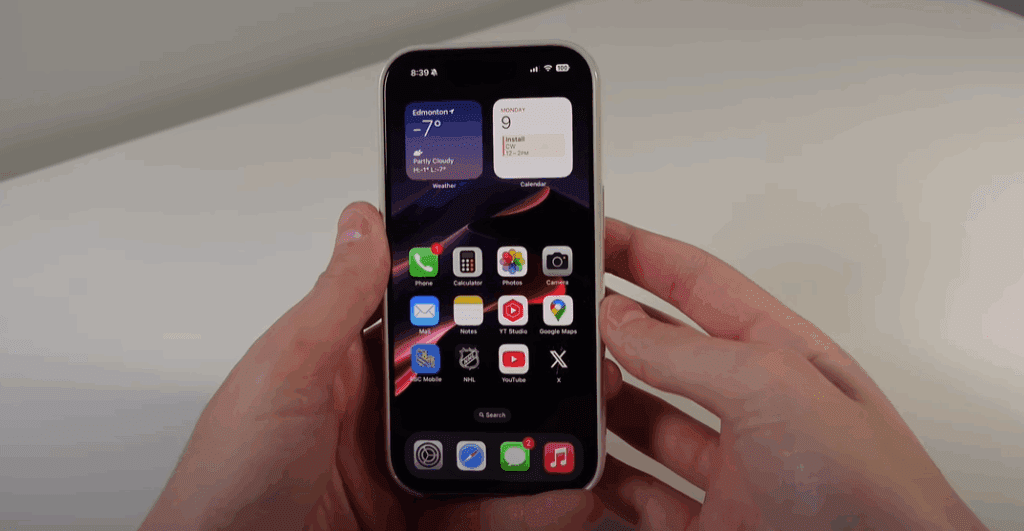
Here’s everything new in iOS 18.2:
1. Redesigned Mail App with Smart Tabs
- Color-categorized inboxes:
- Primary (important emails)
- Transactions (receipts, orders)
- News & Social (newsletters, updates)
- Promotions (deals, marketing)
- All Mail (full inbox view)
- Swipe gesture – Swipe at the top to switch between Primary and All Mail instantly.
📧 Finally, Gmail-like organization in Apple Mail!
2. Adaptive Settings Icons
- Icons in Settings now match your Home Screen theme.
- Changes based on Light/Dark Mode or custom icon colors.
🎨 A small but satisfying visual upgrade.
3. AirTag Sharing with Airlines
- Share AirTag location with airlines or trusted contacts.
- Ideal for tracking luggage during flights.
✈️ No more lost bags—if airlines support this feature.
4. Safari Downloads in Dynamic Island
- Live Activity tracking for downloads.
- Check progress without opening Safari.
📥 Long downloads? Now you can monitor them from anywhere.
5. Camera Control Upgrades (iPhone 16/Pro Only)
- Half-press to focus (like a DSLR).
- Lock screen toggle – Disable Camera Control when locked.
📸 Makes photography feel more tactile.
6. iPhone Mirroring Works Over Hotspot
- Control your iPhone from a Mac even when using Personal Hotspot.
💻 Seamless remote access, no Wi-Fi needed.
7. Volume Limit & Lock Screen Slider
- Set a max volume limit (protect your hearing).
- Volume slider returns to the Lock Screen music widget.
🔊 Finally, easier volume control while playing music.
8. Smoother Video Playback in Photos
- No more awkward resizing when tapping videos.
🎬 A subtle but welcome improvement.
9. Type to Siri in Control Center
- New widget for quick text-based Siri queries.
🤖 Perfect for silent environments.











Apple Intelligence Upgrades (iPhone 15 Pro/16 Only)
1. Smarter Writing Tools
- Describe changes in plain text (e.g., “Make this longer and professional”).
- ChatGPT-powered “Compose” – Generate emails, invites, or summaries.
✍️ No more staring at a blank page—AI writes for you.
2. ChatGPT in Siri
- Ask anything – If Siri doesn’t know, it automatically queries ChatGPT.
- No more “Here’s what I found on the web” responses.
🗣️ “Ask ChatGPT for a lemon chicken recipe” → Instantly get instructions.
3. Visual Lookup with ChatGPT
- Point your camera → Ask questions (“What plant is this?”).
- Works via Camera Control button (iPhone 16/Pro).
🌿 Identify objects, get care tips, and more.
4. Image Playground (Gimmicky but Fun)
- Turn sketches into AI art (e.g., draw a house → AI renders it).
- Create custom emojis (“Michael with a tennis racket”).
🎨 More fun than practical, but great for memes.
Final Verdict: Should You Update?
✅ Yes! If you want:
- Better Mail organization
- Smarter Siri (ChatGPT integration)
- Camera & Safari improvements
🚀 Best for:
- iPhone 15 Pro/16 users (full AI features)
- Frequent travelers (AirTag sharing)
- Productivity lovers (AI writing tools)
Update now and explore these features!
Tags: iOS 18.2, Apple, iPhone update, Apple Intelligence, ChatGPT, Siri, iPhone tips
Hashtags: #iOS18 #Apple #iPhoneUpdate #AppleIntelligence #ChatGPT #TechTips








