Microsoft will officially end support for Windows 10 on October 14, 2025, leaving millions of users wondering: what now? If you’re not ready to upgrade your hardware or switch systems, don’t panic. You still have multiple ways to extend the life of your current Windows 10 PC.
In this guide, we’ll explore legal, practical, and alternative options to keep your Windows 10 machine running securely and smoothly even after Microsoft ends mainstream support.
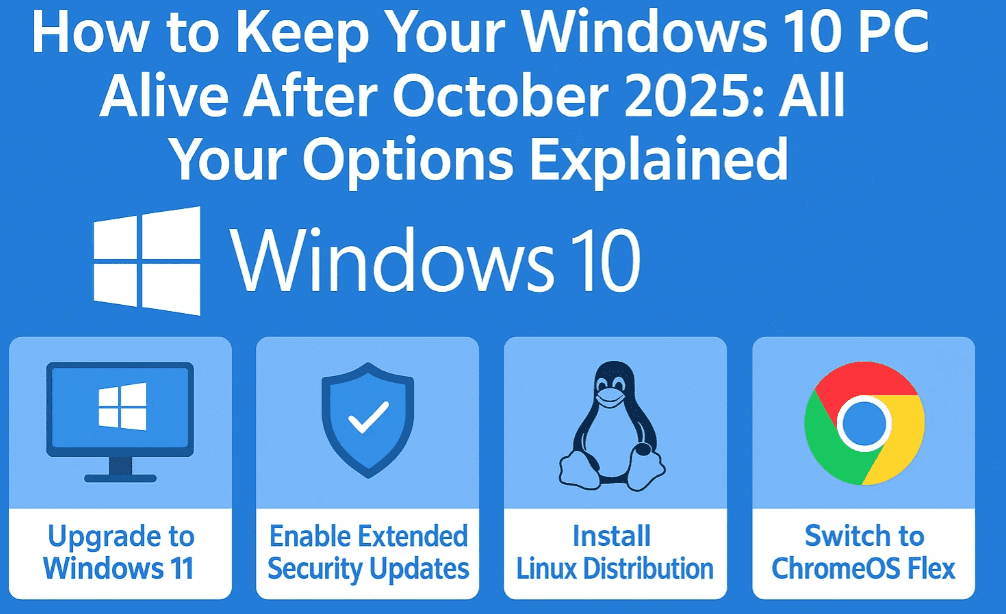
📅 Option 1: Use Windows 10 IoT Enterprise LTSC (Up to 2032)
Windows 10 IoT Enterprise LTSC is a specialized version of Windows 10 designed for industrial and embedded systems like MRI machines, POS systems, and control panels. But increasingly, home users are turning to it for one major reason: extended support until 2032.
Key Points:
- Version 21H2 is the last LTSC release for Windows 10 IoT, and it will not receive feature updates.
- Only security updates will be provided, making it a stable, low-maintenance option.
- Most modern apps and features are stripped out.
- Ideal for users who want a minimalist experience.
Important Considerations:
- Activation required: Activation keys are usually volume licenses for enterprise use. OEM or retail keys won’t work.
- Limited compatibility: Some apps (e.g. Adobe Suite, Nvidia drivers) may not install or function correctly.
- No personalization: Without activation, personalization features are locked (e.g. wallpaper, themes).
- Not designed for desktops: Software companies may stop supporting this version for desktop usage.
⚠️ Disclaimer: Installing and using Windows IoT LTSC for non-enterprise use may violate licensing terms.
🚀 Option 2: Switch to Linux for a Fresh Start
If you’re ready to explore an alternative ecosystem, Linux offers a wide variety of distributions (distros) that are:
- Free to use
- Highly customizable
- Lightweight and fast
- Free from ads, telemetry, and forced updates
Popular Linux Distributions:
- Zorin OS — Windows-like interface, beginner-friendly
- Linux Mint — Excellent for first-time Linux users
- Kubuntu — KDE-based, great UI/UX
- Ubuntu — Widely supported, robust community
- Manjaro — Arch-based, great performance
- Fedora KDE — Cutting-edge, ideal for advanced users
- KDE Neon — Latest KDE Plasma features
Installation Overview (Using Fedora KDE as an Example):
- Download the ISO file from the official website.
- Use a tool like Rufus to create a bootable USB.
- Boot from the USB and choose “Install Fedora KDE.”
- Set language, disk, root password, and user account.
- Complete installation and reboot.
- Customize your Linux environment with themes, widgets, and apps.
⚠️ Some software like Adobe Suite, Camtasia, or Microsoft Office desktop apps won’t run natively. Alternatives like LibreOffice or web versions are available.
🌟 Option 3: Join Microsoft’s Extended Security Updates (ESU) Program
Microsoft offers an Extended Security Updates (ESU) program to keep Windows 10 secure for one more year (2025–2026).
How to Join:
- Sign in with your Microsoft account to access the free one-year extension.
- Alternatively, pay $30 if you prefer not to link an account.
- Microsoft may extend this annually based on demand.
This option keeps kernel and system-level patches coming, making it a safe bet.
🧪 Option 4: Use 0patch for Micropatching
If Microsoft completely ends support, you can turn to 0patch.
What is 0patch?
- A micropatching service that delivers security fixes for unsupported OSes.
- Does not patch the kernel, but handles user-mode vulnerabilities.
- Requires a paid subscription: €24.95/year + tax per device.
Use 0patch only after Microsoft ends ESU, as it provides limited protection.
🕹️ Option 5: Lightweight OS Alternatives
If you want a simple OS without the complexities of Linux:












- FydeOS (Phoss) — A secure Chromium OS alternative
- Chrome OS — Ideal for browsing, web apps, and light computing
These systems are:
- Free or low-cost
- Fast and cloud-integrated
- Best for older hardware or casual users
❓ FAQ: Common Questions About Windows 10 Post-2025
Q1: Can I keep using Windows 10 without updates?
Yes, but it’s not recommended. Without updates, your system will be vulnerable to security threats.
Q2: Can I activate Windows 10 IoT LTSC with my retail key?
No. IoT LTSC requires volume licensing, which is typically used by enterprises.
Q3: Will Linux support gaming and video editing?
Partially. While platforms like Steam support Linux, tools like Adobe Premiere do not. You’ll need alternatives like Kdenlive, Shotcut, or DaVinci Resolve.
Q4: Should I switch to Linux or stick with Windows?
If your workflow is based on Microsoft and Adobe tools, stick with Windows + ESU. For general use and browsing, Linux is a great alternative.
🏆 Final Thoughts
Windows 10 may be nearing the end of its official life, but your PC doesn’t have to. Whether you choose to upgrade, switch, or extend, there are several paths forward:
- Microsoft ESU: Official, secure, and easy.
- Windows 10 IoT LTSC: Minimal, long-term but not ideal for desktop users.
- Linux: Free, private, and highly customizable.
- 0patch: A backup plan when all else ends.
- Lightweight OS: For those who just want web access.
Make your choice based on your needs, comfort level, and the type of applications you use.
📌 Tags:
windows 10 end of life, windows 10 alternatives, LTSC, IoT enterprise, linux for windows users, zorin os, ubuntu, linux mint, extended security updates, 0patch, chrome os alternatives, pc support after 2025
🌐 Hashtags:
#windows10 #EOL #LTSC #LinuxAlternatives #ZorinOS #Ubuntu #Fedora #0patch #ChromeOS #PCSupport








