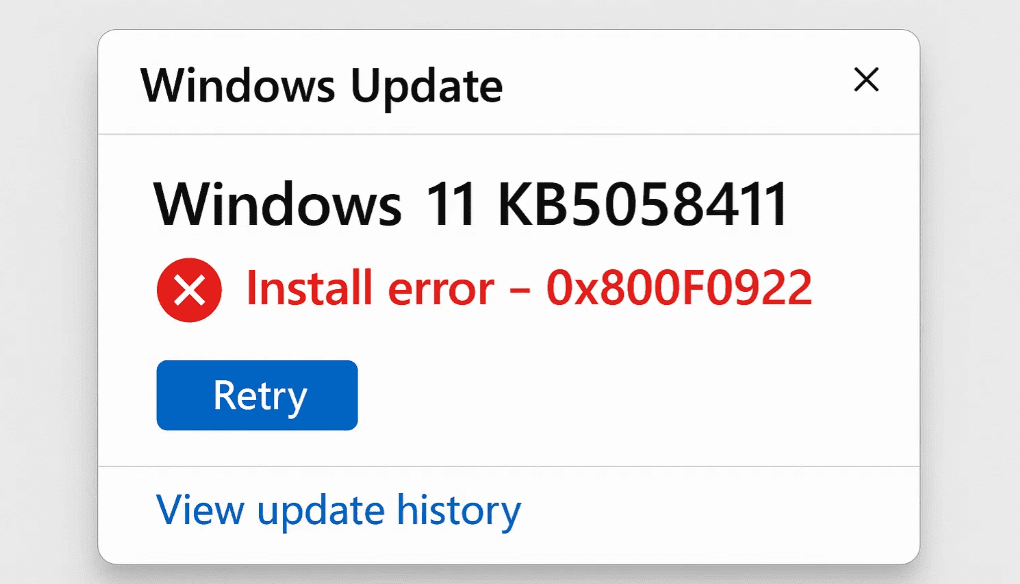
If you’re encountering the error 0x800F0922 while trying to install the KB5058411 update on Windows 11, you’re not alone. This issue often occurs due to conflicts with optional Windows features like Windows Sandbox, or due to insufficient system partition space.
This article provides a step-by-step solution to fix the problem by disabling the Windows Sandbox feature before retrying the update.
⚠️ Disclaimer: This article is for informational purposes only. Always ensure your data is backed up before modifying system settings.
🛠️ Step-by-Step Fix for Error 0x800F0922 During KB5058411 Update
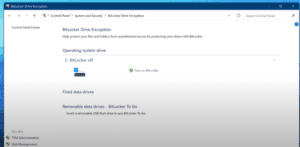
✅ Step 1: Open Control Panel
- Press the Windows key and type Control Panel in the search bar.
- Click on the Control Panel from the search results.
✅ Step 2: Access Programs and Features
- Inside Control Panel, click on Programs.
- Then select Programs and Features.
✅ Step 3: Modify Windows Features
- In the left sidebar, click on Turn Windows features on or off.
- A new window will appear showing optional Windows features.
✅ Step 4: Disable Windows Sandbox
- Scroll through the list and locate Windows Sandbox.
- Uncheck the checkbox next to Windows Sandbox.
- Click OK to confirm.
✅ Step 5: Restart Your Computer
- After clicking OK, Windows will prompt you to Restart Now.
- Click Restart Now and wait for your system to reboot.
✅ Step 6: Retry the Update Installation
- Once your PC restarts, go to Settings > Windows Update.
- Click Retry on the KB5058411 update.
- This time, the update should install successfully without error 0x800F0922.
📌 Why This Works
The Windows Sandbox feature can sometimes interfere with system-level updates, especially cumulative ones like KB5058411. Disabling it temporarily removes the conflict, allowing the update to complete. After a successful installation, you can re-enable Sandbox if needed.
🔖 Tags
windows 11 update error, kb5058411 fix, error 0x800f0922 solution, disable windows sandbox, windows update troubleshooting, windows 11 update failed fix, turn off windows features, control panel windows 11
📢 Hashtags
#Windows11 #KB5058411 #UpdateErrorFix #0x800F0922 #WindowsSandbox #TechGuide2025 #WindowsFixes #ControlPanel #WindowsUpdate #MicrosoftPatchFix
By following the steps outlined above, you should be able to fix the Windows 11 KB5058411 update error (0x800F0922) easily. This method is simple, safe, and doesn’t require any third-party tools. Always ensure that your system is properly configured and backed up before making such changes.
For official Windows update releases and support, visit:
🔗 https://support.microsoft.com/windows