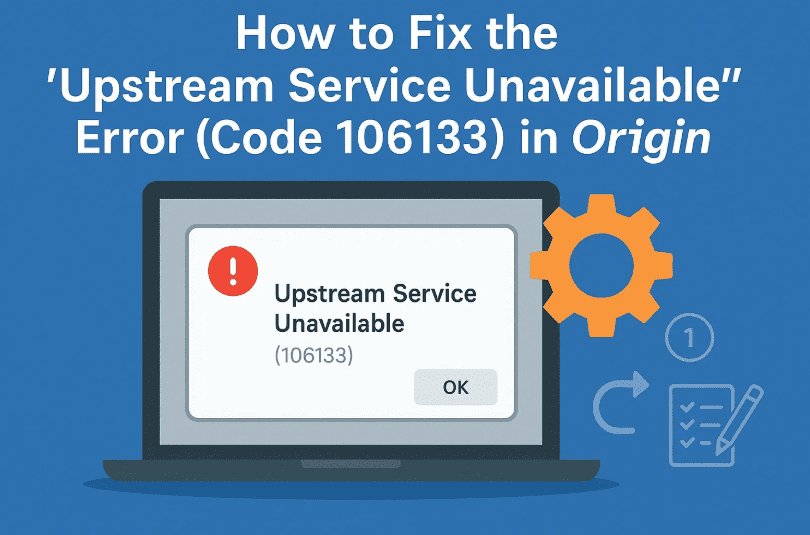
If you’re here, you’ve probably encountered the frustrating “Upstream Service Unavailable” error with Error Code 106133 while trying to launch a game or open the Origin launcher.
Whether it’s FIFA 21, The Sims, Apex Legends, or any other EA title—you’re not alone. This is a fairly common error reported by many Origin users, especially during outages or after certain updates. The good news? In most cases, you can fix it yourself with a few steps.
Let’s walk through a step-by-step troubleshooting guide that should help you resolve the problem.
🧠 What Causes the Error Code 106133?
The “Upstream Service Unavailable” error usually occurs when:
- Origin’s services are temporarily down
- Corrupted cache or temporary files are blocking communication
- Your game installation is broken
- Your Origin client is outdated
- Network or server-side issues exist on EA’s end
🛠️ Step-by-Step Fix for Origin Error 106133
We’ll start with some basic repairs and then move into a more advanced solution. Don’t worry—everything is simple, and I’ll explain each step.
✅ Step 1: Repair the Affected Game
If you’re facing the error on a specific game like FIFA 21 or Apex Legends, you can use Origin’s built-in Repair feature.
Here’s how:
- Open the Origin client
- Go to Game Library
- Right-click on the game showing the error
- Select Repair
🛠 This will scan for any missing or corrupted game files and replace them automatically. Make sure you’re connected to the internet while doing this.
So far, so good? Let’s move on to the next fix!
🔄 Step 2: Fully Sign Out and Close Origin
Before we start clearing temporary files, make sure Origin is completely closed.
- In Origin, click your profile icon and select Sign Out
- Press Ctrl + Shift + Esc to open Task Manager
- Look for Origin.exe in the list, right-click on it, and choose End Task
⚠️ We need Origin to be fully closed before removing its cached data. If it’s running, some files may not delete properly.




🧹 Step 3: Clear Origin’s Temporary Files (ProgramData)
Now we’ll delete Origin’s temporary files that could be causing this error.
- Press Windows + R and type:
%ProgramData% - Hit Enter and open the Origin folder
- Inside, delete all files and folders except for the folder named LocalContent
💡 The LocalContent folder holds game saves or important game-related data. Do not delete it.
Once done, close the window.
🧹 Step 4: Delete Cached Data from AppData
Now let’s clear out more cache files that can often lead to issues like Error 106133.
- Again, press Windows + R and type:
%AppData% - Press Enter and navigate to the Origin folder
- Delete everything inside
🗑 These files are just cache and logs—nothing critical.
🔁 Step 5: Restart Origin and Check for Updates
Now it’s time to reopen Origin and ensure everything is up to date.
- Launch Origin again
- Log in to your account
- Click Origin → Application Settings → Client Update
- Make sure “Automatic Game Updates” and “Keep Origin Updated” are both enabled
🔄 If there’s an update available, it will begin downloading. Let it complete and then try launching your game again.
🌐 Bonus Step: Check EA Forums for Real-Time Updates
If the error persists, it’s possible the issue is on EA’s servers. You can stay updated through EA’s official support channels:
🔗 EA Help Forum – Origin Known Issues
Sometimes, Origin backend services are temporarily down for maintenance or hit by server issues. If that’s the case, just wait for a few hours.
❓ Frequently Asked Questions
Q1: Will deleting Origin cache remove my games or progress?
A: No. Deleting cache or temporary files does not affect your installed games or saved progress. Just make sure you don’t delete the LocalContent folder in ProgramData.
Q2: Is this error caused by my internet connection?
A: Not usually. It’s often caused by corrupted Origin files or temporary server issues. However, if your connection is unstable, try restarting your modem/router too.
Q3: Can reinstalling Origin fix the issue?
A: Yes, in rare cases. But try the above steps first—they usually solve the issue without needing a reinstall.
✅ Final Thoughts
So far we’ve:
- Repaired the affected game
- Cleared temporary and cache files from both ProgramData and AppData
- Ensured Origin is updated and fully restarted
By following these steps, most users have reported that the “Upstream Service Unavailable” (Error 106133) was resolved successfully.
If you’re still seeing the error, give it some time. EA regularly pushes fixes via client updates, so make sure to keep checking for those.
📌 Tags & Hashtags
Tags: origin error fix, upstream service unavailable, error code 106133, fix origin launcher, origin temporary file cleanup, origin cache, ea error fix, fifa 21 error fix
Hashtags:
#OriginError #Error106133 #OriginFix #FIFA21 #EAGames #GamingFixes #TechBasedIn #LauncherErrors #GameTroubleshooting
⚠️ Disclaimer
This article is for informational and educational purposes only. While these steps are safe for most users, always back up your important data before deleting files or modifying app data. Tech Based In is not affiliated with EA or Origin and takes no responsibility for data loss.
If this guide helped you, feel free to share it with other gamers facing the same issue.