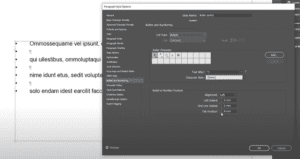
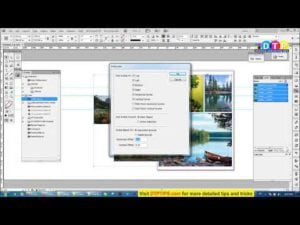
If you are a typesetter or layout designer, then very often you have to check for orphan or widow words. Here in this video I have explained the easiest method how you can fix them all in just one go — using GREP.
Go through the video shown below and thank me later.
Subscribe to Desktop Publishing Tips
Other videos from the GREP series
GREP Indesign CC Tutorial in Hindi: Introduction to GREP in Find and Change Menu
Subscribe to Desktop Publishing Tips
How to format Paragraph Styles for Email Formatting using GREP
Subscribe to Desktop Publishing Tips
How to create paragraph styles:
Subscribe to Desktop Publishing Tips
How to create character style





Subscribe to Desktop Publishing Tips
Creating automatic Title Case for Headings and Chapter Title using GREP
Subscribe to Desktop Publishing Tips