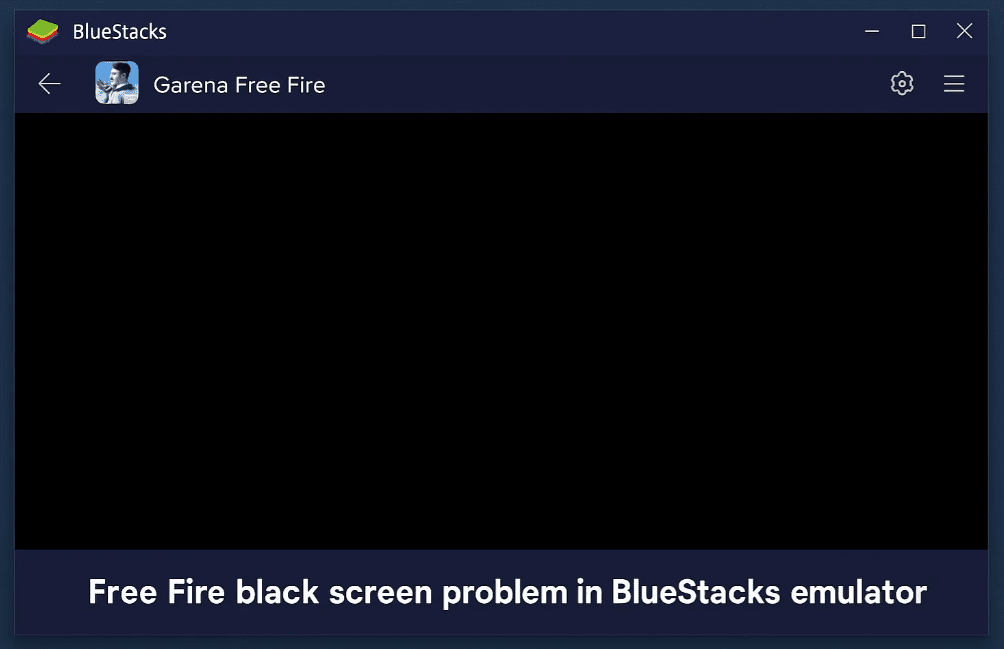
Are you experiencing a black screen issue when playing Free Fire on Bluestacks? Whether the black screen appears before or after launching the game, this guide will help you resolve the problem step by step.
Steps to Fix Free Fire Black Screen in Bluestacks
Step 1: Clear App Data & Cache
- Open Bluestacks Settings.
- Go to Apps and locate Free Fire.
- Force Stop the app.
- Clear Cache and Storage Data.
- Uninstall Free Fire.
Step 2: Download the Global Version of Free Fire
- If you were using a regional version, try installing the Global Version of Free Fire.
- Download the latest APK from a trusted source.
Step 3: Adjust Bluestacks Performance Settings
- Open Bluestacks Settings > Performance.
- Set RAM Allocation based on your PC specs:
- 4GB RAM PC → Allocate 2GB
- 8GB RAM PC → Allocate 4GB
- Change the Graphics Engine Mode:
- If set to OpenGL, switch to DirectX.
- If set to DirectX, switch to OpenGL.
- Try Vulkan (if available) for better performance.
Step 4: Change Device Profile
- Go to Bluestacks Settings > Device.
- Change from Default (Ask 2) to Samsung Galaxy S22 Ultra (or another high-end device profile).
- Save Changes and restart Bluestacks.
Step 5: Reinstall Free Fire & Test
- Install Free Fire again and check if the black screen issue is resolved.
Additional Tips
✔ Update Bluestacks to the latest version.
✔ Ensure your PC meets the minimum requirements for smooth gameplay.
✔ Close background apps to free up system resources.
Final Thoughts
By following these steps, you should be able to fix the Free Fire black screen issue in Bluestacks. If the problem persists, try experimenting with different graphics modes and device profiles for optimal performance.
Tags:
Bluestacks, Free Fire, Black Screen Fix, Gaming, Emulator, Free Fire Optimization, Bluestacks Settings
Hashtags:
#Bluestacks #FreeFire #GamingTips #EmulatorFix #BlackScreenFix #FreeFireTricks
For more details on Bluestacks, visit the official website: https://www.bluestacks.com
Disclaimer: This guide is for educational purposes. Ensure you download Free Fire from official sources to avoid security risks. Performance may vary based on PC specifications.