Want to make your own Bollywood-style music video with AI-generated music, lyrics, and visuals? With powerful AI tools like Suno AI, Leonardo AI, and HeyGen, you can create professional-quality music videos without any technical skills!
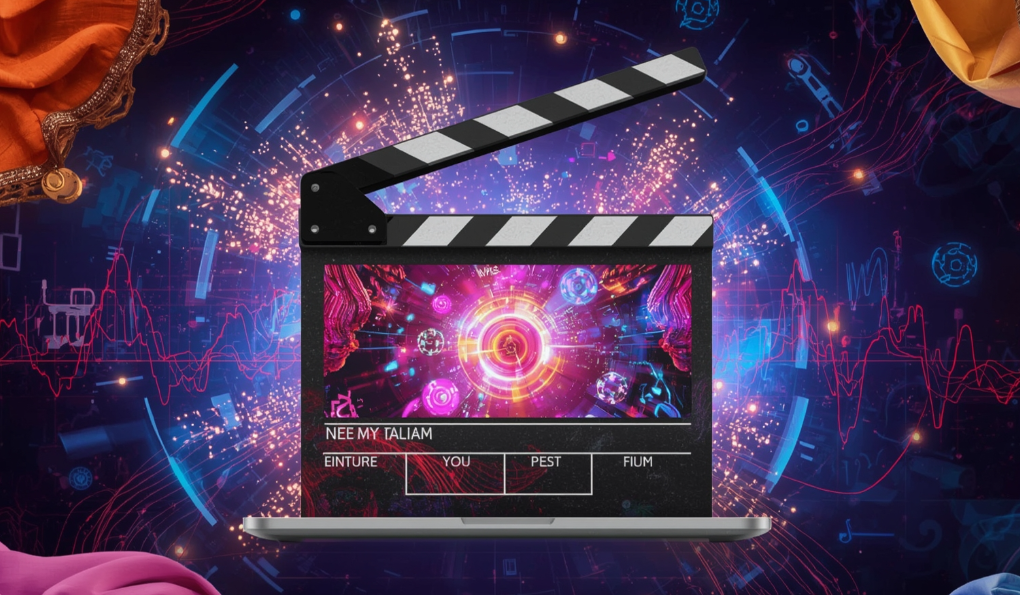
In this guide, we’ll walk you through the complete process—from generating AI music and lyrics to creating stunning visuals and compiling the final video.
Step 1: Generate AI Music with Suno AI
How It Works:
Suno AI lets you create original songs in any style—Bollywood, rap, romantic, or cinematic—just by entering a text prompt.
Steps to Create AI Music:
- Sign up on Suno AI (free daily credits available).
- Click “Create” and select “Custom Mode” for full control.
- Write or generate lyrics (or let Suno AI write them for you).
- Choose a music style (e.g., “Bollywood romantic”, “90s hip-hop”).
- Click “Create”—Suno AI will generate two song versions in seconds!
🎵 Pro Tip: Use ChatGPT to refine lyrics before pasting them into Suno AI.
Step 2: Create AI-Generated Lyrics
If you don’t want to write lyrics manually, AI can do it for you!
Using ChatGPT for Lyrics:
- Ask ChatGPT:
- “Write Bollywood-style romantic lyrics in Arjit Singh’s voice.”
- “Generate rap lyrics like Raftaar.”
- Copy the lyrics and paste them into Suno AI.
📝 Example Prompt:
“Write a sad Bollywood song about lost love in Hindi.”
Step 3: Generate AI Music Video Visuals
Now, let’s create AI-generated images for the music video using Leonardo AI.
🔗 Visit Leonardo AI
Steps to Generate AI Images:
- Sign up on Leonardo AI (free credits available).
- Select “Phoenix” model for high-quality images.
- Enter a detailed prompt (e.g., “Cinematic shot of a lonely man walking on a rainy street, Bollywood style, emotional mood”).
- Adjust aspect ratio (16:9 for videos).
- Click “Generate” and download the best images.
🖼️ Pro Tip: Use ChatGPT to generate scene-by-scene prompts for consistency.
Step 4: Convert Images to Video with AI
Now, turn your AI images into a dynamic music video using HeyGen or CapCut.
🔗 Visit HeyGen
Steps to Create the Video:
- Upload AI images to HeyGen.
- Apply camera movements (zoom, pan) for a cinematic effect.
- Import your AI-generated song as background music.
- Adjust timing so visuals sync with lyrics.
- Export in 1080p HD.
🎬 Alternative: Use CapCut or Adobe Premiere Pro for advanced editing.






Step 5: Final Touches & Export
- Add text animations (for lyrics).
- Apply color grading (warm tones for romance, dark for sad songs).
- Include transitions (fade, zoom effects).
- Export and share on YouTube, Instagram, or TikTok!
FAQs
Q1. Is Suno AI free?
✅ Yes, Suno AI offers free daily credits (limited generations per day).
Q2. Can I create consistent characters in AI videos?
✅ Yes! Use Leonardo AI’s “Alchemy” mode for character consistency.
Q3. Which AI tool is best for Bollywood-style music?
🎶 Suno AI is the best for Bollywood, romantic, and rap songs.
Q4. Do I need video editing skills?
❌ No! Tools like HeyGen automate most editing.
Final Thoughts
With AI tools like Suno, Leonardo, and HeyGen, anyone can create professional Bollywood music videos—no singing, filming, or editing skills required!
🚀 Try it yourself and unleash your creativity!
Tags:
AI Music Video, Bollywood AI Song, Suno AI, Leonardo AI, AI Lyrics, Free AI Tools
Hashtags:
#AIMusic #BollywoodAI #AIVideoEditing #SunoAI #LeonardoAI #AICreativity
⚠️ Disclaimer: AI-generated content may have usage limits. Always check platform terms before commercial use.








