Creating a fully responsive, professional website has traditionally been a daunting and time-consuming task. From designing the layout to deploying it live on a custom domain, the process requires knowledge in design, coding, and server configuration. But with AI rapidly evolving, there’s now a tool that automates almost everything.
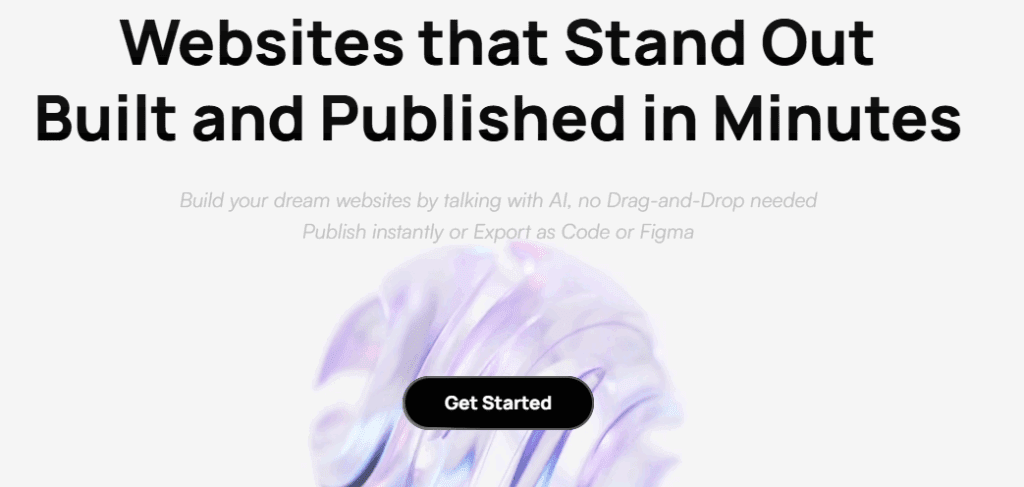
In this guide, I’ll walk you through how I used Readdy AI to create a stunning, responsive website in just a few hours—without writing a single line of code. Whether you’re a content creator, entrepreneur, or someone looking to build an online presence, this article will show you how to get your own website live with ease.
🚀 What is Ready AI?
Ready AI is a next-gen AI website builder that allows users to create, design, and publish complete websites using simple prompts, images, or references. With built-in animation tools, filtering systems, YouTube integration, and responsive design, Ready AI takes the heavy lifting out of website development.
🌐 Step-by-Step: How I Built My Website Using Ready AI
Step 1: Sign Up and Start a New Project
Visit Readdy AI and sign up for a free account (I got a 20% discount via a referral link). Once you’ve created your account, start a new project and you’ll be directed to build your first page.
Step 2: Define Your Page with a Prompt or Template
In the editor, you can use:
- Prompt box to describe your website in natural language
- Drag-and-drop templates
- Reference images for AI to mimic layout, colors, or style
I used a screenshot from Dribbble as my design inspiration, then added a detailed prompt using ChatGPT to describe layout, sections, animations, and color theme (a white/black alternating background with a purple-blue gradient accent).
Step 3: Generate the First Version
Once submitted, Ready AI generated a website mockup. It looked great, but I wanted to fine-tune a few things:
- Replace placeholder images with my YouTube trailer (autoplay enabled)
- Modify text, buttons, spacing
- Embed YouTube insights and videos
- Add a searchable and filterable section of AI tools
- Set up contact and consulting forms
All of this was done by simply typing out my requests or using the element selector tool.
🔧 Advanced Features and Customizations
🎥 Embed YouTube Trailer
I pasted a YouTube link, and Ready AI embedded the video with autoplay functionality inside the hero section.
🛠️ Searchable AI Tool Directory
I asked the AI to:
- Add a modern search bar and filter design
- Include tools with name, description, site link, and rating
- Auto-generate hashtags
- Make filters work for “Free”, “Premium”, and “Paid”
The backend functionality was set up by just typing:











“Make sure the filters and search bar work properly.”
📺 Embed Most Viewed YouTube Videos
I replaced static placeholders with actual YouTube videos and removed unnecessary description clutter.
💼 Add “Partner With Me” & Consulting Sections
With simple instructions, I added:
- Icons instead of checkmarks
- Embedded video in partner section
- Pricing and contact forms for consulting packages
- Responsive contact forms that collect user data directly
🧠 Smart Form Creation
By clicking “Get Started,” the site dynamically shows different session types (4-hour or 8-hour), and each form submission goes directly to my email and gets stored in Ready AI’s Data Collection section.
🌍 Connect Your Domain
To connect a custom domain:
- Go to your domain provider’s DNS settings
- Add an A-type DNS record
- Name:
@ - Type: A
- Value: IP address provided by Ready AI
- Name:
- Save and publish
My domain yourworkflow.co was live within minutes.
✅ Final Touches
- Checked all links
- Polished the text
- Ensured responsiveness on all devices
- Used Ready AI’s version history to compare different stages
Once everything was perfect, I clicked Publish—and my website was live.
💡 Why Ready AI is a Game Changer
- No coding or design skills needed
- Fully responsive out-of-the-box
- AI follows specific instructions without overwriting existing elements
- Embeds, filters, animations, forms—all automated
- Version control and fast deployment
🔗 Try Ready AI
You can try Readdy AI today and create your website within hours. Whether it’s for a business, personal project, or portfolio, this tool is powerful enough to deliver professional results—fast.
📌 Tags:
website builder, ai website builder, responsive website, ready ai, youtube integration, web design automation, ai tools, smart forms, seo website, no-code platform
📢 Hashtags:
#AIWebsiteBuilder #ReadyAI #WebDesign #NoCode #YouTubeIntegration #WebsiteAutomation #SmartForms #ResponsiveDesign #BuildWebsiteWithAI #AITools
Disclaimer: The AI tool described in this article, Ready AI, is a third-party platform. Features mentioned may change based on updates by the developers. Always review their terms and services before integrating for commercial or sensitive projects.
Let us know your experience if you’ve tried Ready AI, and feel free to share your live website link!








