If you’re considering diving into the world of Linux and want a powerful yet beginner-friendly distribution, Manjaro Linux is the ideal starting point. In this guide, we’ll walk through everything you need to know about Manjaro—from installation to its user interface and features—while highlighting why it stands out among Arch-based distributions.
🌟 Why Choose Manjaro Linux?
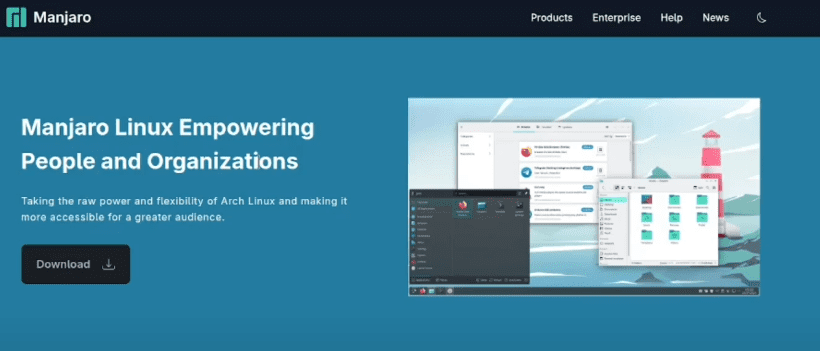
Manjaro is an Arch-based rolling release Linux distribution that simplifies the complexities of Arch Linux while retaining its flexibility and power. Arch Linux is notoriously difficult to install and configure, especially for newcomers. Manjaro, on the other hand, makes the process smoother with a graphical installer, pre-installed software, and excellent hardware support.
Manjaro is available in several desktop environments including:
- KDE Plasma (official)
- GNOME
- XFCE
- Community editions: Cinnamon, i3, Sway, etc.
It also offers three branches of updates:
- Stable
- Testing
- Unstable
These allow users to choose their balance between cutting-edge features and system stability.
💻 Step-by-Step Installation of Manjaro KDE Plasma (2025 Edition)
✅ Step 1: Download ISO File
Visit the official Manjaro website and choose your preferred desktop environment. For this guide, we’re using KDE Plasma, one of the most polished and modern environments supported officially.
✅ Step 2: Create Bootable Media
Use tools like Rufus (for Windows) or balenaEtcher to create a bootable USB from the downloaded ISO file.
✅ Step 3: Boot into Live Environment
Insert the USB drive and boot your system. You’ll have the option to boot with open-source drivers or proprietary drivers (useful for NVIDIA graphics).
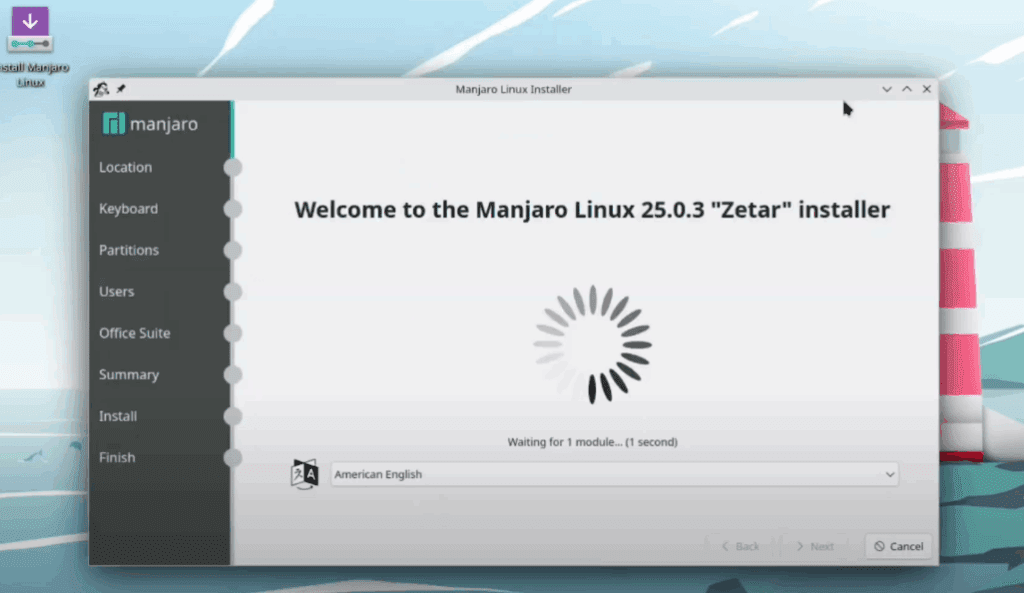
✅ Step 4: Start Installation
Launch the graphical installer and follow the prompts:
- Choose your language, keyboard layout, and region
- Select your partition setup (automatic or manual)
- Set up user credentials and passwords
- Choose whether to install an Office suite (optional)
Installation may take several minutes. Once done, reboot your system and remove the USB drive.







🔧 First Boot and Desktop Experience
Upon your first boot into Manjaro KDE:
- You’ll land on a beautifully themed desktop powered by KDE Plasma.
- Manjaro uses GSH (GNU Shell) instead of the default Bash, which enhances auto-completion and folder navigation.
- The system is pre-customized, offering user-friendly tools out of the box.
System Details:
- Kernel Version: 6.12.28 (Stable)
- Display Server: X11 (default, though Wayland is supported)
- Shell: GSH (not Bash)
- Package Manager:
pacman, with support for AUR (Arch User Repository)
🎨 Customization and Themes
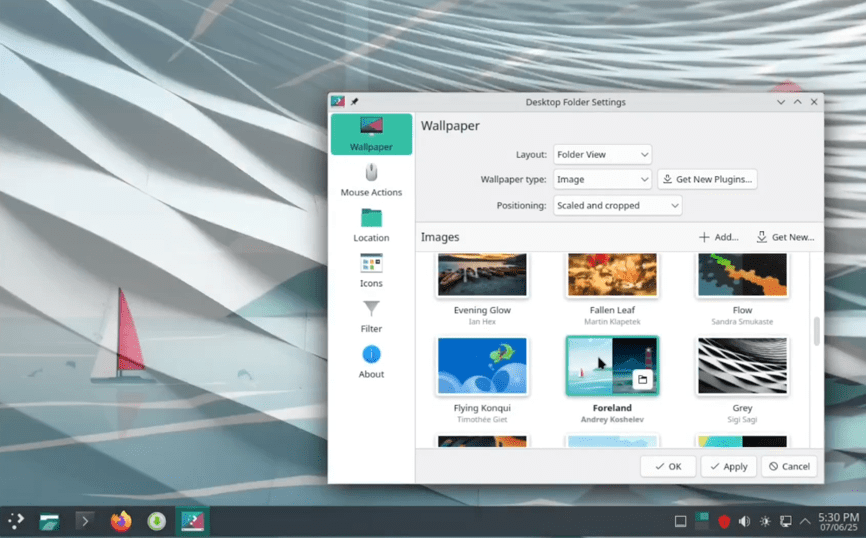
Manjaro KDE includes a rich selection of wallpapers and a polished dark mode. You can change the desktop appearance under:
- Settings → Display Configuration
- Settings → Appearance → Global Theme
It comes with a custom “Manjaro” theme applied throughout the system for visual consistency.
📦 Installed Packages Overview
By default, Manjaro KDE comes with around 119 packages, keeping the installation lightweight and clean. KDE is often considered bloated, but Manjaro KDE is surprisingly optimized.
You can check the number of packages using the command:
pacman -Q | wc -l
❓Q&A Section
Q1: Is Manjaro Linux good for beginners?
A: Absolutely! Manjaro is one of the most beginner-friendly Arch-based distributions, thanks to its graphical installer, curated software, and easy driver installation.
Q2: What is the difference between Manjaro and Arch Linux?
A: Manjaro is based on Arch but is pre-configured for easy use. It includes a graphical installer, preinstalled desktop environments, and a stable software repository.
Q3: Does Manjaro support AUR?
A: Yes, Manjaro provides access to the Arch User Repository (AUR) through AUR helpers like pamac or paru (though not pre-installed).
Q4: What shell does Manjaro use?
A: By default, the version reviewed here uses GSH (GNU Shell), a user-friendly alternative to Bash.
🧠 Final Thoughts
Manjaro Linux is a solid choice for anyone looking to explore the power of Arch without dealing with its steep learning curve. It’s user-friendly, customizable, and robust enough for both daily use and advanced tinkering.
With KDE Plasma’s modern interface and Manjaro’s rolling updates, this distro can easily become your daily driver—whether you’re new to Linux or an experienced user.
🔖 Tags:
linux, manjaro, manjaro-linux, arch-linux, kde-plasma, linux-installation, beginner-linux, gsh, pacman, linux-desktop
🔗 Hashtags:
#Linux #Manjaro #ManjaroLinux #ArchLinux #KDEPlasma #OpenSource #LinuxBeginners #Pacman #GSH
⚠️ Disclaimer:
This article is based on personal experience and system configuration. Software versions, UI, and performance may vary depending on hardware. Always refer to the official Manjaro documentation for the most accurate and updated instructions.







