Many people believe that upgrading to a high-performance Wi-Fi router will instantly boost their internet speed. After all, modern routers often advertise blazing speeds—like 5, 9, or even 46 Gbps. However, this common assumption is actually a misunderstanding of how internet and network speeds work.
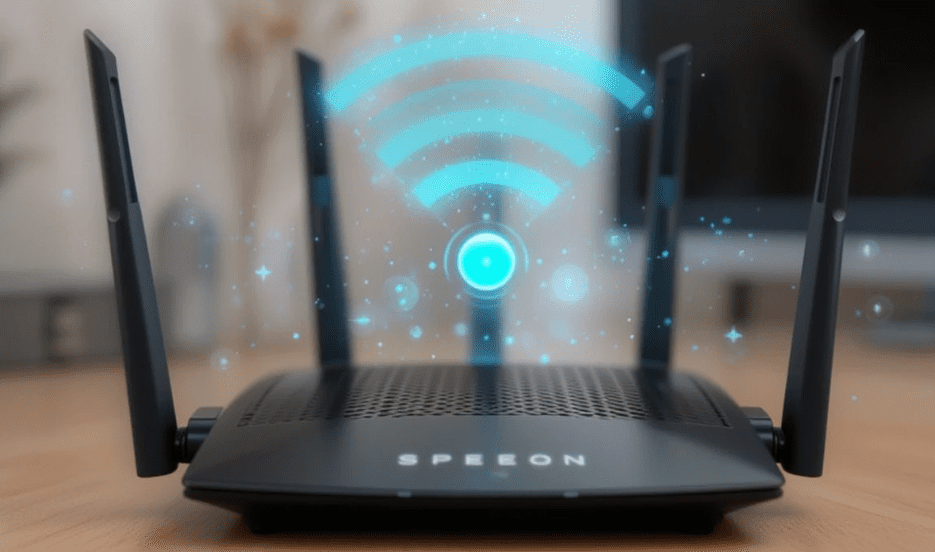
In this article, we’ll break down the difference between internet speed and Wi-Fi speed, what these high router speeds actually mean, and when upgrading your router makes sense.
Understanding Internet Speed vs. Wi-Fi Router Speed
When a router boasts extremely high speeds, these numbers refer to your internal network speed, not the internet speed coming into your home or business. The internal network speed determines how fast your devices (like laptops, smartphones, and smart TVs) can communicate with each other and with the router—not the speed at which you can access websites or download files from the internet.
🟢 Key Point:
Your actual internet speed is controlled by your Internet Service Provider (ISP), not your router. To increase it, you must upgrade to a faster internet plan.
How Internet Speed Works
Let’s say you subscribe to a 200 Mbps internet plan from your ISP. This means 200 megabits per second is the maximum speed your home is receiving from the outside world. When you do a speed test by directly connecting your computer via Ethernet cable, you’ll likely see a speed close to this number.
However, when using Wi-Fi, you may notice lower speeds. That’s not because your internet plan is slow—it’s because Wi-Fi introduces several variables that affect performance.
Why Wi-Fi Is Slower Than a Wired Connection
Wi-Fi transmits data through radio waves, which are subject to:
- Signal interference from walls or other electronics
- Physical distance from the router
- Network congestion in busy environments
- Security protocols and device compatibility
On the other hand, a wired Ethernet connection offers a direct, low-interference pathway to your modem, ensuring you get the full speed you’re paying for.
So Why Buy a High-Speed Wi-Fi Router?
If a faster router doesn’t increase your internet speed, then what’s the point of those gigabit ratings?
The answer lies in how your home network functions internally.
Benefits of High-Speed Routers:
- Efficient bandwidth sharing among multiple devices
- Smooth 4K or 8K streaming, online gaming, and large file downloads
- Support for technologies like:
- MU-MIMO (Multiple Users, Multiple Input, Multiple Output)
- QoS (Quality of Service) for prioritizing traffic
- Tri-Band or Dual-Band support
- Orthogonal Frequency-Division Multiple Access (OFDMA)
- RU Puncturing for better frequency use
- Integrated CPU and RAM for advanced performance management
When Should You Upgrade Your Router?
If your home has only 2–3 devices browsing the web or streaming, your current router might be enough. However, as the number of Wi-Fi devices increases (especially smart devices, phones, smart TVs, gaming consoles, etc.), performance issues can start to appear.








Once you approach 10 or more active devices, especially when streaming or downloading large files, a high-performance router can make a noticeable difference—not by increasing your internet speed, but by efficiently managing your existing bandwidth.
Important Takeaway
Even if you buy a Wi-Fi router that claims speeds of 5, 9, or even 46 Gbps, your internet speed will still be limited to what your ISP provides. So if you’re subscribed to a 200 Mbps plan, that’s the maximum speed you’ll get—regardless of how advanced your router is.
Upgrading to a better router simply helps distribute that speed more efficiently across multiple devices.
Recommendation
To get the most out of your internet plan—especially if you have many devices and high-bandwidth activities like streaming or gaming—a high-quality Wi-Fi router is essential.
✅ Check out a reliable high-speed Wi-Fi router here:
👉 Visit TP-Link Archer AX6000 (example)
(Note: Replace this with the actual router you want to recommend.)
Final Thoughts
While buying a high-speed router won’t increase the speed coming from your internet provider, it can vastly improve your internal network’s performance, particularly in device-heavy households.
So if your internet feels slow with many people streaming or gaming at once, it may be time to invest in a better router—not for faster internet, but for a smoother experience.
📌 Disclaimer
The information in this article is for general educational purposes only. Actual internet speed performance can vary based on ISP, plan, location, device compatibility, and usage. Always consult with your internet service provider before purchasing new hardware.
🔖 Tags:
internet speed, Wi-Fi router, network performance, home internet, ISP, MU-MIMO, OFDMA, fast Wi-Fi, TP-Link, broadband speed, tech tips, network setup
🔖 Hashtags:
#WiFiRouter #InternetSpeed #HomeNetwork #TechTips #NetworkingBasics #MU_MIMO #RouterUpgrade #FasterInternet #WiFiExplained #InternetTips








