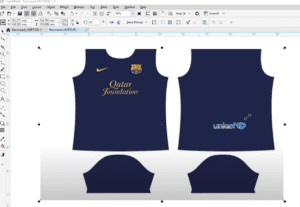
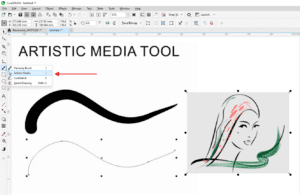
CorelDraw Tips 04: Change Default Object and Text Properties in Hindi

Change Default Object and Text Properties CorelDraw in HIndi
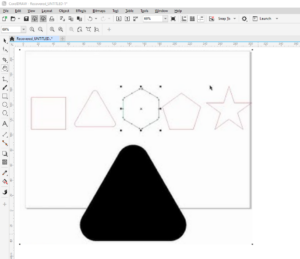
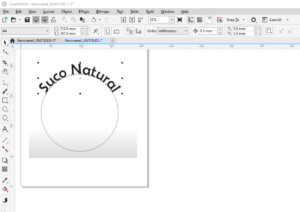
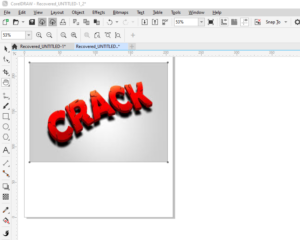
This is the complete tutorial on how to change the default properties of text and shapes on a newly created document. Very simple language I have used to describe all the elements.

Complete list of CorelDraw Tutorials : https://www.youtube.com/watch?v=3mGBy-5Y0Xs&list=PLlMSyScjQOQlDgUM7bgPSFiPmZfhABCKh


आपको यह वीडियो कैसी लगी मुझे कमेंट के माध्यम से जरूर बताएं इसके अलावा आप फोरम के माध्यम से भी अपने विचार अपने सुझाव या कोई अपनी परेशानी मेरे साथ शेयर कर सकते हैं मैं उनका उपाय ढूंढने की कोशिश पूरी कोशिश करुंगा|

Visited 1,223 times, 1 visit(s) today
Rakesh Bhardwaj

Rakesh Bhardwaj is a seasoned editor and designer with over 15 years of experience in the creative industry. He specializes in crafting visually compelling and professionally polished content, blending precision with creativity. Whether refining written work or designing impactful visuals, Rakesh brings a deep understanding of layout, typography, and narrative flow to every project he undertakes.

Leave a Reply

Your email address will not be published. Required fields are marked *

This site uses Akismet to reduce spam. Learn how your comment data is processed.