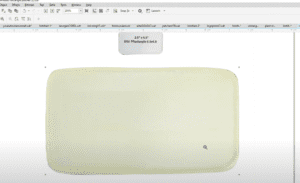
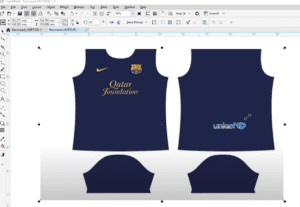
In this tutorial “How to print or set visiting cards or School Identitiy cards on A4 sheet of paper in CorelDraw” I will tell the easiest way to perform the job using the print preview command. In this tutorial I have used a school identity card and arranged it on an A4 sheet of paper so that I can print it using my own deskjet / inkjetor laserjet printer.
Want to download Logo Design, Background and Brochure design created in CorelDraw… Visit : vector-draw.com
CorelDraw in Hindi, Learn CorelDraw in Hindi, coreldraw video in Hindi, copy and paste in coreldraw, CorelDraw tips in hindi
-~-~~-~~~-~~-~-
You can also watch the complete list of tutorial on the location below:
-~-~~-~~~-~~-~-
Visited 682 times, 1 visit(s) today