Does your team waste time chasing information across emails, spreadsheets, and disconnected apps? Without a single source of truth, frustration builds, leading to delays and inefficiencies.
The solution? A custom business app—built in just 15 minutes—without writing a single line of code.
In this article, we’ll walk through a four-step process to create an app that solves real business problems, using Knack, a powerful no-code app builder.
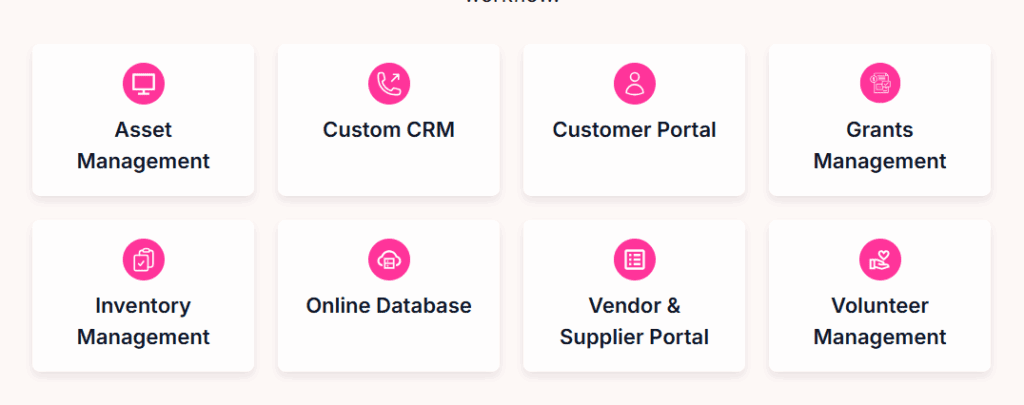
Step 1: Identify the Problem Worth Solving
The biggest mistake in app development? Building something nobody uses. To avoid this, focus on a problem that’s both painful and frequent.
Example: David’s Donut Den (A Consulting Business)
Two major pain points:
- Missed Billable Hours – Consultants forget to log time, losing revenue.
- Invoice Disputes – Clients question lump-sum bills without detailed records.
How to Find Your App-Worthy Problem
- Brainstorm a list of inefficiencies.
- Ask your team: How painful and frequent is each issue?
- Prioritize problems that are high-pain & high-frequency.
Step 2: Use a No-Code App Builder (Knack)
Instead of hiring developers, use Knack—an all-in-one app and database builder.
Getting Started
- Sign Up – Start a free 14-day trial.
- Choose a Template – Search for templates matching your problem (e.g., “Freelance Project Management”).
- Customize the App – Adapt it to your business needs.
Initial App Walkthrough
- Freelancer (Consultant) View – Log hours, track tasks, and manage projects.
- Client View – Review invoices and project details.
Problem Identified:
- Missing date tracking for timesheets (leading to invoice disputes).
Step 3: Customize the App for Your Business
1. Rebrand the App
- Rename the app (e.g., “David’s Donut Den Consulting”).
- Replace “Freelancer” with “Consultant” across all pages.
2. Add a Date Field to Timesheets
- Go to Tables > Time Trackings > Add Field.
- Name it “Date”, set type to Date (no time).
- Make it required to ensure accurate records.
3. Update Client Invoices
- Ensure the date field appears in invoices so clients see detailed billing.
Step 4: Automate Workflows (No-Code Automation)
To remind consultants to log hours daily, set up an automated email workflow using Knack Flows.
How It Works
- Trigger: Daily at 4:30 PM (before the workday ends).
- Action:
- Check if consultants logged time today.
- If no timesheet found, send an email reminder.
Testing the Flow
- Manually add a test timesheet for one consultant.
- Run the flow—only consultants who missed logging time receive reminders.
Final Result: A Fully Functional Business App
In under 15 minutes, you’ve built an app that:
✔ Tracks consultant hours with date stamps.
✔ Generates detailed client invoices.
✔ Automates daily reminders for timesheet entries.
Why Knack?
- No coding required – Drag-and-drop builder.
- Affordable – Plans start at $19/month (unlimited users).
- Scalable – Grows with your business.
Ready to Build Your Own App?
🚀 Start your free Knack trial here and streamline your business operations today!
Tags & Hashtags
Tags: NoCode, BusinessApp, Productivity, Automation, Knack, TimeTracking, Invoicing
Hashtags: #NoCode #BusinessAutomation #ProductivityHacks #KnackApp #SmallBusinessTech








What business problem will you solve with a custom app? Let us know in the comments! 🚀








