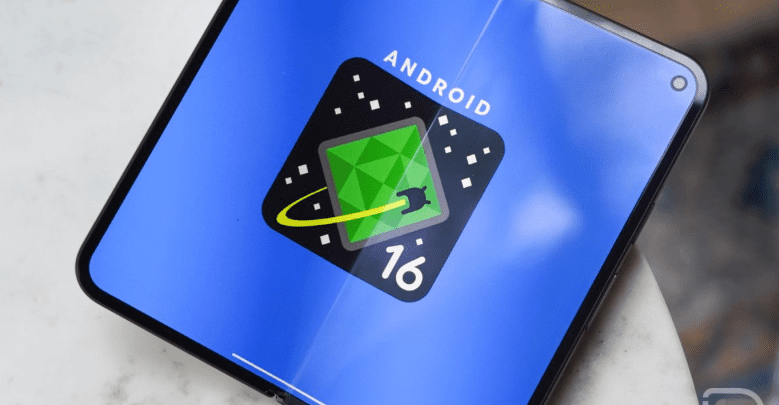
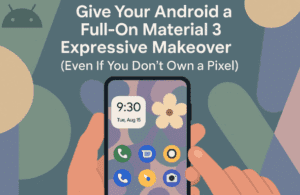
Google has just rolled out the Android 16 QPR1 Beta, introducing a major visual overhaul with Material 3 Expressive (M3E). This update brings bold new designs, dynamic animations, and enhanced personalization, making Android feel more alive, playful, and modern than ever before.
Whether you’re a Pixel user or just an Android enthusiast, this update is packed with exciting changes that redefine the user experience. Let’s break down everything new in Android 16 QPR1 and how it elevates the Pixel experience.
What’s New in Android 16 QPR1?
1. Material 3 Expressive: A Fresh, Dynamic Design
Google’s Material 3 Expressive (M3E) introduces:
- Vibrant new colors & fonts – A shift from cold, business-like UI to a friendlier, bubbly aesthetic.
- Physics-based animations – Elements now have bouncy, sticky motions, especially visible in the notification shade and app switcher.
- Improved readability & organization – Settings are now color-blocked, making navigation more intuitive.
2. Live Notifications (At-a-Glance Updates)
- Real-time progress tracking – Apps like food delivery, ride-sharing, or ticket purchases now display live updates directly in notifications.
- No more constant app refreshing – Essential info is visible without opening apps.
3. Redesigned Quick Settings & Notification Shade
- Blurred background – Creates a more immersive, layered look.
- New brightness slider with a grab handle – Smoother adjustments.
- Big “Clear All” button – Now at the bottom for easier access.
- Haptic feedback when swiping notifications – Makes interactions feel more tactile.
4. Revamped App Switcher (Recent Apps Menu)
- Bouncy animations – Apps spring back when you swipe others away.
- Smoother transitions – Feels more fluid and responsive.
5. Pixel Watch 3 & Wear OS Updates
- Circular, bubbly UI – Matches the Pebble-like design of the upcoming Pixel Watch 3.
- More cohesive ecosystem – Aligns with Material 3 Expressive on phones.
How to Install Android 16 QPR1 Beta
Want to try it now? Here’s how:
- Enroll in the Android Beta Program
- Visit Android Beta Program and opt-in with your Pixel device.
- Check for Updates
- Go to Settings > System > Software Update.
- Download the ~3GB update.
- Reboot & Enjoy
- After installation, your phone will restart with the new M3E design.
⚠️ Note: Beta software may have bugs. Backup your data before installing.
What’s Still Missing?
While this update is a huge leap forward, some long-requested features are still absent:
❌ Customizable “At a Glance” widget (still limited in functionality).
❌ Full theme engine (though M3E brings more color options).
Final Thoughts: Is This Android’s Best Look Yet?
Material 3 Expressive makes Android more dynamic, playful, and visually engaging—without copying iOS. The new animations, live notifications, and bold design choices set a fresh standard for stock Android.
If Google continues refining this direction, Android 16 could become the most visually distinct and customizable version yet.
Are you excited about these changes? Let us know in the comments!
Tags:
Android 16, Material 3 Expressive, Pixel Update, Android Beta, Google Pixel, Wear OS, UI Design
Hashtags:
#Android16 #Material3Expressive #PixelUpdate #AndroidBeta #GooglePixel #TechNews




Disclaimer: Beta software may contain bugs. Proceed with caution and back up your data before installing. This article is based on early beta impressions; final features may vary.








