Artificial Intelligence is no longer a distant concept—it’s becoming a core part of everyday web browsing. Microsoft and Google have started embedding their respective AI assistants directly into browsers like Edge and Chrome. This shift marks a significant transformation in how users interact with the web. If you’re curious about how AI is evolving inside browsers and what it means for your privacy and user experience, this article covers everything you need to know.
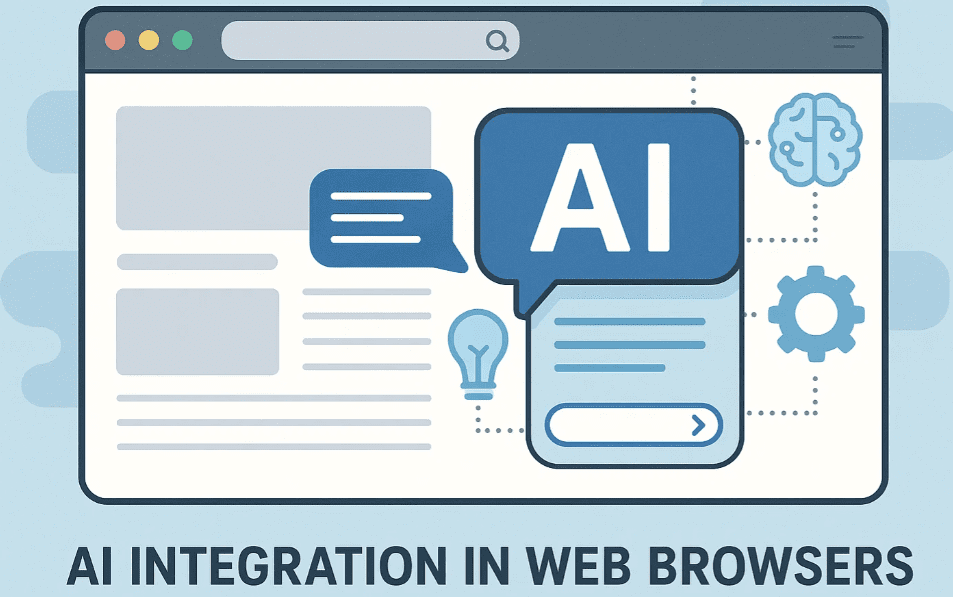
Microsoft Edge and CoPilot: A New Browsing Experience
Microsoft Edge is undergoing a noticeable AI-driven makeover, thanks to its integration with Microsoft Copilot. This assistant is becoming a permanent fixture within the browser. Once activated, Copilot changes the default behavior of the new tab page, replacing the traditional Bing search experience with a CoPilot-powered interface.
The impact is not merely visual. CoPilot integrates conversational AI capabilities and context-aware suggestions that enhance your browsing tasks, making search and productivity smoother and more intuitive.
However, some users are skeptical about this transformation, with concerns ranging from data privacy to the desire to avoid unnecessary AI assistance. Despite this, it’s worth noting that such AI integration is not exclusive to Edge—other browsers are following the same path.
Visit Microsoft Copilot: https://copilot.microsoft.com
Google Chrome and Gemini AI: Subtle But Expanding
Google is also stepping into the AI-integrated browsing experience with its AI model known as Gemini. While it may not be immediately visible like Copilot in Edge, Gemini is quietly being tested and integrated behind the scenes within Google Chrome.
You can explore these features by navigating to chrome://flags in the address bar and searching for the term Gemini. This reveals several experimental features tied to Gemini Nano, a lightweight AI model that’s designed for smooth performance on devices with limited resources.
While Google hasn’t activated these features for all users by default, they’re likely to become more mainstream soon. The good news is that Chrome users still retain control—most AI-related features in Chrome flags come with a “Disable” option, giving you the choice to turn off Gemini features if you prefer a traditional browsing experience.
Visit Google Gemini (via Bard): https://gemini.google.com
AI is Inevitable Across All Platforms
Whether you use Microsoft Edge, Google Chrome, or even an alternative browser built on Chromium, AI integration is becoming the norm. These AI assistants are not limited to a specific ecosystem—they are slowly becoming part of all major platforms, including open-source systems like Linux.
Some users assume Linux is safe from AI-driven changes, but this is a misconception. Various Linux distributions are also beginning to integrate AI-based tools, assistants, and features, especially as enterprise and productivity software expands AI capabilities to multiple platforms.










How to Stay in Control
Even though AI is becoming unavoidable in modern browsers, users still have options:
- In Edge: You can disable or restrict CoPilot by adjusting settings under the sidebar and new tab customization.
- In Chrome: Head over to
chrome://flagsand disable specific Gemini-related flags to limit AI functionality.
Remaining informed about these changes and how to manage them is key to maintaining control over your digital environment.
Conclusion
The future of web browsing is AI-assisted, whether it’s Microsoft CoPilot, Google Gemini, or any other upcoming model. While these tools can significantly enhance productivity and streamline tasks, it’s essential for users to be aware of their presence and manage settings according to personal preferences.
Stay updated, stay informed, and take charge of how AI influences your browsing habits.
Tags:
Microsoft Edge, CoPilot, Google Chrome, Gemini AI, Chrome Flags, AI in Browsers, Disable AI in Chrome, Microsoft AI, Google Gemini, Browser AI Assistant, Chromium AI Integration, Linux and AI
Hashtags:
#MicrosoftEdge #CoPilot #GoogleChrome #GeminiAI #BrowserAI #AIFeatures #TechUpdate #AIinBrowsers #LinuxAI #DigitalPrivacy #DisableAI #ChromeFlags
Disclaimer:
The information provided in this article is for educational purposes only. While efforts have been made to ensure accuracy, AI features and browser settings are subject to frequent updates by Microsoft and Google. Please refer to the official websites for the latest information.