Have you ever struggled with pixelated prints or low-quality images? Whether you’re a photographer, designer, or just someone who loves beautiful visuals, there’s a powerful AI tool that can enhance your photos and turn them into stunning high-resolution masterpieces.
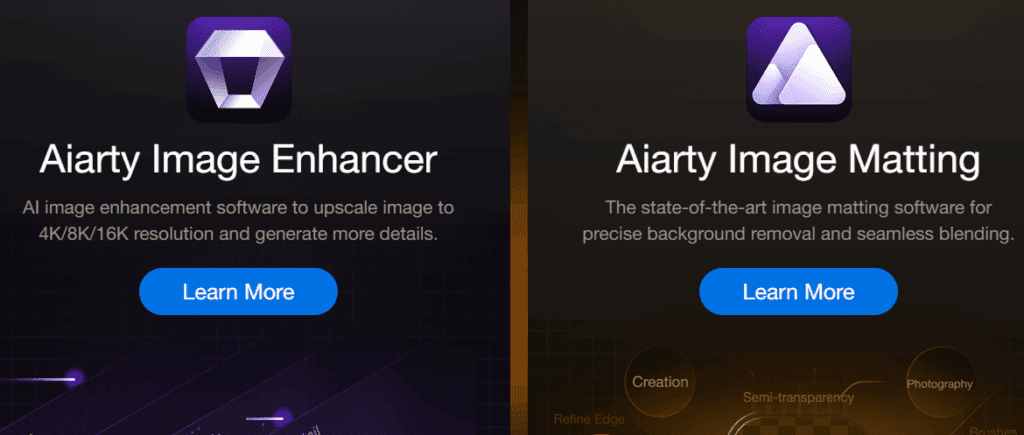
In this article, we’ll explore how AIarty Image Enhancer can upscale your images to 4K, 8K, and even 32K resolution, making them perfect for large prints at 300 DPI or higher quality.
Step-by-Step Guide to Enhancing Images with AIarty
1. Download and Install AIarty Image Enhancer
First, visit the AIarty Image Enhancer website and download the software. The installation process is simple—just follow the on-screen instructions.
Once installed, you’ll see a clean and user-friendly dashboard, making it easy to navigate even for beginners.
2. Upload Your Image
You can either:
- Drag and drop your image into the software
- Click “Browse” to manually select the file
For demonstration, let’s take an old, low-resolution image. Once uploaded, the AI will automatically enhance it within seconds.
3. Choose an AI Enhancement Model
On the right-hand side, you’ll find different AI enhancement options:
- Real Photo (natural enhancement)
- Smooth (softens details for a cleaner look)
- More Detail (sharpens textures for high clarity)
Experiment with these options to see which works best for your image. In most cases, “More Detail” provides the best results.
4. Upscale Your Image
Next, use the Upscale feature to increase resolution:
- Select from preset options (1K, 2K, 4K, 8K)
- Or choose Custom Resolution (up to 32K for ultra-high-definition prints)
For optimal results, 4K or 8K is usually sufficient, but higher resolutions are great for large-format printing.
5. Export Your Enhanced Image
Once satisfied with the enhancements:







- Click the Export button (arrow icon).
- Choose your file format (PNG 8-bit, PNG 16-bit, or JPG).
- Adjust the compression level (lower value = larger file size but better quality).
- Select the output folder and click “Run”.
Your high-resolution, AI-enhanced image is now ready for use in posters, albums, logos, or digital art!
Why Use AIarty Image Enhancer?
✅ Massive Upscaling – From low-res to 8K/32K
✅ Multiple AI Models – Choose the best enhancement style
✅ Perfect for Print – 300 DPI+ quality for large prints
✅ User-Friendly – Simple drag-and-drop interface
Final Thoughts
Whether you’re restoring old photos, improving logos, or preparing images for professional printing, AIarty Image Enhancer is a game-changer.
🔗 Try AIarty Image Enhancer Now
Tags:
Image Enhancement, AI Upscaling, High Resolution, Photo Editing, AI Art, Digital Design, Print Ready, AI Tools
Hashtags:
#AI #PhotoEnhancer #UpscaleImages #4K #8K #ImageQuality #AIPhotoEditing
Disclaimer: Results may vary based on the original image quality. AIarty offers a 30-day money-back guarantee. Check their website for promotions and giveaways.
Upgrade your images today and experience the power of AI enhancement! 🚀







