If you own a Roku device, understanding how your remote works can save you time and frustration. Not all Roku remotes require pairing—some work right out of the box, while others need a quick setup. This guide explains the differences between simple infrared (IR) remotes and enhanced RF remotes, along with step-by-step pairing instructions.
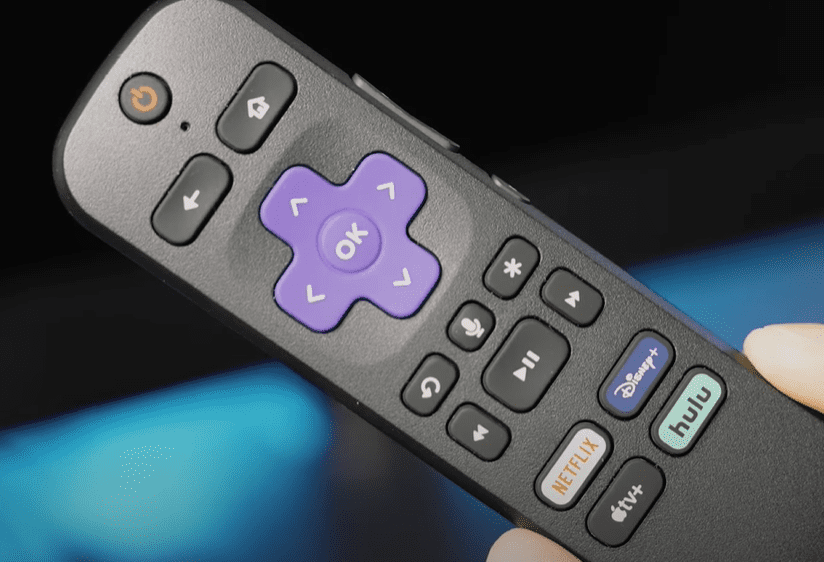
Types of Roku Remotes
1. Simple Infrared (IR) Remote
- No pairing required – Works via infrared signals.
- Direct line of sight needed – Must point directly at the Roku device.
- How to set up:
- Insert batteries.
- Point the remote at the Roku player.
- Press any button—it should work immediately.
2. Enhanced RF Remote
- Uses radio frequency (RF) – No need for direct line of sight.
- Requires pairing – Features a pairing button inside the battery compartment.
- Ideal for:
- Roku devices hidden behind cabinets.
- Users who prefer controlling their Roku from any angle.
How to Pair an Enhanced Roku Remote
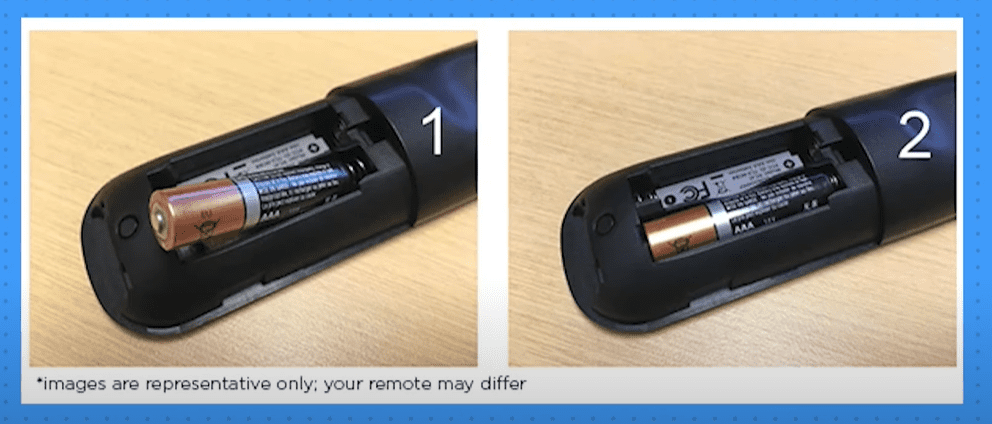
Step 1: Insert Batteries
- Open the battery compartment.
- If it’s an enhanced remote, you’ll see a small pairing button inside.
Step 2: Restart Your Roku Device
- Unplug your Roku player from power.
- Wait 60 seconds, then plug it back in.
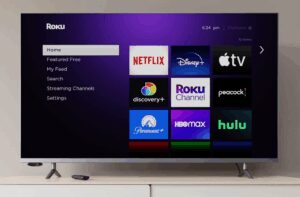
- Let the device fully reboot (you’ll see the Roku home screen).
Step 3: Initiate Pairing Mode
- Remove the battery cover (if not already open).
- Press and hold the pairing button for 3-5 seconds.
- A pairing notification will appear on your TV screen.
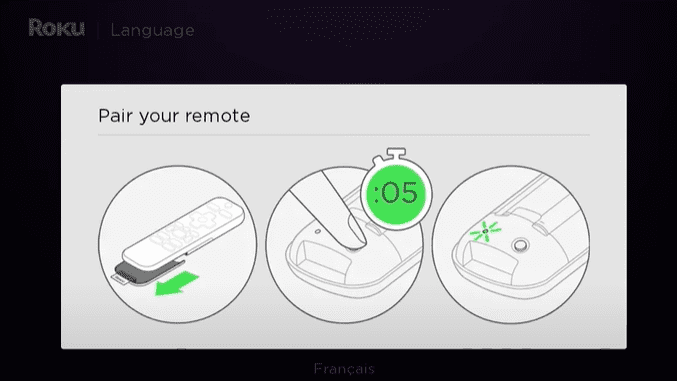
Step 4: Confirm Successful Pairing
- Once paired, the remote should respond immediately.
- If issues persist, repeat the process or check Roku’s official support page.
Troubleshooting Common Remote Issues
- Remote not responding?
- Replace batteries.
- Ensure no obstructions block the IR sensor (for simple remotes).
- Pairing fails?
- Restart your Roku device.
- Move closer to the player during pairing.
Final Thoughts
Knowing whether your Roku remote is IR-based or RF-enhanced helps streamline setup. Simple remotes work instantly, while enhanced remotes offer flexibility with a quick pairing process.
For more troubleshooting, visit Roku’s Help Center.
Tags:
Roku remote, Roku setup, streaming devices, IR remote, RF remote, Roku troubleshooting, Roku pairing
Hashtags:
#Roku #Streaming #RemoteSetup #TechGuide #RokuTips #HomeEntertainment
Visited 66 times, 1 visit(s) today