Have you ever wondered how computers communicate with each other across the globe? It might seem like magic, but in reality, it’s a well-orchestrated system known as computer networking—a complex yet fascinating field that forms the backbone of our digital world.
Imagine a bustling city with roads, highways, intersections, and traffic lights. These elements enable people to travel and communicate efficiently. Similarly, computers rely on a virtual network to exchange data, and just like urban planning, networking involves many intricate details.
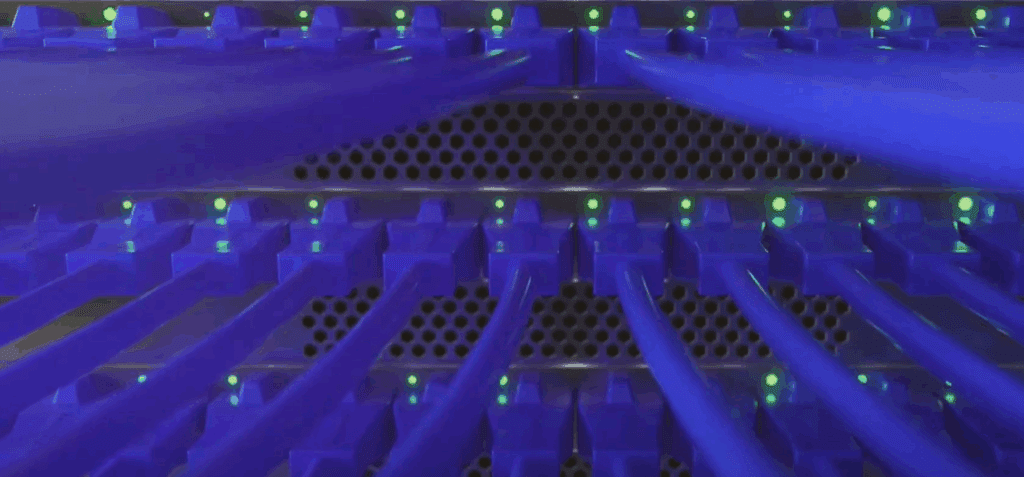
This article will walk you through the core components of computer networking in a simple, easy-to-understand manner.
IP Addressing: The Digital Home Address
Think of an IP address as a unique home address for each device on a network. Just as every house has a unique number, every computer, smartphone, or smart device connected to a network has its own IP address.
An IP address is typically made up of four numbers separated by dots (e.g., 192.168.1.1). Each number ranges from 0 to 255. This identifier is crucial for routing data—whether it’s sending an email, streaming a video, or loading a webpage.
Your data gets broken into small units called packets, and the IP address acts like the destination written on an envelope, ensuring those packets reach the correct device.
Subnet Masks and Subnets: Organizing the Network
A subnet mask is used alongside an IP address to divide networks into smaller segments known as subnets. Think of a subnet as a neighborhood within a city. Just as neighborhoods make a city more organized and manageable, subnets help reduce network congestion, improve security, and streamline data routing.
By dividing a large network into smaller subnets, network administrators can manage and monitor data flow more efficiently.
Switches: Traffic Controllers of the Network
In our city analogy, switches are like traffic lights at intersections. They manage the flow of data, ensuring that packets get to the correct device without collisions or confusion.
Switches operate at the data link layer of the OSI model and use MAC addresses (physical addresses of devices) to guide data. By creating specific data paths, they improve the efficiency and safety of data travel within the network.
Routers: The Highway System
While switches manage local traffic, routers are like the highways connecting different neighborhoods—or even different cities. Routers connect multiple networks and ensure data packets are routed to the correct destination, whether it’s across the room or around the world.







Routers also play a vital role in determining the best path for data to travel, ensuring optimal speed and efficiency.
Firewalls: The Network Bodyguards
Security is essential in networking. That’s where firewalls come in. A firewall acts like a bodyguard or security checkpoint for your network. It filters incoming and outgoing data, allowing only authorized communication to pass through.
Firewalls are crucial for protecting against cyber threats and preventing unauthorized access.
DMZ: The Buffer Zone
A DMZ (Demilitarized Zone) in networking is a neutral area that separates your internal network from the external internet. It’s typically used to host services that need to be publicly accessible (like a web server), while still protecting your private network behind an additional layer of security.
Think of it as a safe visitor lobby before entering the main office building.
LAN, WAN, and NAT: Understanding the Broader Picture
- LAN (Local Area Network) refers to a network within a small area, like a home, office, or school.
- WAN (Wide Area Network) covers a larger geographical area and can span cities, countries, or even continents. The internet is the largest WAN.
NAT (Network Address Translation) is a technique that allows multiple devices on a LAN to share a single public IP address. It’s what enables your phone, tablet, and computer to all access the internet through one home router.
Wrapping Up: The Big Picture
From IP addresses to NAT, switches to firewalls, these components work together like the gears of a watch to keep our digital world ticking. Understanding these fundamental concepts is not only essential for aspiring IT professionals but also helps everyday users appreciate the invisible systems that power their online lives.
Remember, every networking expert started from the basics. Don’t be overwhelmed by the technical terms—think of it as an exciting puzzle waiting to be solved.
Keep learning, stay curious, and explore further into the world of computer networking. Your journey begins here.
Tags:
computer networking, ip addressing, subnetting, network switch, router, firewall, DMZ, LAN, WAN, NAT, beginner networking guide, network fundamentals, OSI model, network basics
Hashtags:
#computerNetworking #IPaddress #Subnetting #Router #Switch #Firewall #LAN #WAN #NAT #CyberSecurity #TechBasics #Networking101








