Artificial Intelligence (AI) is rapidly becoming an essential part of everyday life—not just for tech-savvy individuals but for everyone. Whether you’re a student, content creator, researcher, or simply someone looking to become more productive, these 7 AI tools will supercharge your smartphone and help you stay ahead in the AI revolution.
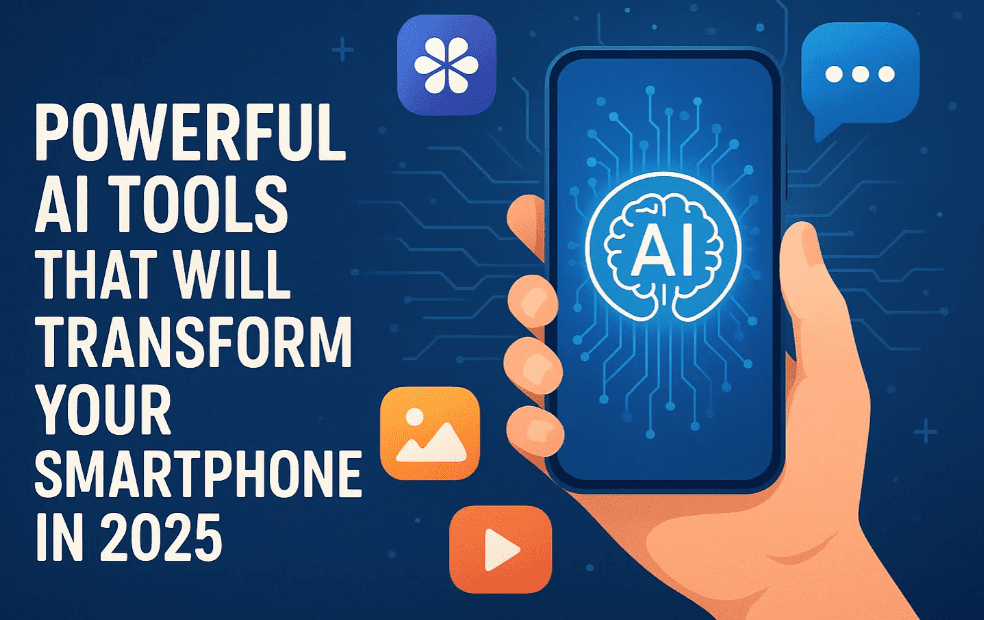
This article explains each app in detail, how to use it, and who it’s best suited for. Let’s dive in.
1. NotebookLM by Google
What it does:
NotebookLM is an AI-powered research assistant by Google. It helps you interact with documents (like PDFs, articles, and books) and ask questions based on their content.
Key Features:
- Upload any document (PDF, article, video transcript)
- Ask questions based on the document’s content
- Create summaries, quizzes, and even podcasts
- Offers audio-based interaction
- Ideal for students, journalists, and researchers
Use Case Example:
You can upload a 500-page PDF textbook, and then ask, “What are the important questions for my final exams?” It will generate Q&A-style outputs automatically.
2. Manus AI
What it does:
Manus AI is an autonomous AI agent that executes tasks step-by-step like a human assistant.
Key Features:
- Works like a virtual human assistant
- Executes tasks such as research, website creation, mind-mapping
- Accepts text and image input
- Can describe or modify images
- Offers both free and pro plans
Use Case Example:
You can give it a task like “Create a basic website structure,” and it will break down and complete each step automatically.
3. MyMind






What it does:
MyMind is an AI-based personal organizer that captures everything you’re viewing on your phone and stores it contextually for later use.
Key Features:
- Save articles, tweets, reels, or any content from your screen
- Organize all saved content intelligently
- Keeps your data private (100% secure)
- Great for creatives, researchers, and avid readers
Use Case Example:
While browsing Instagram or reading a tweet, share it with MyMind and it will store the content along with context for future reference.
4. Volv
What it does:
Volv is a lightning-fast AI news summarizer that delivers news in just 9 seconds.
Key Features:
- AI-curated short-form news content
- Custom categories like tech, AI, health, etc.
- Uses your location to personalize news
- Designed like Instagram Reels for news consumption
Use Case Example:
If you’re in India and interested in AI news, Volv will deliver the latest updates tailored to your preferences in seconds.
5. Meta AI
What it does:
Meta AI is integrated into WhatsApp and Instagram, but it also has a standalone app. It’s a conversational AI that also supports image generation.
Key Features:
- Smart reply suggestions during conversations
- Image generation based on text or photos
- Completely free and easy to use
- Access to community outputs for inspiration
Use Case Example:
Upload a selfie and ask Meta AI to generate a “bodybuilder-style profile picture.” It will create a stylized version in seconds.
6. Claude AI by Anthropic
What it does:
Claude AI is a powerful chatbot and coding assistant developed by Anthropic. It competes with the top AI models and is ideal for deep research and development.
Key Features:
- Excellent at answering complex questions
- Supports coding and app development
- Highly intelligent and secure
- Updated with Claude 4 and Claude Sonnet models
Use Case Example:
Use Claude to debug your Python code, or ask it to build an app prototype. Great for developers and engineers.
7. Google AI Gallery (For Builders & Developers)
What it does:
Google AI Gallery is a GitHub-based collection of lightweight AI models you can run directly on your phone. Perfect for tech enthusiasts.
Key Features:
- Download over 800 AI models (LLMs, image generators, etc.)
- Works offline without the need for internet
- Your data stays on your device (privacy-focused)
- Ideal for coders who want to build or test prototypes
Use Case Example:
Want to use AI without cloud dependency? Use Google AI Gallery to run code and models directly on your device using TensorFlow Lite.
Frequently Asked Questions (FAQ)
Q: Are these apps free to use?
Most of these apps offer a free tier with basic features. Some offer premium versions for advanced capabilities.
Q: Do I need a high-end phone to run these apps?
Not necessarily. Many apps like MyMind and Volv work on mid-range devices. Google AI Gallery may require a bit more RAM for optimal performance.
Q: Are these apps safe and private?
Yes. Apps like NotebookLM and MyMind emphasize privacy. Google and Meta apps follow their respective privacy policies.
Q: Can I use them without any technical knowledge?
Absolutely! Most apps are beginner-friendly. Google AI Gallery is more suitable for developers, but the rest are designed for general users.
Final Thoughts
AI is no longer optional—it’s a necessity. These tools are more than just fancy features; they are enablers that can boost your productivity, creativity, and knowledge.
From turning your phone into a research hub with NotebookLM, to getting blazing-fast news updates via Volv, or running AI models offline using Google AI Gallery—there’s something for everyone.
Don’t wait. Try these apps today and stay ahead in the AI revolution.
Tags:
AI tools, smartphone apps, productivity, AI-powered apps, NotebookLM, Claude AI, Manus AI, Meta AI, MyMind, Volv, Google AI Gallery, best AI apps 2025, AI for students, AI for coders
Hashtags:
#AItools #SmartphoneApps #NotebookLM #ClaudeAI #ManusAI #MetaAI #MyMind #Volv #GoogleAIGallery #ArtificialIntelligence #AIonPhone #ProductivityApps
Disclaimer:
Some of the apps mentioned are in early stages or require sideloading from third-party platforms like GitHub. Ensure you download them from official sources. Always review privacy policies before using any AI tool.








