If you have a Windows PC or laptop, you have probably experienced this: when it was brand new, everything ran smoothly, quickly, and without any issues. But as time passed, you may have noticed your system becoming slow, laggy, or even hanging during simple tasks. This is a very common issue with both PCs and laptops.
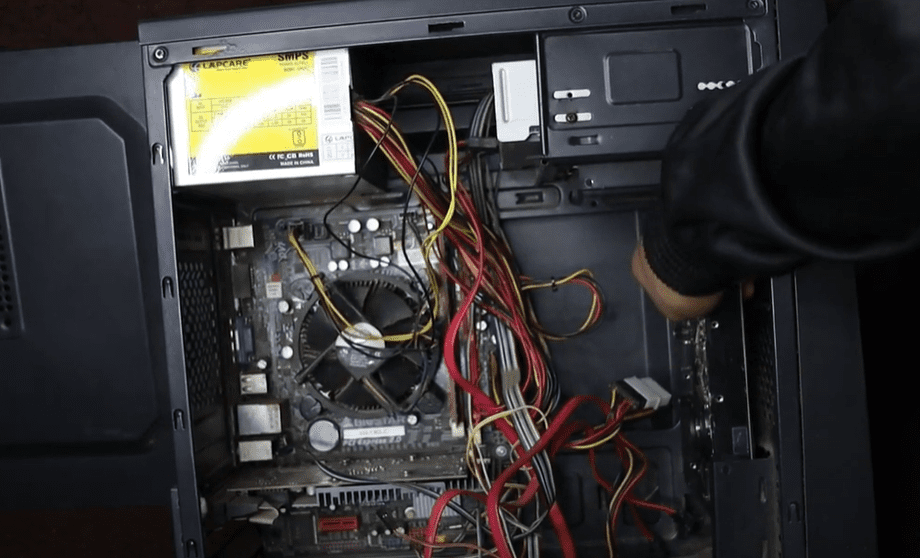
In this article, we will cover 5 secret methods that will dramatically improve your computer’s performance and make it run like new again — whether you are using a slightly old laptop or a years-old desktop PC.
1. Reinstall or Reset Windows
One of the biggest reasons your PC or laptop slows down over time is that the Windows operating system gets cluttered. If you haven’t reinstalled or reset Windows in a long time, it can cause serious performance issues — much like how a smartphone becomes sluggish without a factory reset after heavy usage.
Solution:
Reinstalling or resetting Windows can clean out all unnecessary files, fix hidden issues, and refresh your system. You can either perform a full clean installation using a bootable USB drive or simply reset your PC from the Windows settings. After doing this, your system will feel much faster and more responsive.
2. Check the Health of Your Hard Drive
Sometimes, slow performance is directly related to hardware problems — especially with the hard drive. If your hard drive’s health is not good, it affects the entire speed and stability of your system, from boot times to daily operations.
Solution:
Download a tool called CrystalDiskInfo to check your hard drive’s health.
- If it shows Good, your hard drive is fine.
- If it shows Bad, it means your drive is failing, and you should replace it immediately.
A failing hard drive can slow down your PC drastically and may even lead to data loss, so it’s very important to check and replace it if needed.
3. Upgrade from HDD to SSD
Even if your hard drive is in good condition, using an HDD (Hard Disk Drive) can severely limit your PC’s performance because HDDs are based on older, slower technology.
Solution:
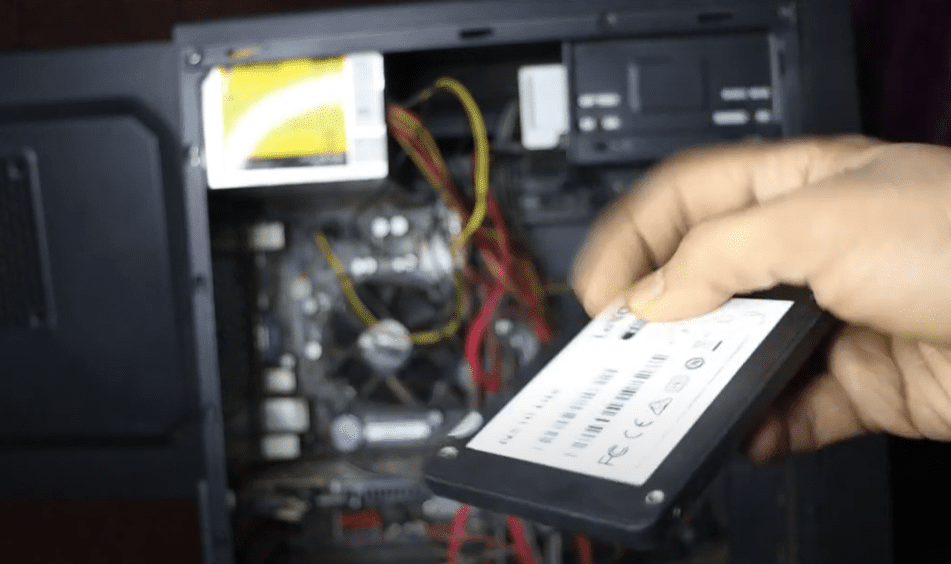
Upgrading to an SSD (Solid State Drive) can make a massive difference. Simply moving your Windows installation and main files from an HDD to an SSD can make your computer up to 10 times faster. Boot times, application launches, and file transfers will become incredibly fast.
If your system still uses an HDD, upgrading to an SSD is the most effective upgrade you can make to instantly boost speed.
4. Replace or Reapply Thermal Paste
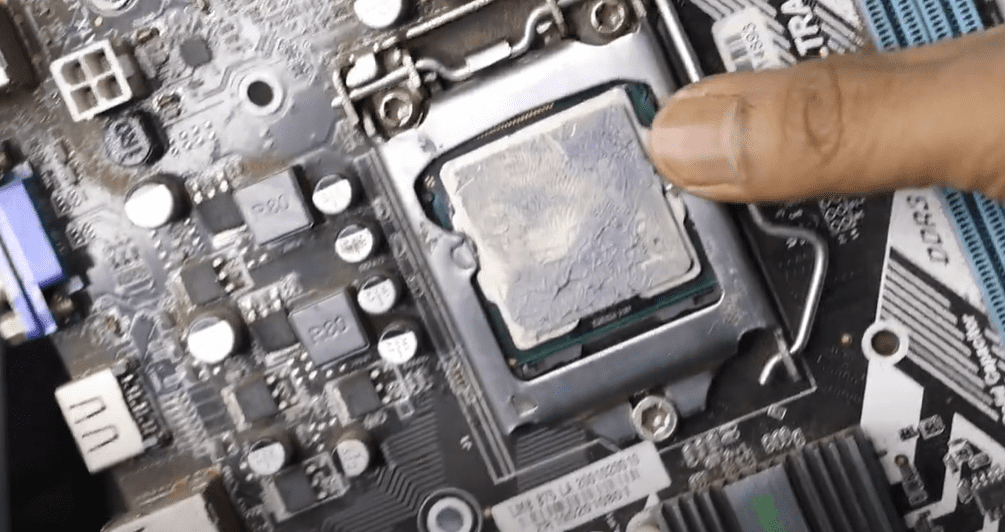
Another hidden reason for a slow PC or laptop is overheating. Over time, the thermal paste applied between your CPU and heatsink dries out, reducing its effectiveness. This leads to higher CPU temperatures, thermal throttling, and ultimately poor system performance.











Solution:
- Open your PC or take it to a technician.
- Check the condition of the thermal paste on the CPU.
- If it looks dry or crusty, clean it off and apply a fresh layer of good-quality thermal paste.
This simple maintenance step can help reduce CPU temperatures, prevent overheating, and improve the overall performance and lifespan of your device.
5. Upgrade RAM (Memory)
Lastly, the amount of RAM your system has is crucial for smooth performance. Many old laptops and PCs come with just 2GB or 4GB of RAM, which is not enough for modern applications and multitasking.
Solution:
- Ensure your system has at least 8GB of RAM for smooth operation in 2025.
- Most laptops and PCs have two RAM slots. Check if you have an empty slot and install an additional RAM stick of the same capacity and speed (MHz) as the existing one.
- For best performance, aim to enable dual-channel mode by using two identical RAM sticks (for example, two 4GB modules instead of a single 8GB stick).
Upgrading RAM helps in faster multitasking, smoother browsing, and better overall system responsiveness.
Final Thoughts
By following the steps outlined in this article, you can easily transform your old, slow PC or laptop into a machine that feels brand new again. From reinstalling Windows to upgrading to SSD and RAM, these upgrades and maintenance tips are guaranteed to boost your system’s performance in 2025.
If your PC or laptop has been frustrating you lately, don’t wait — apply these methods today and enjoy a smoother, faster computing experience!
Tags:
speed up windows pc, improve laptop performance, fix slow computer, reinstall windows, upgrade to SSD, check hard drive health, thermal paste replacement, increase RAM, boost PC speed, optimize laptop, fix hanging laptop, pc performance tips, 2025 pc upgrade
Hashtags:
#SpeedUpPC #LaptopPerformance #FixSlowComputer #SSDUpgrade #WindowsOptimization #PCPerformance #RAMUpgrade #ThermalPaste #ComputerTips #BoostLaptopSpeed #TechTips2025








