Are you tired of paying for Adobe Photoshop but still want a powerful and feature-rich photo editing software? You’re in luck! In this article, we’ll introduce you to five amazing free alternatives to Photoshop that are perfect for graphic designers, photographers, or even hobbyists who want to edit, retouch, and enhance their images without breaking the bank.
Each tool listed here offers unique features, user-friendly interfaces, and professional-level capabilities. Let’s dive into the best free Photoshop alternatives for Windows PCs and laptops.
1. Affinity Photo 2 (Paid Alternative Highlight)
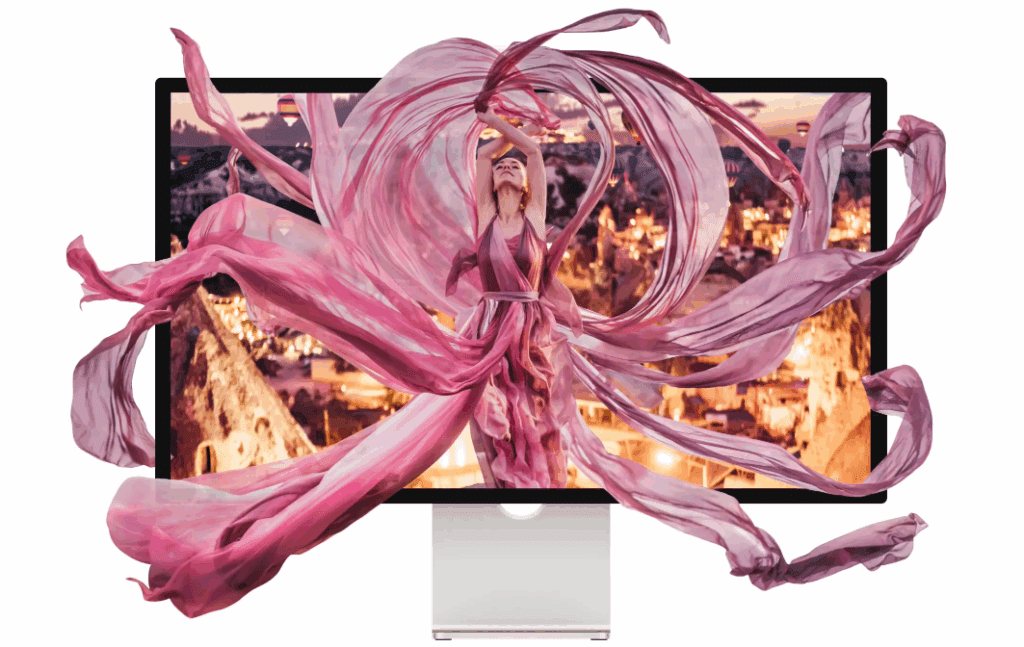
While Affinity Photo 2 is a paid software, it’s worth mentioning for its incredible value compared to Photoshop. Affinity Photo 2 looks and feels quite similar to Photoshop in terms of both interface and features. It’s highly popular among professionals who want a powerful editing tool without committing to Adobe’s subscription model.
Official Website: Affinity Photo 2
Although it’s not free, many users find Affinity Photo 2 to be a worthy one-time investment.
2. Photopea
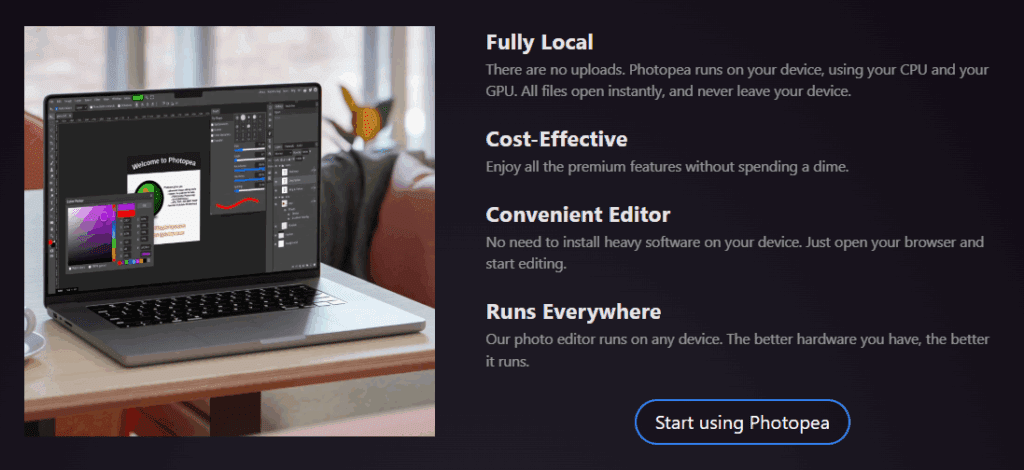
One of the best completely free alternatives is Photopea. It runs directly from your web browser, so there’s no need to download or install anything. Photopea supports PSD files and has a Photoshop-like layout, making the transition easy for new users.
Official Website: Photopea
Whether you’re editing images, creating web designs, or working with vector graphics, Photopea is a fantastic choice.
3. GIMP (GNU Image Manipulation Program)
GIMP is perhaps the most well-known free photo editing software out there. It’s open-source and extremely powerful, supporting a wide range of file formats and offering advanced tools for photo manipulation, retouching, and graphic design.
Official Website: GIMP
While it may take some time to get used to the interface, GIMP is highly customizable and can be enhanced further with plugins.



4. Krita
Originally created for digital painting and illustration, Krita also serves as a capable photo editor. It features a clean, intuitive interface, and while it is more focused on artists, photographers will also appreciate its retouching tools.
Official Website: Krita
If you’re into creating illustrations, comics, or concept art along with photo editing, Krita is an excellent choice.
5. Inkscape
Although Inkscape is primarily a vector graphics editor, it deserves mention here for its design capabilities. If you’re more interested in creating logos, posters, or vector-based designs, Inkscape can serve as a powerful free alternative to Illustrator and even Photoshop in some areas.
Official Website: Inkscape
However, for pure photo editing tasks, you might find other tools on this list more suited to your needs.
Conclusion
Choosing the right photo editing software depends on your specific needs. If you want a near-Photoshop experience without paying, Photopea and GIMP are highly recommended. If you’re willing to invest in a one-time purchase, Affinity Photo 2 is a great alternative. For designers and artists, Krita and Inkscape offer specialized tools to bring your creations to life.
Explore these options, see which one fits your workflow best, and start creating professional-level edits today—all without the hefty Adobe subscription!
Tags:
free photoshop alternatives, best free photo editors 2025, photo editing software for Windows, Affinity Photo 2 alternative, GIMP photo editor, free graphic design software, Krita for photo editing, Inkscape vector editing, Photoshop alternative PC, free image editing tools
Hashtags:
#PhotoshopAlternative #FreePhotoEditor #Photopea #GIMP #AffinityPhoto2 #Krita #Inkscape #GraphicDesign #PhotoEditing #TechGuide #CreativeTools








