Your operating system can be either your strongest shield for privacy—or your biggest vulnerability. In today’s digital landscape, using a secure operating system is crucial if you want to avoid surveillance, data leaks, and online tracking.
In this article, we’ll explore three of the most secure operating systems trusted by privacy experts. Whether you’re an activist, researcher, or just a privacy enthusiast, there’s an OS tailored to your needs. Let’s break down each one, explore its features, use cases, and how to get started with it.
1. Tails OS – The Champion of Anonymity on the Go
What is Tails OS?
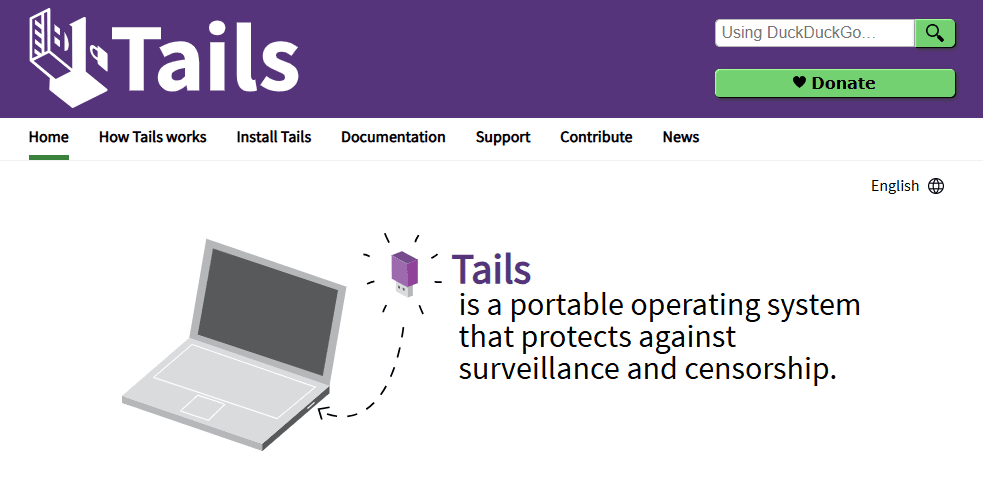
Tails (The Amnesic Incognito Live System) is a portable operating system designed for absolute privacy. Unlike typical operating systems, Tails runs as a live OS directly from a USB stick, never installing anything on your computer. This makes it incredibly versatile and secure.
Key Features:
- Live OS: No installation required; runs entirely from RAM.
- No Trace Left Behind: All data is wiped once the session ends.
- Tor Integration: All internet traffic is routed through the Tor network.
- Perfect for Disposable Sessions: Ideal for use on untrusted computers.
Why It Matters:
Since Tails operates in memory only and erases everything when shut down, it’s nearly impossible for malware to persist or any history to be recovered. Even if you’re using a public computer, your activities remain entirely private.
Use Case Example:
An activist using a public internet café can browse anonymously, send secure messages, and leave without leaving a digital footprint.
Security Tip Highlights:
- Enable Persistent Storage: To securely save encrypted tools if needed.
- Use Tor Bridges: To bypass internet censorship.
- Pair with a VPN: For an extra layer of anonymity.
How to Get Started:
- Visit the official Tails website.
- Follow the step-by-step guide to download, verify, and install Tails on a USB stick.
- Boot from the USB whenever privacy is a priority.
2. Whonix – Built for Serious Anonymity
What is Whonix?
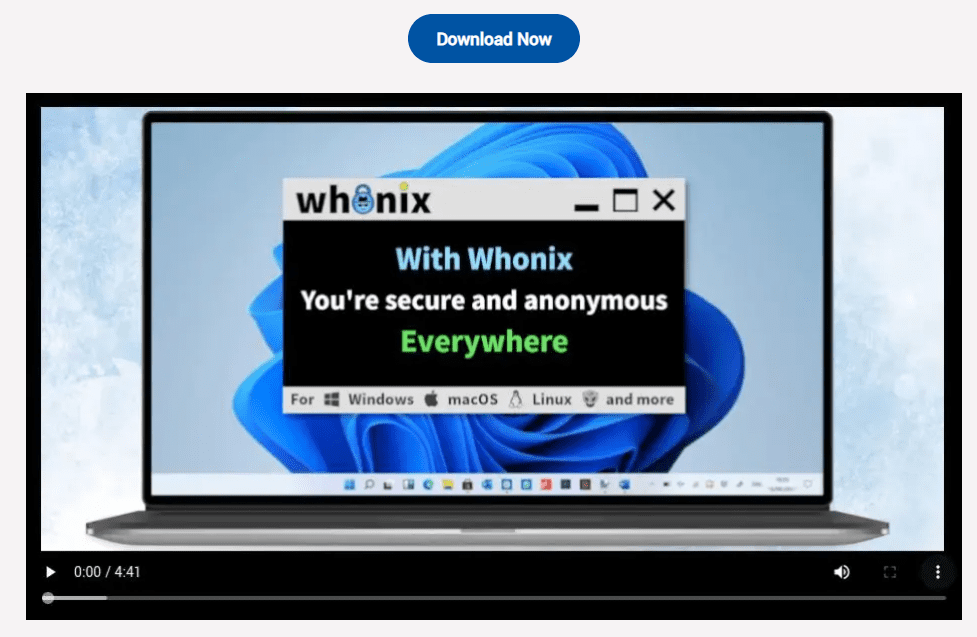
Whonix is an anonymity-focused operating system that runs inside a virtual machine. Its standout feature is its two-VM architecture that separates your online activities from the internet gateway.
Architecture Breakdown:
- Gateway VM: Connects to the Tor network, anonymizing your internet traffic.
- Workstation VM: Where you do your work—browsing, messaging, editing—without any direct internet access.
What’s New:
Whonix now offers a live mode, similar to Tails, allowing users to boot Whonix directly from a USB stick without installation. This ensures no traces of activity remain after shutdown.







Why Whonix is Powerful:
- Strict Isolation: Prevents your real identity from leaking.
- Split GPG Support: Keeps encryption keys safe by isolating them from the encryption environment.
- Persistent Storage: Allows for securely saving data and tools over time.
Use Case Example:
Whonix is excellent for journalists or whistleblowers who require persistent yet anonymous setups for long-term projects.
Advanced Security Tips:
- Customize Tools to Bypass Censorship.
- Use Split GPG for Robust Encryption.
- Enable Stream Isolation: Keeps traffic from different applications separate.
How to Get Started:
- Visit whonix.org.
- Download the Gateway and Workstation virtual machines.
- Follow their detailed setup guide for VirtualBox or Qubes OS.
- Verify downloads before use to ensure file integrity.
3. Qubes OS – The Fortress of Operating Systems
What is Qubes OS?
Qubes OS is an advanced security-focused OS that takes virtualization to the next level. Designed for everyday use by cybersecurity professionals and researchers, Qubes isolates each task into secure environments called “Qubes.”
Core Concepts:
- Based on Fedora Linux and the Xen hypervisor.
- Compartmentalization: Each Qube runs in a sandbox, isolating applications and tasks.
- Disposable Qubes: Temporary environments that vanish after use.
- Custom Networking Rules: Decide which Qubes can access the internet.
- USB and Device Isolation: Protects against infected USB devices.
Integration with Whonix:
Qubes OS can run Whonix Gateway and Workstation VMs internally, providing an added layer of protection on top of Whonix’s anonymity features.
Hardware Requirements:
Qubes requires modern hardware with virtualization support, ideally using Qubes-certified devices for maximum compatibility and hardware-level security, including TPM chips.
Use Case Example:
A security analyst who handles classified reports daily can segregate work, personal browsing, and risky research into different Qubes, minimizing risk.
Power User Tips:
- Use Disposable Qubes: For opening untrusted files or visiting unknown websites.
- Configure Custom Networking Rules: Restrict internet access on sensitive Qubes.
- Integrate Whonix: For Tor-level anonymity within a hardened OS.
How to Get Started:
- Visit qubes-os.org.
- Download the ISO file and follow the installation guide.
- Verify the file and create a bootable USB.
- Check the hardware compatibility list before installing.
Final Thoughts: Choosing the Right OS for You
| Feature / OS | Tails OS | Whonix | Qubes OS |
|---|---|---|---|
| Portability | High (USB live OS) | Medium (live mode or VM) | Low (requires installation) |
| Anonymity | Excellent (via Tor) | Excellent (via dual VM + Tor) | Excellent (via Whonix integration) |
| Persistence | Optional (encrypted) | Yes (encrypted and advanced) | Yes (via isolated Qubes) |
| Usability | Easy for beginners | Intermediate | Advanced (steep learning curve) |
| Best For | Activists, travelers | Researchers, whistleblowers | Professionals, cybersecurity experts |
Each of these systems is built with a specific purpose in mind. If you need quick, portable, anonymous browsing, choose Tails OS. If you want long-term anonymity with advanced encryption, Whonix is a solid choice. And for those who demand ultimate security with granular control, Qubes OS is the gold standard.
Explore, experiment, and choose the one that fits your privacy needs the best.
Tags: privacy, secure operating systems, Tails OS, Whonix, Qubes OS, anonymous browsing, cybersecurity tools, virtual machines, data protection, Tor network, Linux distros, encrypted OS, best OS for security
Hashtags:
#Privacy #TailsOS #Whonix #QubesOS #Cybersecurity #DataProtection #Anonymity #LinuxSecurity #SecureOS #TorNetwork #OnlinePrivacy #DigitalSecurity








