If you’re using a high-capacity SSD or NVMe M.2 drive, like a 1TB or 952GB model, it’s not ideal to keep your storage as a single large C: drive. Keeping all your data—documents, photos,...
Read More
How to Create a Local Account on Windows 11 Without a Microsoft Account
Setting up a new computer often comes with the push to sign in using a Microsoft account. But what if you want to keep things simple and create a local account instead? Whether it’s...
Read More

How to Remove an Admin from Your Facebook Page (Step-by-Step Guide for Desktop & Mobile)
Managing a Facebook Page can get overwhelming—especially when there are multiple admins, or when you’re no longer affiliated with the page. Whether you want to remove yourself from a page you no longer manage...
Read More
10 Essential Things to Do After Installing Windows 11 (Especially on Unsupported PCs)
Upgrading to Windows 11—especially on an older or unsupported PC—can feel like a big leap, especially if you’re coming from Windows 10 or even Windows 7. From the redesigned Start Menu to new system...
Read More
✅ Resetting Windows 11 on an Unsupported Laptop – Does It Still Work?
If you’ve ever installed Windows 11 on an older, unsupported laptop using a custom ISO or tools like Rufus, you’ve probably wondered: “What happens if I reset the PC? Will Windows 11 still work?”...
Read More
How to Install Windows 11 LTSC on Older Computers (No TPM Required)
Microsoft has officially released Windows 11 IoT Enterprise LTSC (Long-Term Servicing Channel), a version that many users with older PCs have been eagerly waiting for. This release is specifically optimized for low-resource systems, making...
Read More
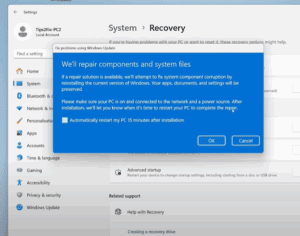
How to Reinstall Windows 11 Without Losing Data or Installed Software
If your Windows 11 system is freezing, lagging, or not performing at its best, a complete reset might seem like the only option. But what if you could repair your Windows installation without losing...
Read More
How to Install a Clean, Lightweight Version of Windows 11 Without Bloatware
Are you planning to install Windows 11 on an old or unsupported computer? Or maybe you’re just tired of all the pre-installed apps and background processes slowing down your system? If so, there’s a...
Read More
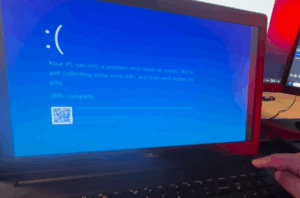
Fix Blue Screen of Death Caused by CrowdStrike Everywhere
A widespread issue is currently affecting Windows 10 and Windows 11 users across the globe. From television broadcasters to banks, airports, and supermarkets — many systems have been hit with the dreaded Blue Screen...
Read More
How to Fix Google Pixel Not Recognized by Windows 10 or 11
If you’re trying to connect your Google Pixel phone to your Windows PC and it isn’t being recognized, you’re not alone. This is a common issue across various Google Pixel models—from older devices to...
Read More

How to Remove or Reset a Forgotten Windows Password: 3 Effective Methods
Forgetting your Windows password can be a frustrating experience, especially when you’re stuck at the login screen and can’t access your desktop. Fortunately, there are several effective methods you can use to remove or...
Read More
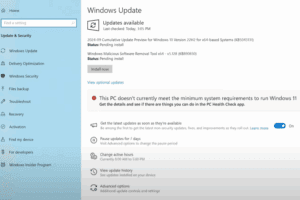
How to Install Windows 11 24H2 on Unsupported Computers – Step-by-Step Guide
Microsoft has officially released Windows 11 24H2, the 2024 update packed with performance enhancements and fresh features. While many users with compatible systems can upgrade seamlessly, those on unsupported PCs—typically due to older processors...
Read More
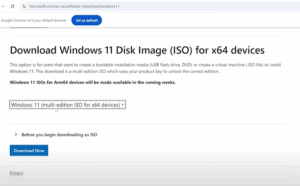
How to Upgrade from Windows 11 23H2 to 24H2 on Unsupported PCs
The long-awaited Windows 11 24H2 update is now officially released and stable. If you are currently using Windows 11 23H2 on an unsupported PC, you can still upgrade to 24H2 using a few reliable...
Read More
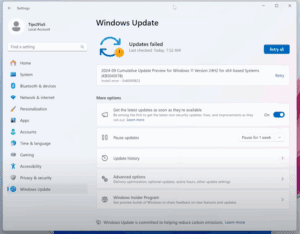
How to Fix Windows 11 24H2 Installation Error 0x800f0825 and Similar Update Failures
Have you recently upgraded from Windows 11 version 23H2 to 24H2, only to be met with a failed update and an error message like 0x800f0825? You’re not alone. Many users have encountered this frustrating...
Read More
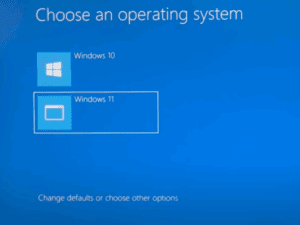
How to Dual Boot Windows 11 on an Unsupported Computer (Alongside Windows 10)
If your computer doesn’t officially support Windows 11 due to an unsupported processor, missing TPM 2.0, or other outdated specs, you might be hesitant to upgrade directly from Windows 10. The good news is,...
Read More
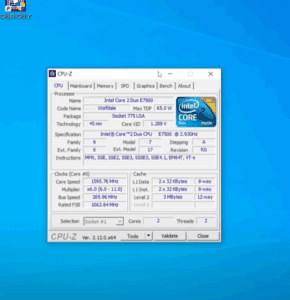
How to Install Windows 11 23H2 on an Unsupported Old PC (Core 2 Duo/Core 2 Quad)
Are you holding on to an old but sturdy computer and wondering if you can breathe new life into it with Windows 11? Good news — yes, you can! In this blog post, we’ll...
Read More
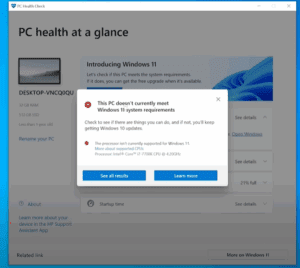
How to Install Windows 11 24H2 on Unsupported Computers in 2025 – The Easiest Method Yet
Are you trying to upgrade to Windows 11 24H2 but your computer doesn’t meet Microsoft’s official requirements? Don’t worry—you’re not alone. Many users with older processors or unsupported devices are searching for effective and...
Read More

How to Spoof Your Location on iPhone Without Jailbreak (2 Easy Methods)
Spoofing your iPhone’s location can be useful in many scenarios. Whether you’re trying to protect your privacy, access region-locked games, or simply prank your friends, being able to fake your GPS location on your...
Read More
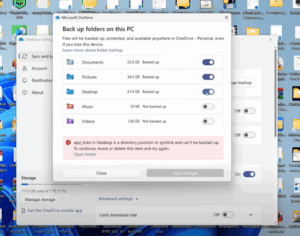
How to Restore Desktop Files After Disabling OneDrive Sync on Windows
If you’ve recently disabled Microsoft OneDrive synchronization and suddenly all your desktop files, folders, and shortcuts seem to have disappeared — don’t panic! Your files are still on your computer; they’re just tucked away...
Read More
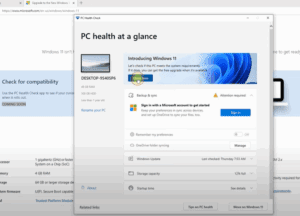
How to Make Your PC Compatible with Windows 11: Step-by-Step Guide
Microsoft has introduced strict hardware requirements for Windows 11, leaving many users wondering why their seemingly powerful PCs are not eligible for the upgrade. If you’ve encountered the “This PC can’t run Windows 11”...
Read More
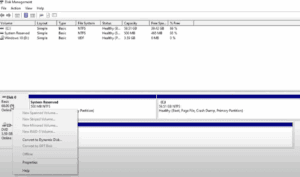
How to Convert MBR to GPT Drive to Switch BIOS to UEFI on Windows 10
Modern computers use UEFI (Unified Extensible Firmware Interface) instead of the older BIOS (Basic Input/Output System). UEFI offers better security, faster boot times, support for larger hard drives, and more advanced features. However, in...
Read More