For desktop publishing operators, designers, or anyone who uses a scanner with Photoshop, encountering scanner-related issues can be frustrating. In this guide, we’ll discuss a common problem: scanner drivers not appearing or functioning properly...
Read More

How to Open WhatsApp Images in Photoshop Without Errors
If you frequently use WhatsApp and edit images in Photoshop, you might have encountered issues where images saved from WhatsApp fail to open in Photoshop. These errors often occur due to compatibility issues with...
Read More

How to Download and Install Boat Immortal Drivers for Your Headphone to Unlock Full Features?
If you’ve recently purchased headphones with advanced features like 7.1 surround sound and are unsure how to unlock their full potential, this article will guide you through the process. Many headphones require a specific...
Read More
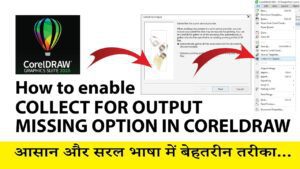
How to Enable “Collect for Output” Command in CorelDRAW?
In earlier versions of CorelDRAW, the “Collect for Output” feature was widely used to package all files, fonts, and assets for printing or sharing with clients. However, in CorelDRAW 2020 and later versions, this...
Read More
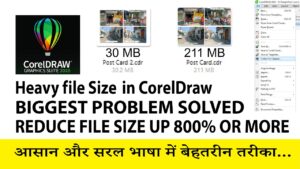
How to Reduce File Size in CorelDRAW – Step by Step Guide
Working with CorelDRAW can sometimes result in large file sizes, especially when using high-resolution images. Large files can be slow to open, save, and share, and there’s a risk of file crashes. In this...
Read More

How to Identify Fonts from Images: A Step-by-Step Guide
If you’re a graphic designer or someone who frequently works with fonts and images, you’ve probably encountered situations where you loved a font in an image but had no clue what it was. Don’t...
Read More